View Single Post
  #1  
Old 06-15-2024, 05:22 PM
phillynews215's Avatar
phillynews215 phillynews215 is offline   Thread Starter  
I'm A Community Feed Poster

  puertorico
 
Join Date: October 11th, 2009
Posts: 13,283
Downloads: 0
Uploads: 0
phillynews215 Knows Their Stuffphillynews215 Knows Their Stuffphillynews215 Knows Their Stuffphillynews215 Knows Their Stuffphillynews215 Knows Their Stuffphillynews215 Knows Their Stuffphillynews215 Knows Their Stuffphillynews215 Knows Their Stuffphillynews215 Knows Their Stuffphillynews215 Knows Their Stuffphillynews215 Knows Their Stuff


View phillynews215's Profile   Edit Options Edit Profile Picture View phillynews215's Photo Album Add phillynews215's to Your Contacts Show Groups Edit Avatar Subscribed Threads Private Messages
Default Microsoft simplifies file sharing between PC and Android in new update

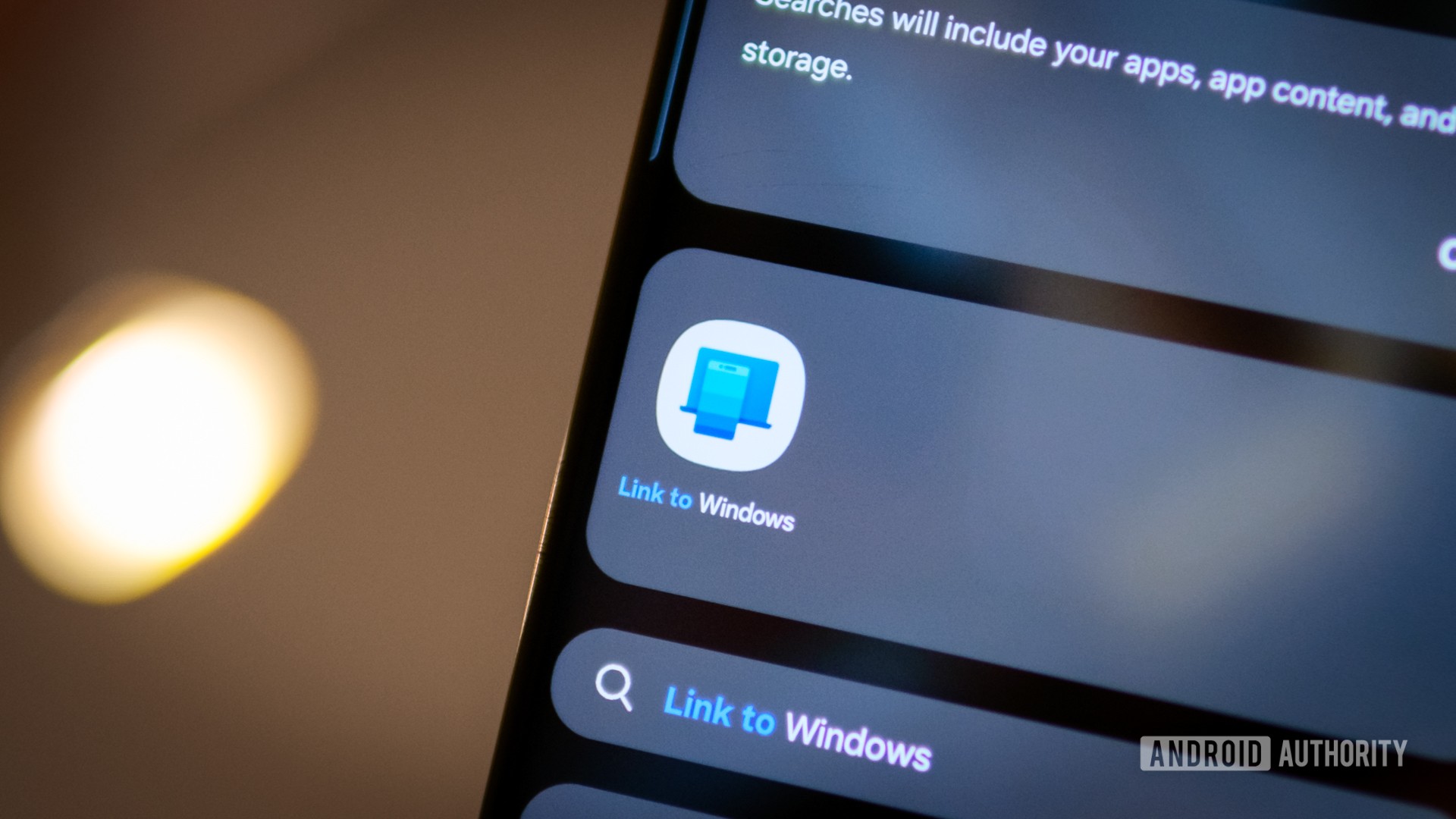
Credit: Robert Triggs / Android Authority


  • Microsoft has released a new feature for beta users.
  • The update adds a new “My Phone” icon in Windows Share.
  • Tapping the icon will allow users to easily share content from their PC to their Android phone.

There are plenty of ways to send and receive files between your PC and Android phone. For example, Googles Quick Share feature allows users to quickly share files from their phones to their PCs wirelessly and vice versa. Now Microsoft is offering a new way to make this process easier.

Microsoft announced it is rolling out an update to its Windows 11 beta channel. Members who are a part of the Insiders program will see a new “My Phone” search icon in Windows Share when attempting to share content. Clicking on this icon will allow you to quickly send your content over to your Android phone with little hassle.


More...
Reply With Quote
The Following User Says Thank You to phillynews215 For This Useful Post:
wcked (06-15-2024)