View Single Post
  #1  
Old 09-09-2024, 08:54 PM
phillynews215's Avatar
phillynews215 phillynews215 is offline   Thread Starter  
I'm A Community Feed Poster

  puertorico
 
Join Date: October 11th, 2009
Posts: 13,290
Downloads: 0
Uploads: 0
phillynews215 Knows Their Stuffphillynews215 Knows Their Stuffphillynews215 Knows Their Stuffphillynews215 Knows Their Stuffphillynews215 Knows Their Stuffphillynews215 Knows Their Stuffphillynews215 Knows Their Stuffphillynews215 Knows Their Stuffphillynews215 Knows Their Stuffphillynews215 Knows Their Stuffphillynews215 Knows Their Stuff


View phillynews215's Profile   Edit Options Edit Profile Picture View phillynews215's Photo Album Add phillynews215's to Your Contacts Show Groups Edit Avatar Subscribed Threads Private Messages
Default Check out the sleek new account switcher UI for Googles apps (APK teardown

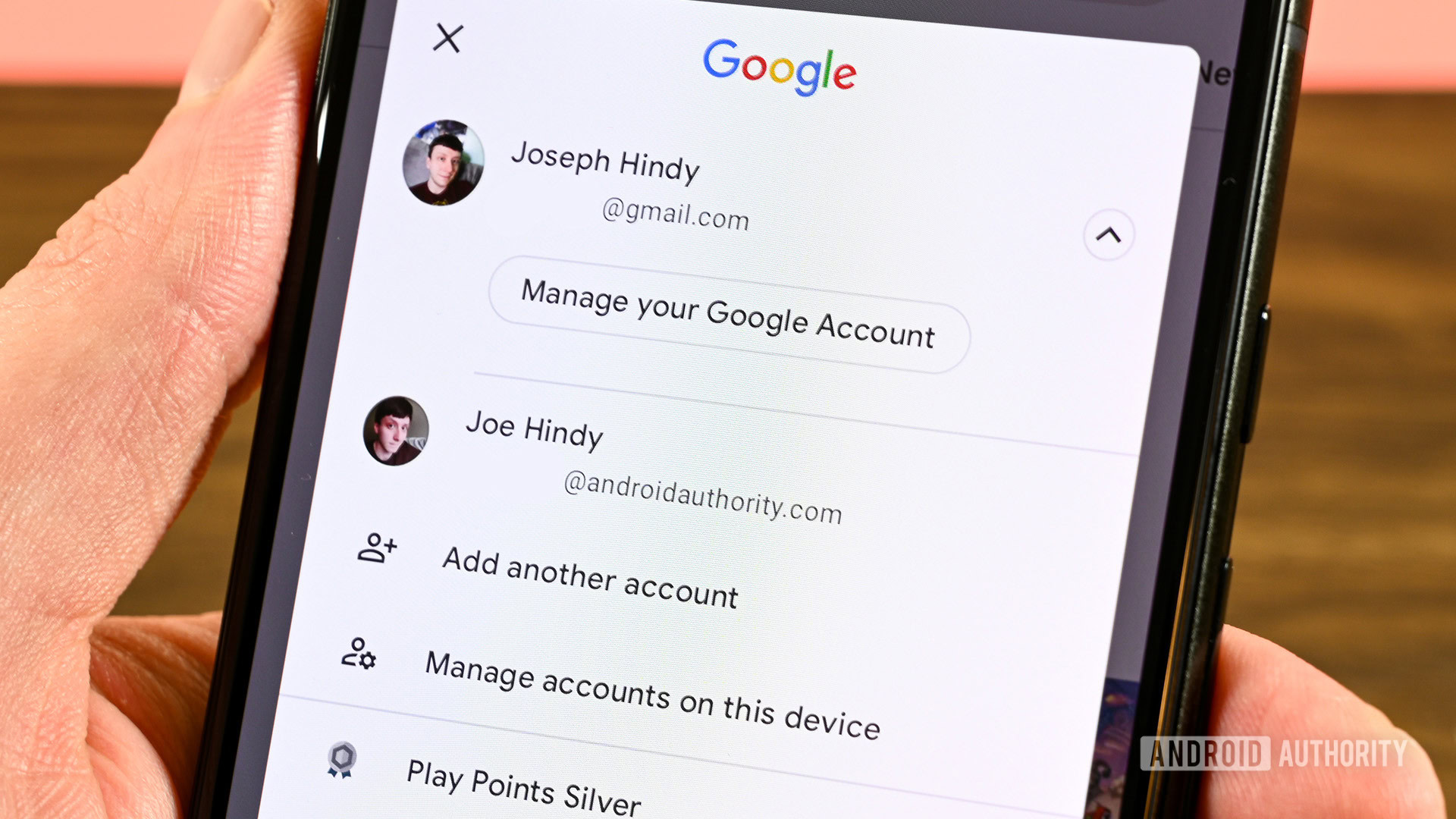
Credit: Joe Hindy / Android Authority


  • Google is redesigning the account switcher for its apps.
  • The new design looks similar to the web version.
  • We were able to activate the new UI.

Back in August, we shared that strings of code in several apps suggested Google was working on redesigning the UI for the account switcher. At the time, we only had information from the strings to understand how the UI would look. Now, we have managed to activate the new account switcher UI.

Currently, when you tap on your profile in a Google app on mobile, a pop-up is displayed that contains your primary account, a “Manage your Google Account” button, other connected accounts, an “Add another account” button, and a “Manage accounts on this device” button. Based on our teardown from last month, we expected that the UI would be altered to resemble the web version, offering a cleaner look overall.


More...
Reply With Quote