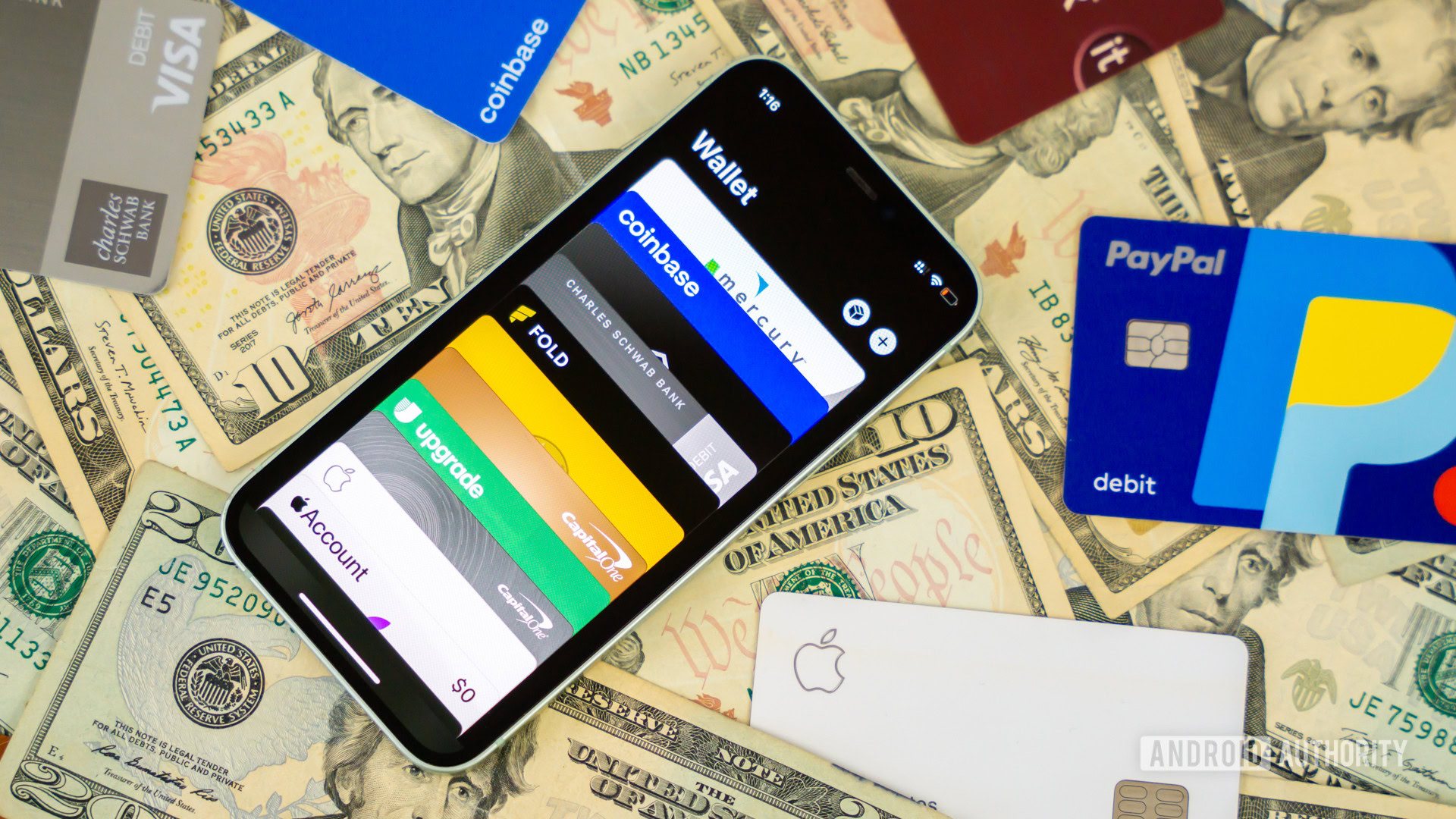
Credit: Edgar Cervantes / Android Authority
- Apple Wallet on iOS and watchOS now supports state IDs and driver’s licenses issued in California.
- To add your ID to the digital wallet, you’ll be prompted to submit a photo of it, a selfie, and a facial scan.
- Once added, you can use it to verify your age or identify at select venues and in compatible apps.
Over the past few months, Apple has been gradually adding support for more US state IDs and driver’s licenses in its Wallet app. The latest expansion allows Californians to utilize this handy
feature on iOS and watchOS, sparing them the need to carry their physical wallets everywhere they go.
Apple
announced yesterday that its Wallet app on iOS and watchOS now supports state IDs and driver’s licenses in California. Those interested can
add their ID cards to the digital wallet by submitting a photo of it, along with a selfie and facial scan. Once the issuing state verifies the submitted details, you can use your iPhone and Apple Watch to prove your age or identify at select venues. The feature also works in third-party apps utilizing the relevant API.
More...