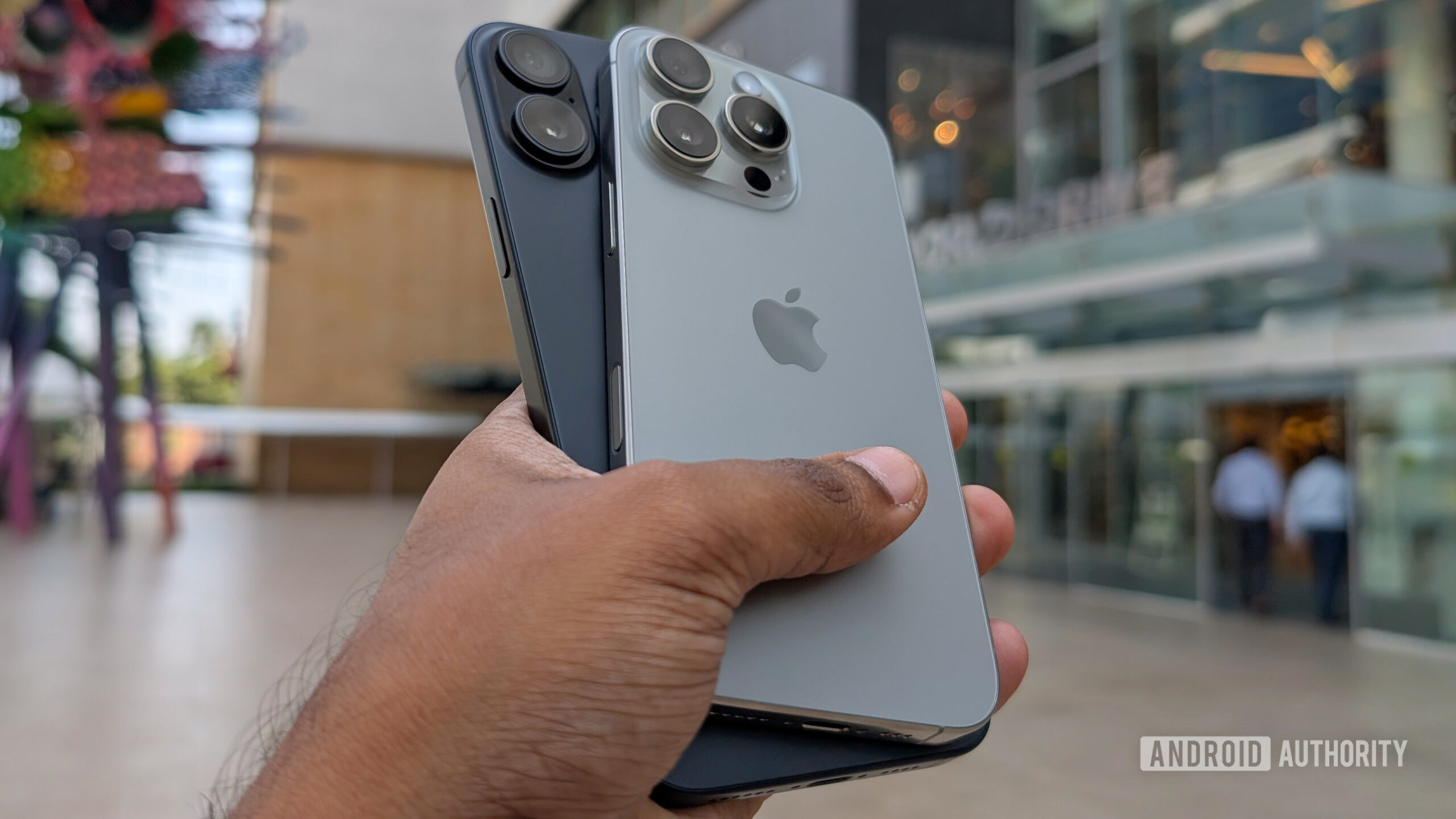
Credit: Aamir Siddiqui / Android Authority
- The iPhone 16’s Camera Control button is one of its biggest highlights, but some users are finding it difficult to press.
- You can change the Accessibility settings under Settings > Accessibility > Camera Control to accept a lighter touch and slower double press.
The
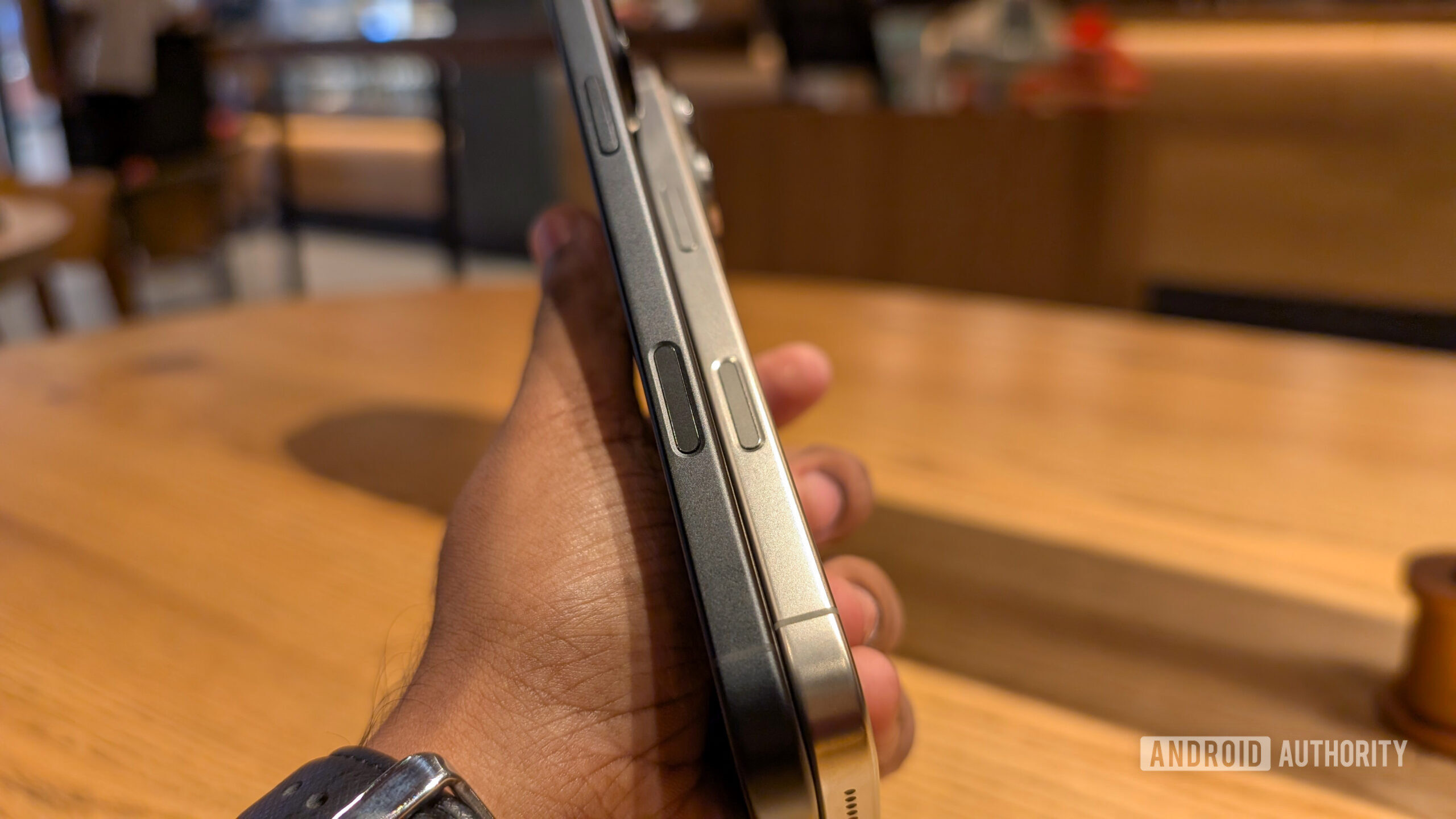
iPhone 16 is here. Pre-orders have begun shipping out, and people have started getting their hands on the phone. One of the big highlights of this year’s devices is the new Camera Control button that lets you quickly launch the camera, click photos and take videos, and switch through various settings. However, many early users are finding the Camera Control not so intuitive to trigger, especially double presses for toggling through settings. If you count yourself as one of them, you can try changing the button’s sensitivity for a better success rate.
 More...