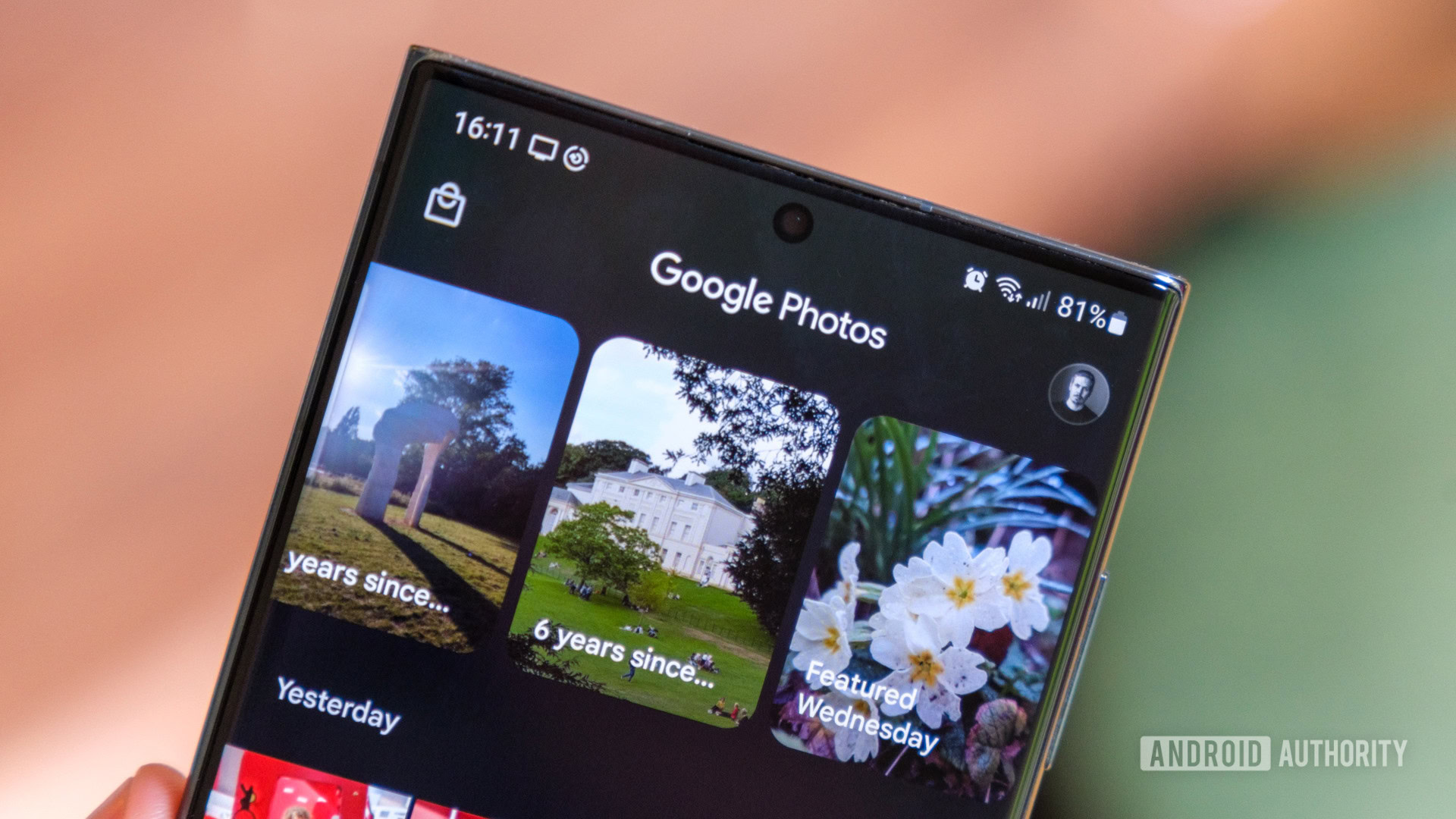
Credit: Robert Triggs / Android Authority
- Google Photos is testing a new floating toolbar for albums.
- The new toolbar brings the Share and Add photos buttons closer to the bottom of the screen for better one-handed usability.
- It also includes a new Edit button that lets you reorganize photos in the album, remove photos, add a description, and change the album name.
Google Photos is testing a new floating toolbar for albums to improve one-handed usability. It brings the Share and Add photos buttons closer to the bottom of the screen and includes a new button to help you organize the photos in your albums.
The Share and Add photos buttons appear underneath the cover photo in the current Google Photos release. The buttons move to the top of the screen as you scroll through the album, making them difficult to access with your thumb if you use your phone one-handed. The new floating toolbar spotted in Google Photos version 7.1 addresses this issue.
More...