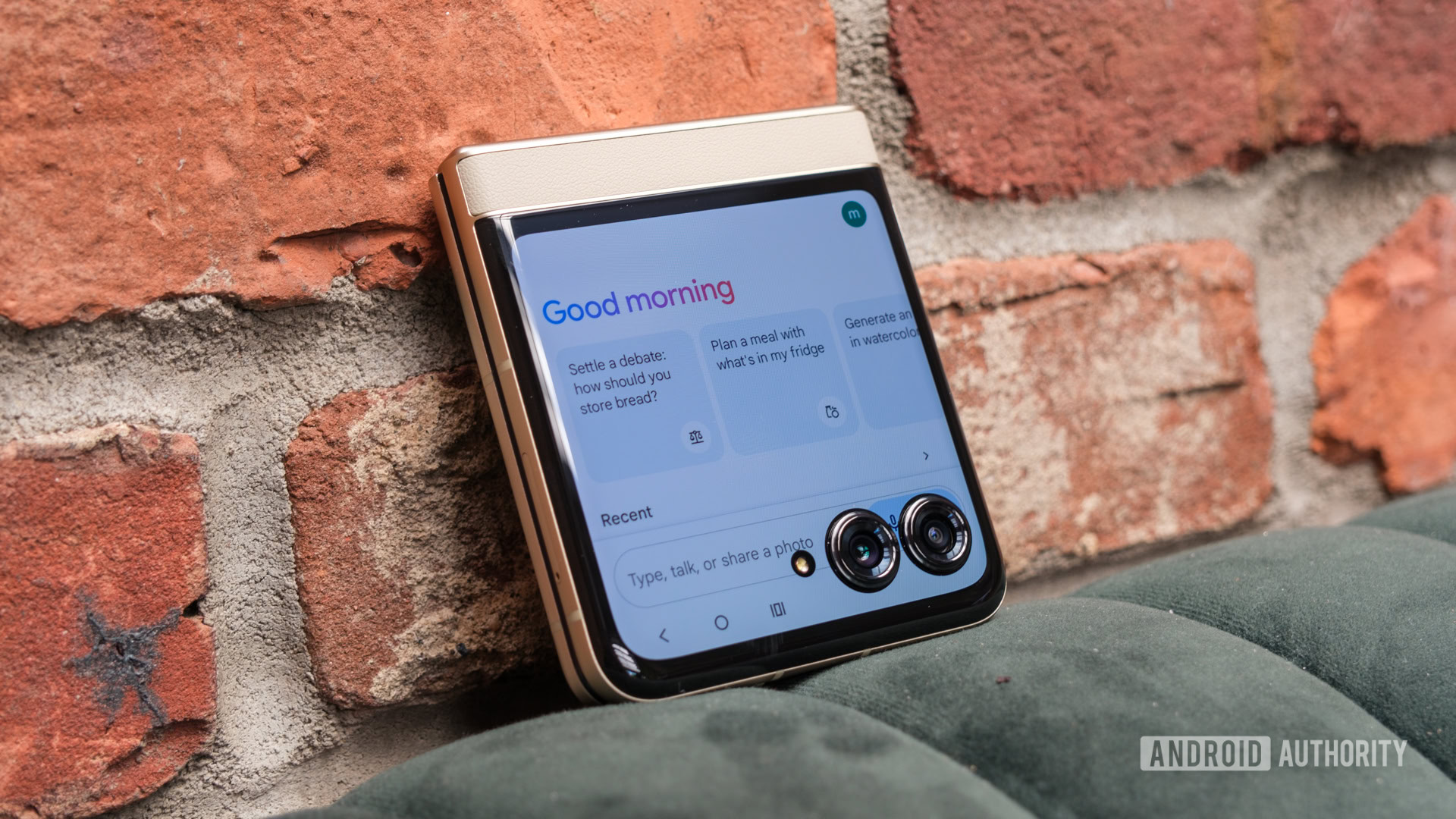
Credit: Ryan Haines / Android Authority
- Gemini’s latest update allows you to share images from other apps directly to Gemini using Android’s share sheet.
- This saves you from the need to save or download the image and manually attaching it within Gemini.
Regardless of your position on the*
Google Assistant vs. Gemini debate, Gemini is clearly the way forward. Google’s AI ambitions are better served with Gemini, thanks to upgrades like
Gemini Advanced and
Gemini Extensions. If you’ve made the AI assistant part of your daily routine on your Android, you’d be glad to learn that Gemini is making sharing images easier and saving you a few steps.
Google Gemini v1.0.668480831 has added the ability to share images from other apps directly to Gemini. From within other apps, you can use the share button to invoke the Android share sheet and send the image to Gemini. This will then allow you to ask Gemini questions about the image you just sent, making it very convenient and saving you a few steps along the way.
More...