View Single Post
  #1  
Old 10-03-2024, 05:36 AM
phillynews215's Avatar
phillynews215 phillynews215 is offline   Thread Starter  
I'm A Community Feed Poster

  puertorico
 
Join Date: October 11th, 2009
Posts: 13,267
Downloads: 0
Uploads: 0
phillynews215 Knows Their Stuffphillynews215 Knows Their Stuffphillynews215 Knows Their Stuffphillynews215 Knows Their Stuffphillynews215 Knows Their Stuffphillynews215 Knows Their Stuffphillynews215 Knows Their Stuffphillynews215 Knows Their Stuffphillynews215 Knows Their Stuffphillynews215 Knows Their Stuffphillynews215 Knows Their Stuff


View phillynews215's Profile   Edit Options Edit Profile Picture View phillynews215's Photo Album Add phillynews215's to Your Contacts Show Groups Edit Avatar Subscribed Threads Private Messages
Default Google Play Store makes searching for apps harder on tablets

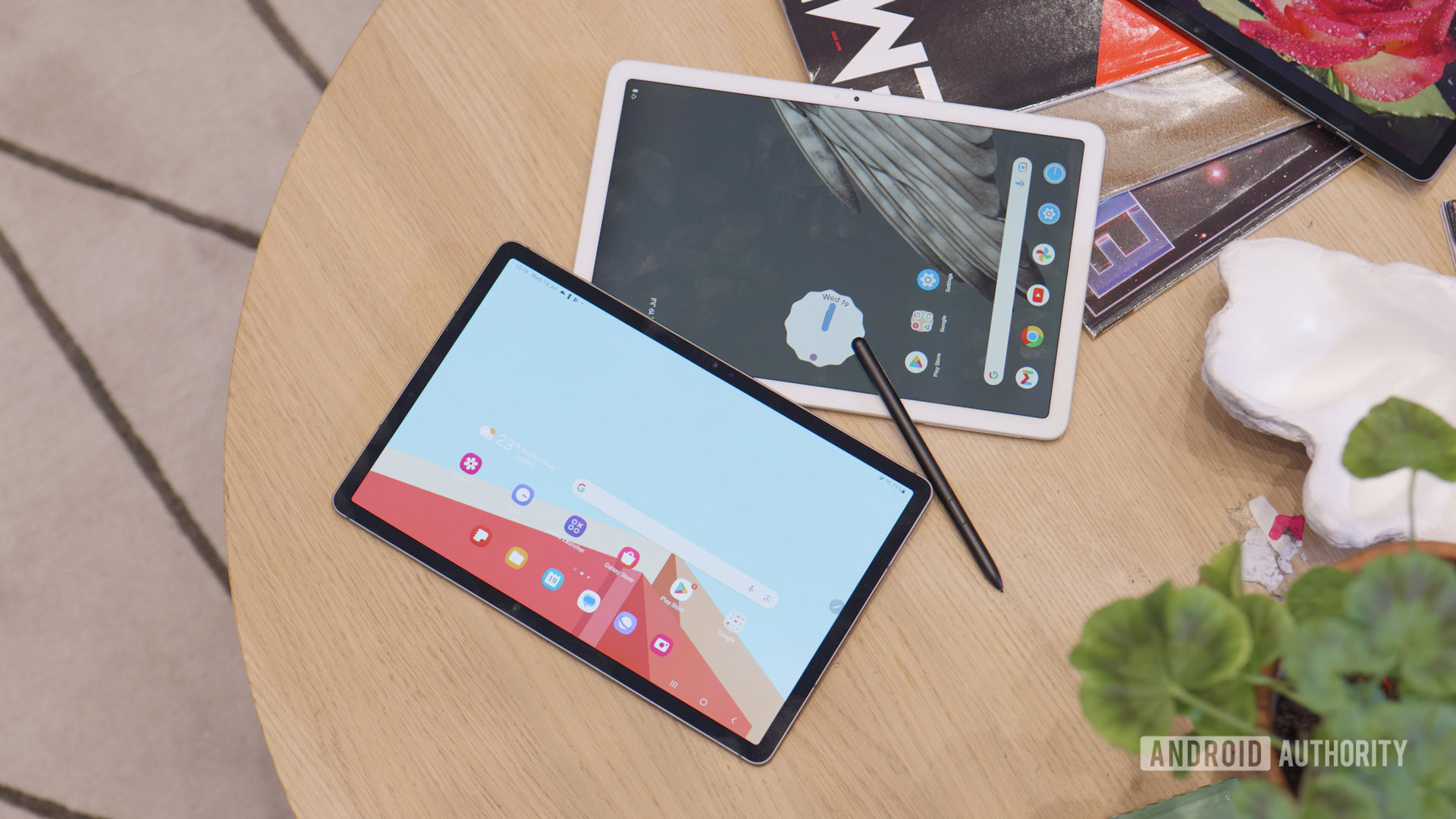
Credit: Damien Wilde / Android Authority

  • Google Play Store for Android tablets has retired the search bar on the main screen.
  • Tablet users must now head to the new Search tab to find apps, which requires an extra click.
  • You can tap the Search tab’s icon twice to bring up the keyboard and initiate a search quickly.
Back in August, Google’s Play Store introduced a new Search tab on Android phones, which features personalized suggestions and more. To unify the experience across its products, Google is now applying this change to the Play Store on Android tablets. While some may appreciate the dedicated section and its included search recommendations, it does make finding apps on the digital storefront more time-consuming.


More...
Reply With Quote