View Single Post
  #1  
Old 10-08-2024, 03:14 AM
phillynews215's Avatar
phillynews215 phillynews215 is offline   Thread Starter  
I'm A Community Feed Poster

  puertorico
 
Join Date: October 11th, 2009
Posts: 13,284
Downloads: 0
Uploads: 0
phillynews215 Knows Their Stuffphillynews215 Knows Their Stuffphillynews215 Knows Their Stuffphillynews215 Knows Their Stuffphillynews215 Knows Their Stuffphillynews215 Knows Their Stuffphillynews215 Knows Their Stuffphillynews215 Knows Their Stuffphillynews215 Knows Their Stuffphillynews215 Knows Their Stuffphillynews215 Knows Their Stuff


View phillynews215's Profile   Edit Options Edit Profile Picture View phillynews215's Photo Album Add phillynews215's to Your Contacts Show Groups Edit Avatar Subscribed Threads Private Messages
Default Here’s how Gemini will let you fine-tune your generated images (APK teardow

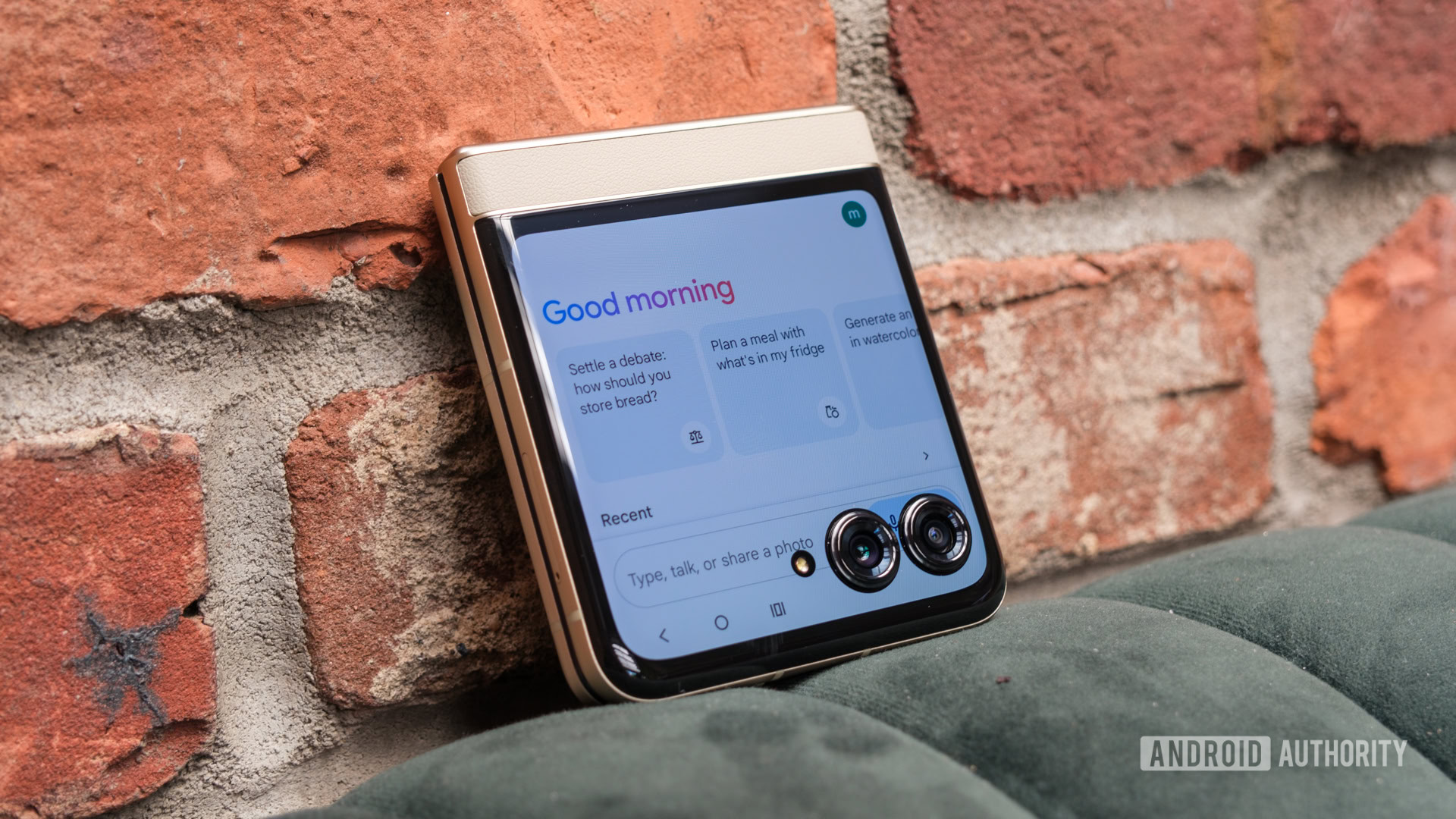
Credit: Ryan Haines / Android Authority

  • Google is working on the ability to precisely edit AI-generated images created with Google Gemini.
  • We activated the feature and have a demo to show you how the precise editing feature will work in Google Gemini.
Much like a lot of other AI chatbots, Google Gemini allows for generating images using text prompts. However, the editing process post-generation isn’t very intuitive. You have to feed in text prompts to further refine your result, but there’s no way to specifically highlight any part of the image for a precise edit. Google is working on adding the ability to make selections for precise edits, and we have a demo to show off how the feature would work on Android.


More...
Reply With Quote