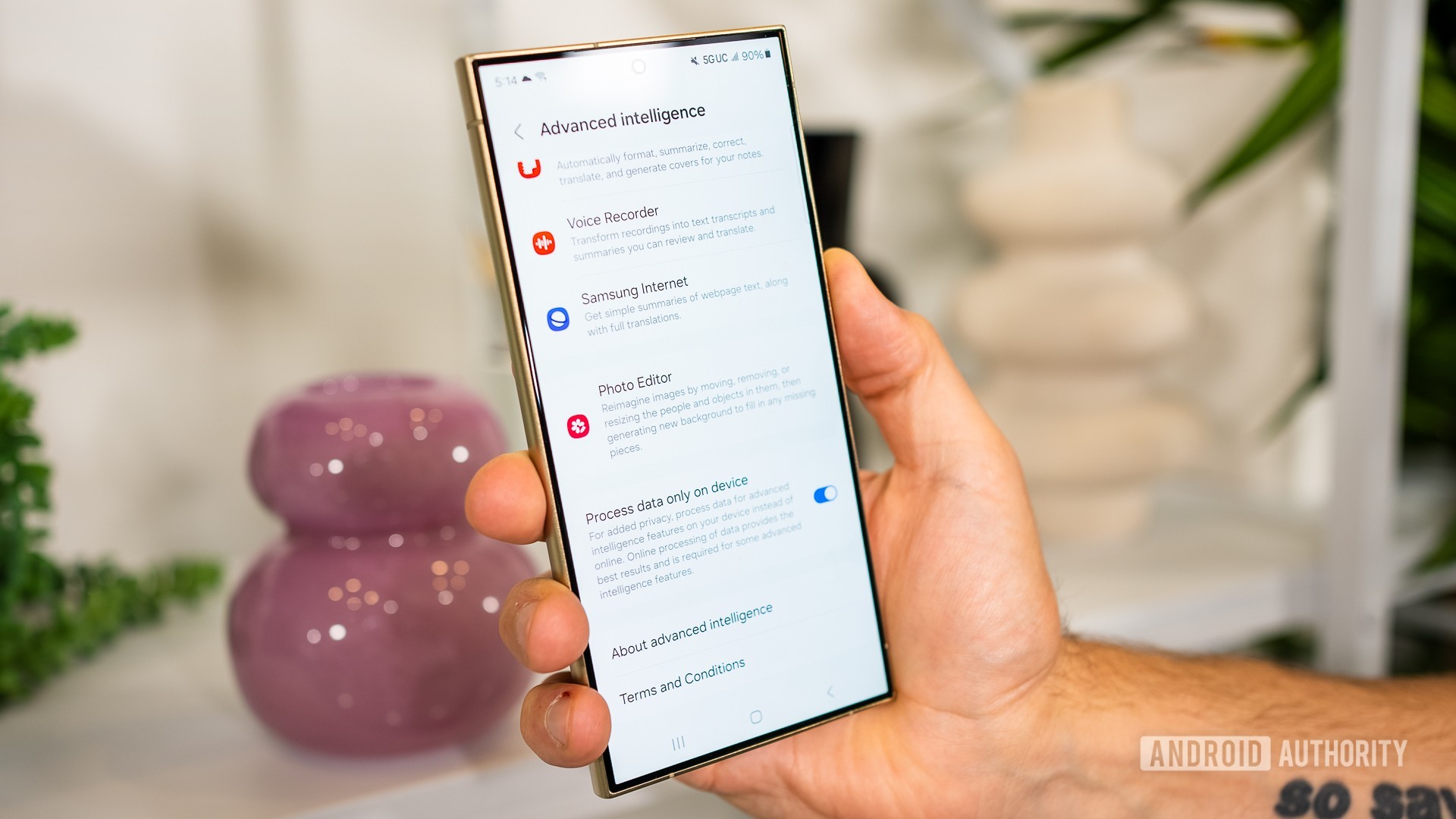
Credit: Lanh Nguyen / Android Authority
Yes, AI is everywhere these days, but what if we don’t want it to be shoved in our faces the whole time when we’re using our phones? Or what if, like me, you’d rather keep most of the AI local to your phone and not send any data to a cloud somewhere? Well, Samsung has a solution for the second problem that, I think, is one of its most interesting
Galaxy AI features. Except it’s a bit hidden; not everyone will know it exists.
So, if you have a
Samsung phone with a bunch of AI features like Live Translate, Note Assist, or Generative Edit, and want to ensure that your data remains local, you can do that and restrict Galaxy AI features so that they only run on your phone. I’m not saying that Samsung or Google is doing anything nefarious with your data when it’s being processed on the cloud, but at a time when we’re giving so much of our personal info away, maybe it’s best to still retain some control. Just in case.
More...