Credit: Mahmoud Itani / Android Authority
- iOS 18.2 developer beta 1 introduces Visual Intelligence on iPhone 16 models.
- Eligible users can utilize it by clicking and holding the Camera Control button.
- You can rely on Google or ChatGPT to identify items or landmarks and analyze your environment.
Apple is now offering the second batch of its AI features to select testers through iOS 18.2 developer beta 1. The new
Apple Intelligence perks include native ChatGPT support, Image Playground, Genmoji, and more. Notably,
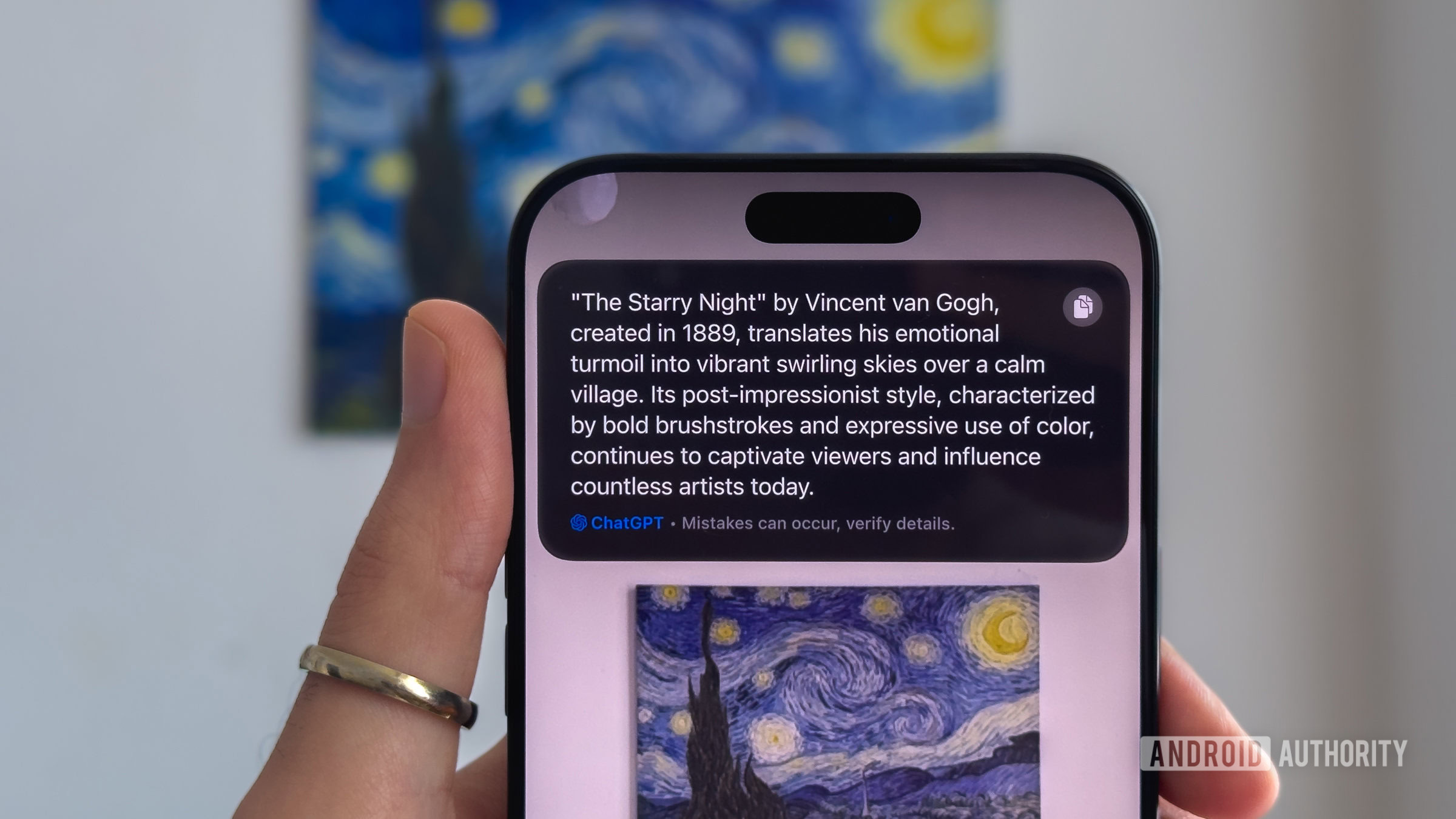
iPhone 16 users running iOS 18.2 can now utilize Visual Intelligence via the Camera Control button.
Visual Intelligence on iOS 18.2 is essentially Apple’s answer to Google Lens. When you click and hold the Camera Control button, the respective user interface pops up, allowing you to scan your surroundings. Once you tap the shutter button, you can either have
ChatGPT analyze what it sees or rely on Google’s reverse image search to find similar photos on the web and learn more about the subject.
More...