View Single Post
  #1  
Old 10-30-2024, 05:30 AM
phillynews215's Avatar
phillynews215 phillynews215 is offline   Thread Starter  
I'm A Community Feed Poster

  puertorico
 
Join Date: October 11th, 2009
Posts: 13,300
Downloads: 0
Uploads: 0
phillynews215 Knows Their Stuffphillynews215 Knows Their Stuffphillynews215 Knows Their Stuffphillynews215 Knows Their Stuffphillynews215 Knows Their Stuffphillynews215 Knows Their Stuffphillynews215 Knows Their Stuffphillynews215 Knows Their Stuffphillynews215 Knows Their Stuffphillynews215 Knows Their Stuffphillynews215 Knows Their Stuff


View phillynews215's Profile   Edit Options Edit Profile Picture View phillynews215's Photo Album Add phillynews215's to Your Contacts Show Groups Edit Avatar Subscribed Threads Private Messages
Default Google Photos Magic Editor could soon make it easier to Reimagine your phot

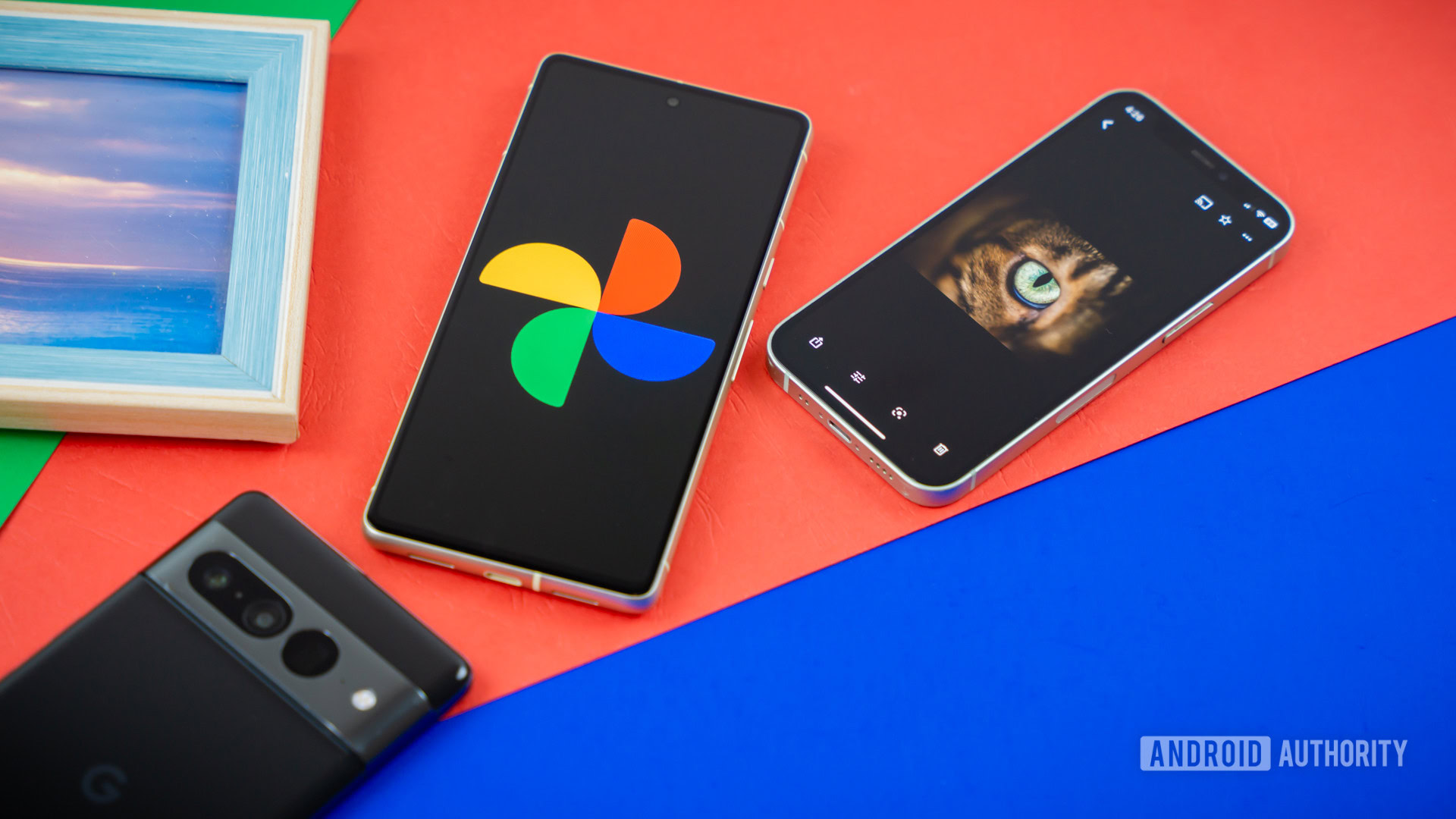
Credit: Edgar Cervantes / Android Authority


  • Google Photos’ Magic Editor could get some UI tweaks highlighting the Reimagine tool’s capabilities.
  • The new UI adds new “Insert” and “Replace” options to bring up a text input field with a prefilled command.
  • The “Reimagine Background” option saves you from selecting the entire background to change it.

Google Photos is taking advantage of AI with features like Magic Editor. Using Magic Editor tools like Reimagine, users can modify their images with AI, letting them change the background, move and resize objects, and add more objects to the image. Since this is a relatively new feature, the UI can use some improvements, and Google seems to be working on it. An upcoming update to Magic Editor will bring a few UI changes that better surface its various AI features and make it easier to use different prompts.


More...
Reply With Quote