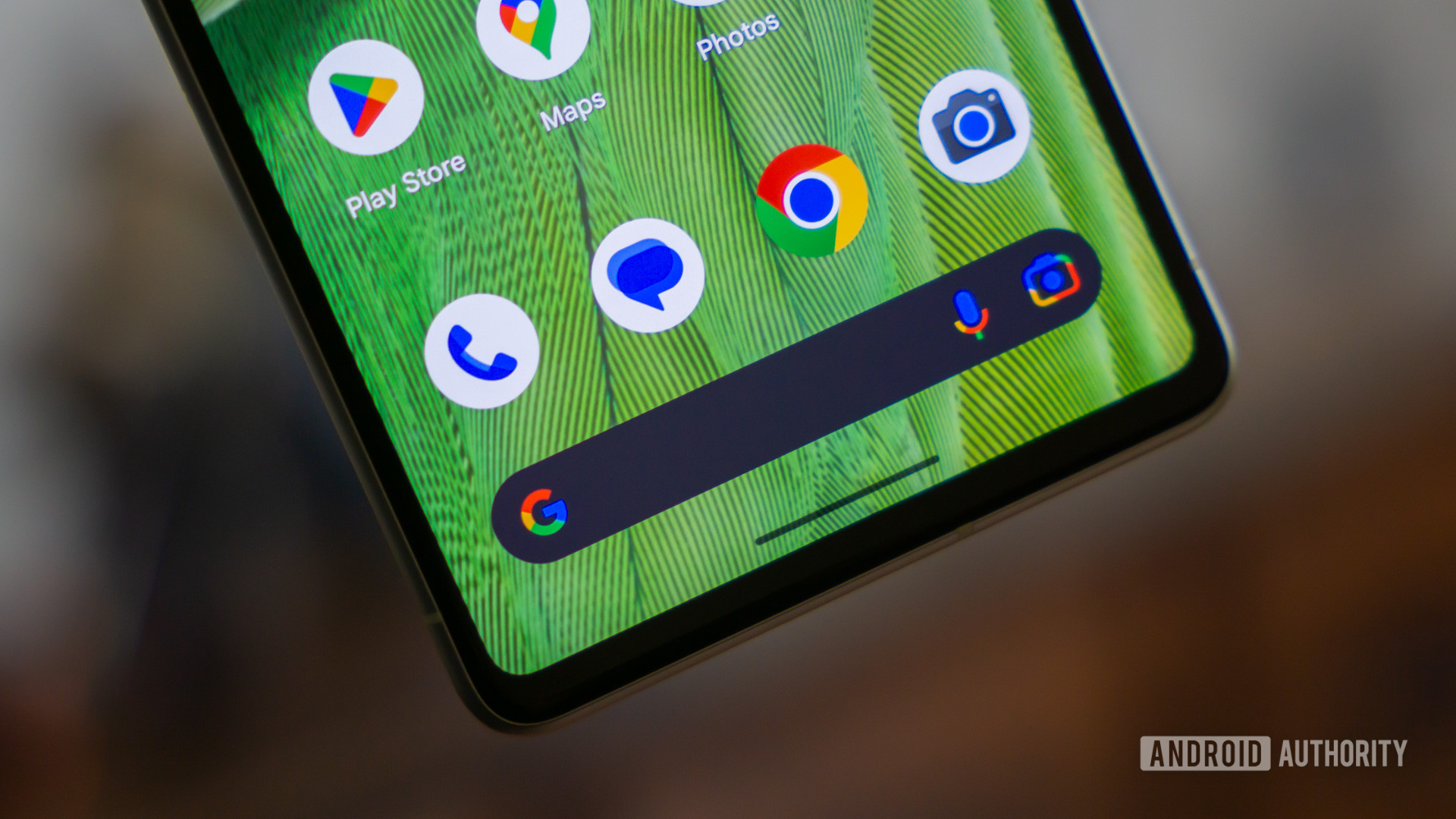
Credit: Edgar Cervantes / Android Authority
- The latest Google app beta introduces a Custom theme for the Search bar widget.
- The Custom theme brings back the ability to customize the color of the bar.
- The new theme is not yet available on the stable channel.
One of the best things about
Android is having the freedom to customize various things, including the Google Search bar widget. Recently, the customization controls for the widget changed, taking away some of the available options. But those options have now reappeared in the latest Google app beta.
Back in
August, it was reported that the Customize screen for the Search bar widget was getting a redesign. That refresh took away the hue and saturation sliders and replaced them with theme options: System, Light, Dark, and Device (Dynamic Color). The only other control available was a slider that lets you adjust transparency.
More...