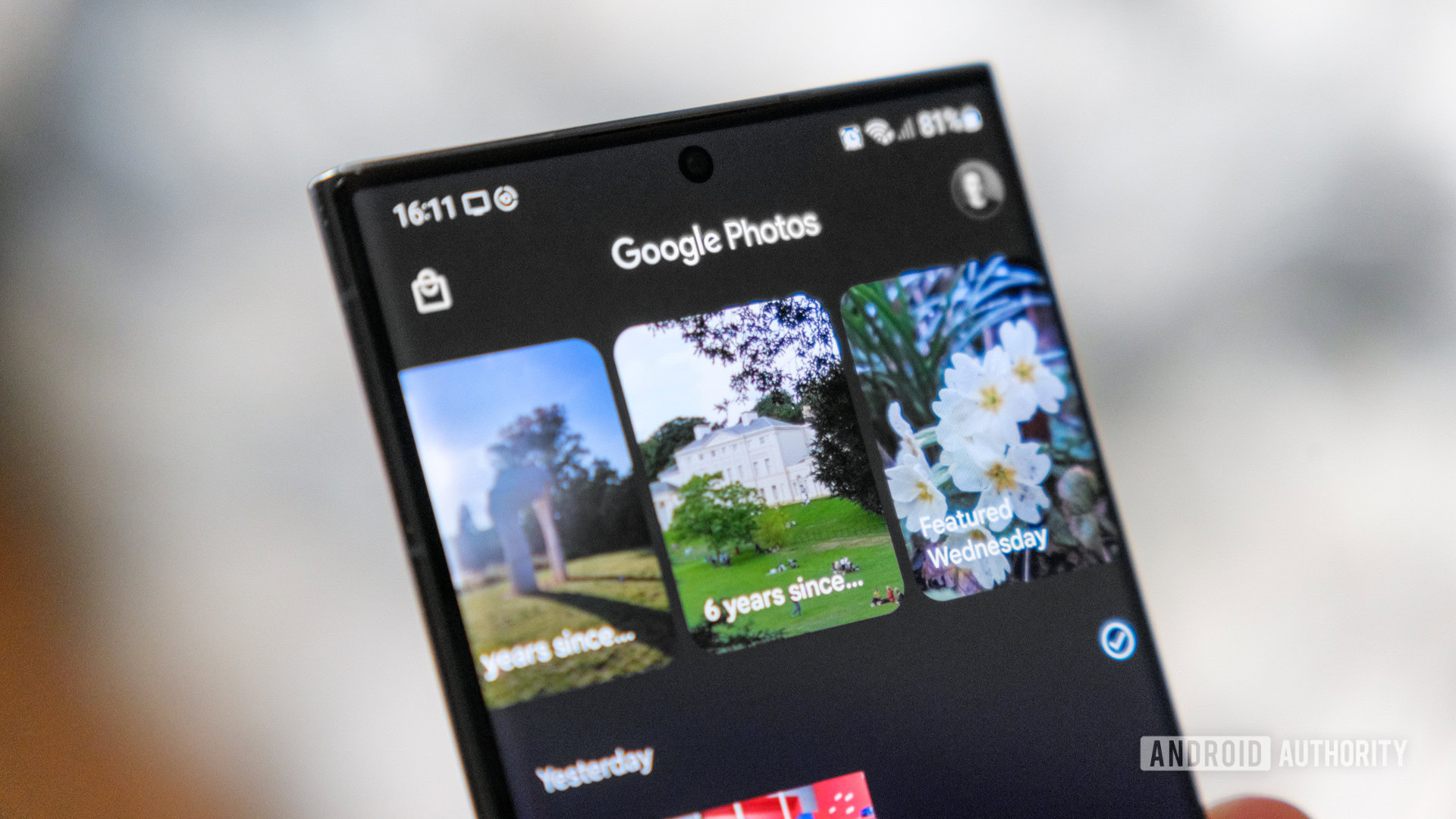
Credit: Robert Triggs / Android Authority
- Google Photos is rolling out a new notifications feed that highlights user activity on shared photos, albums, and memories.
- The Updates feed includes a new Sharing activity page to help you manage shared links, memories, and conversations.
- Any conversations you’ve had within Google Photos are also hidden within the overflow menu in the new Updates feed.
Google Photos has started rolling out a new Updates feed that we first
spotted in a teardown this May. The feed gives you quick access to all activity on shared photos, albums, and memories, along with conversation updates.
You can access the Updates feed by tapping the new bell icon next to your profile avatar.
9to5Google reports that it redirects you to a new page that lists “recent sharing updates, including conversations and shared links.†Google has made some changes since we first spotted the feature earlier this year. Instead of Sharing activity, the feed is now called Updates, and it’s essentially a notification feed that lists user activity, including likes, new additions to albums, users joining shared albums, etc.
More...