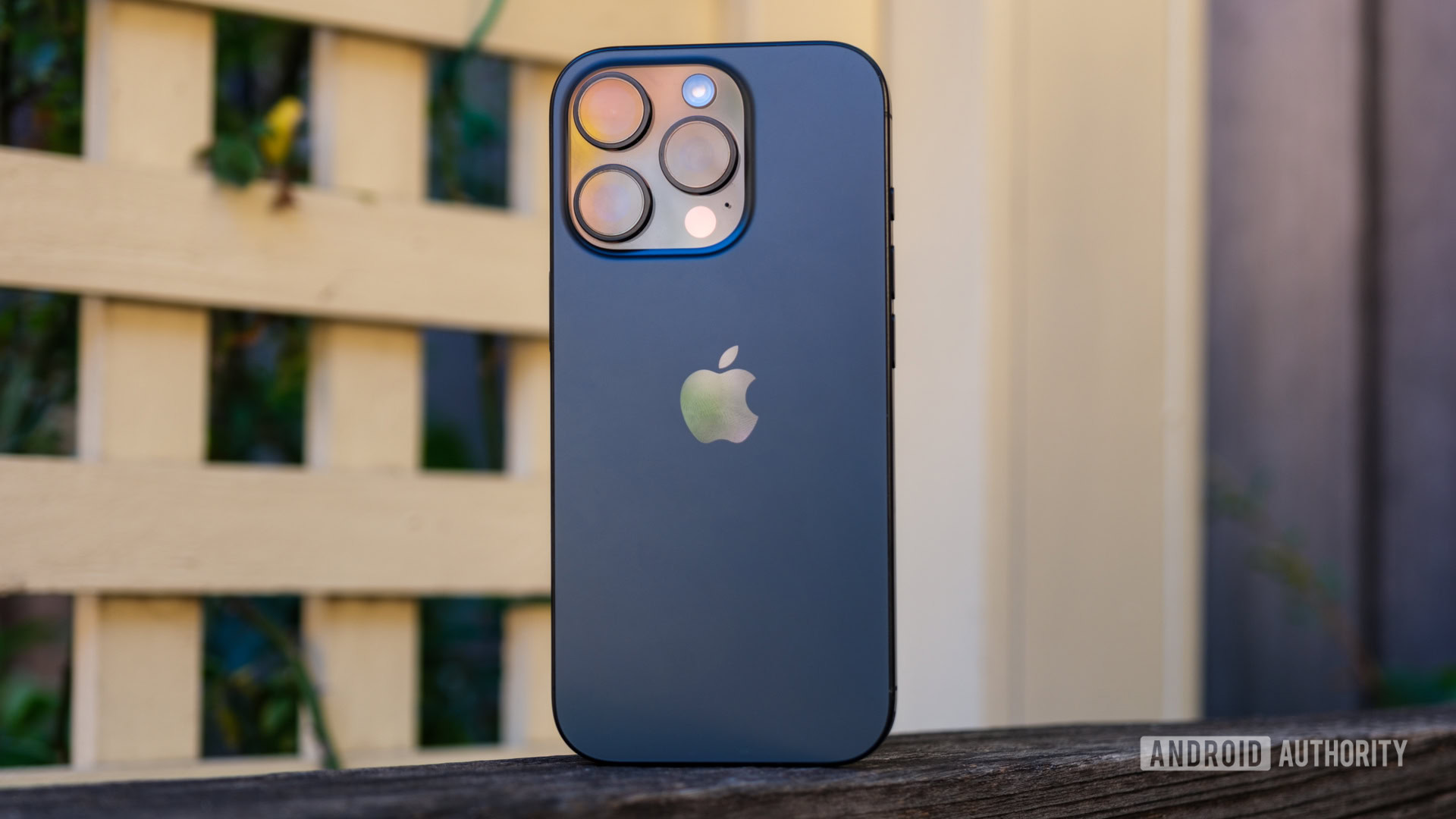
Credit: Ryan Haines / Android Authority
- Google Lens in the Chrome app on iOS and iPadOS now supports including text descriptions when searching with images.
- The update also lets users save web files to Google Drive and Photos directly and helps them spot good deals.
- Additionally, the latest Chrome version supports in-app mini-map previews when tapping on addresses.
While Safari is many Apple enthusiasts’ go-to
web browser, Google Chrome caters to iOS users who also rely on Windows PCs, Chromebooks, or
Android phones. Thanks to its universal browsing history, users’ Chrome data stays in sync across their multiple platforms. To maintain feature parity between its mobile clients, Chrome for iOS and iPadOS is introducing four features already available on Android.
Google announced today that it’s updating Chrome on iOS and iPadOS to bring four perks currently exclusive to Android users. For starters, those relying on Google Lens in the Chrome app will be able to add text descriptions when searching with images. This would make the results more specific and relevant to what they’re looking for.
More...