More screenshots of Samsung apps from
One UI 7.0 have leaked online, courtesy of
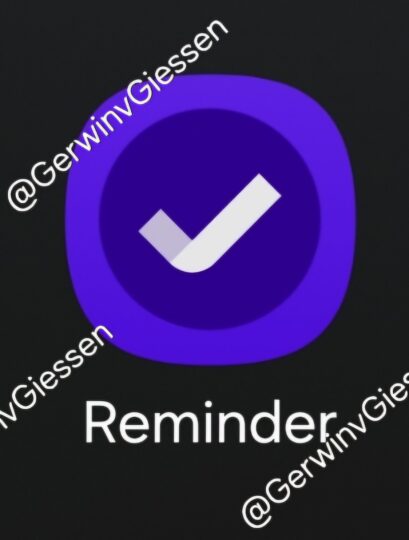
Gerwin van Giessen on X/Twitter. One of those apps—Samsung Reminder—is even available for download and works fine on existing devices like the Galaxy S24 Ultra and the Galaxy Z Fold 6.
One UI 7.0 will bring updated user interface to various Samsung apps
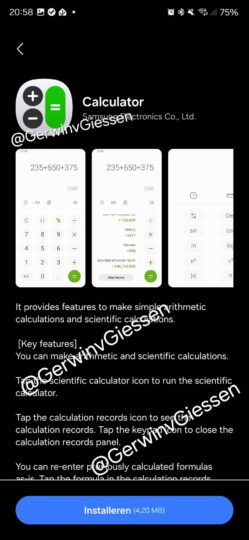
In addition to Samsung Reminder, the leak offers a look at the Calendar, Voice Recorder, and Calculator apps. The screenshots reveal some of the—mostly minor—changes to the user interface in these apps and their updated icons.
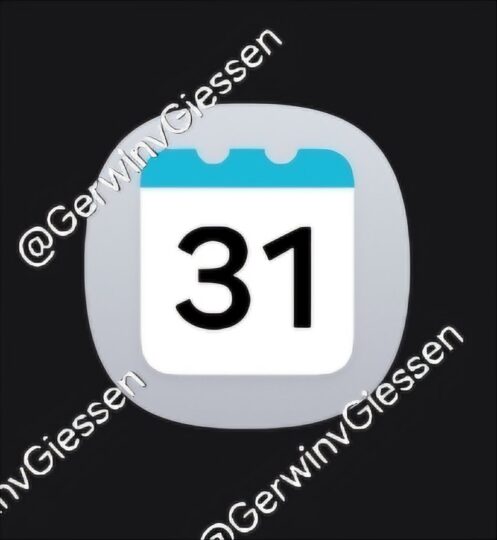
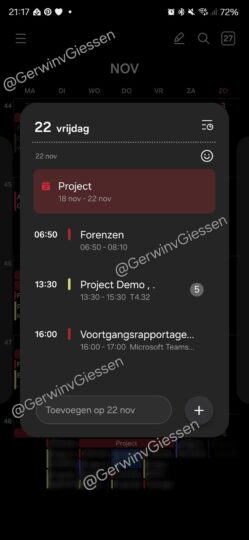
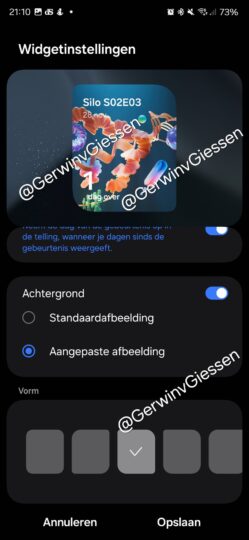
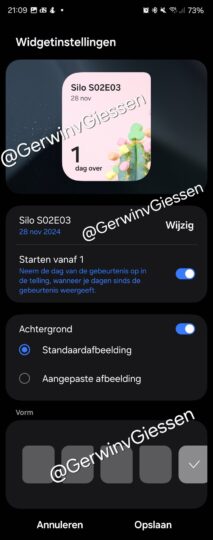
The Calendar app appears to have the most noticeable changes, including new widgets that let you customize the widget background and shape. Samsung has also added new color options for full screen alarms and reminders for events.

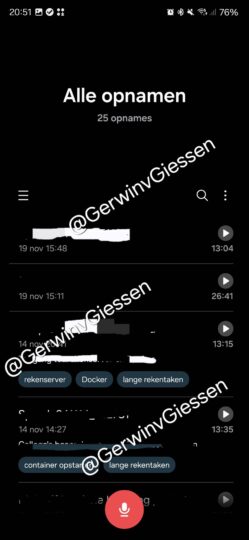
The Voice Recorder app gets a cleaner look with some of the UI elements moved around. For example, the list of recordings now has the time and date on the left side of the screen and a encircled play button on the right.
As mentioned above, the Samsung Calendar app is available for download. If you want to try it out, you can download the installation file from the
APKMirror website and manually install it on your phone using the Samsung My Files app or any other file manager (if you own a device running One UI 6, you may have to turn off the
Auto Blocker feature from the
Settings » Security and privacy menu to install the app).
The source of the leak also has access to the installation files for the other apps mentioned above, and when/if they are available for download, we will update this story to let you know. Those who own a Galaxy S24, S24+, or S24 Ultra and don't want to install apps downloaded from the internet may be able to try them out officially
in a couple of weeks through the One UI 7.0 beta program in
select countries.
The post
Screenshots of more One UI 7.0 apps leak, one app even available for download! appeared first on
SamMobile.
More...