The Samsung Calendar app from the
One UI 7.0 update for Galaxy devices has leaked online. This isn't the first One UI 7.0 app that is available for download ahead of One UI 7.0's release. The
Voice Recorder and
Reminder apps were leaked just a few hours ago by the
same source.
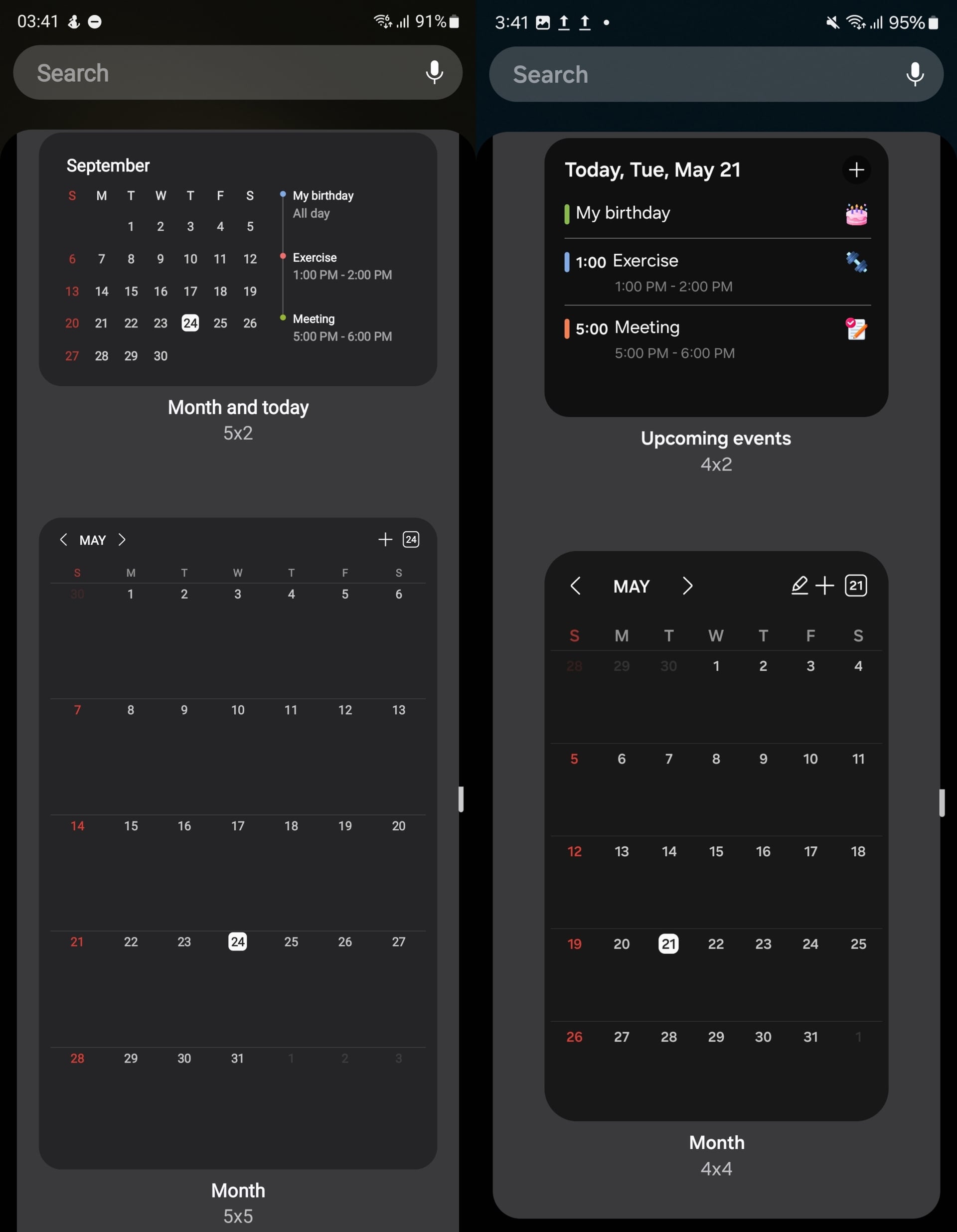
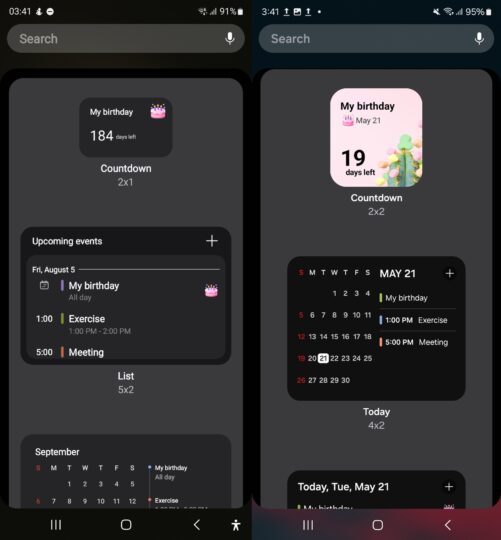
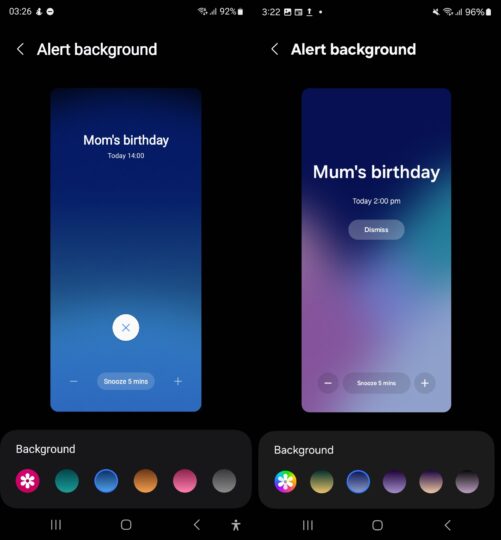
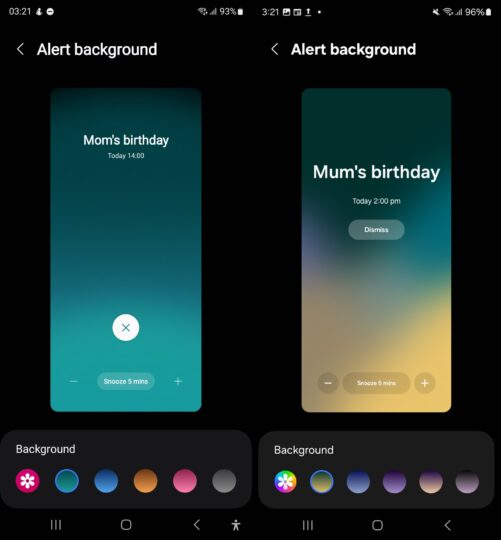
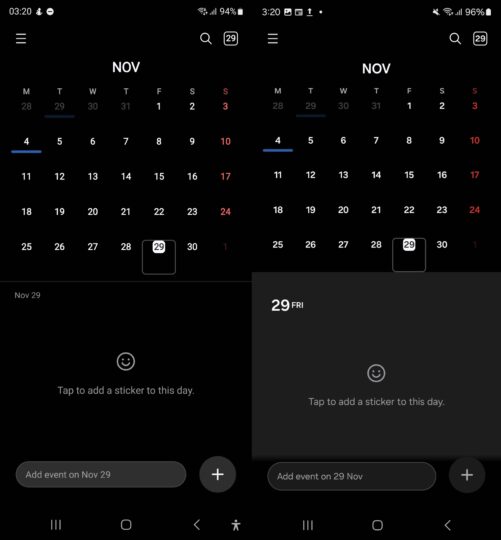
The UI changes in the Calendar app are a little more noticeable compared to the other apps. The highlights are the redesigned home screen widgets and the new backgrounds for alarms and full-screen reminders. You can also see the new Gallery app icon when customizing the alarm backgrounds.
Check out some of the differences between the existing (left) and the One UI 7.0 version (right) of Samsung Calendar in the screenshots below.
You can download the installation file for the One UI 7.0 Samsung Calendar app
from APKMirror if you're interested in checking it out. Access the file from the Samsung My Files app after its downloaded.
It should work on any Galaxy smartphone running Android 14 and One UI 6.1/6.1.1, though you may need to disable the
Auto Blocker feature from the
Settings » Security and privacy menu. If you want to uninstall the One UI 7.0 app, long press the Calendar icon in the app drawer. Then, download the pre-One UI 7 version
from the Play Store or the
Galaxy Store.
For more on One UI 7.0 and what we know so far, check out the video below.
The post
You can now try out One UI 7.0’s Samsung Calendar app appeared first on
SamMobile.
More...