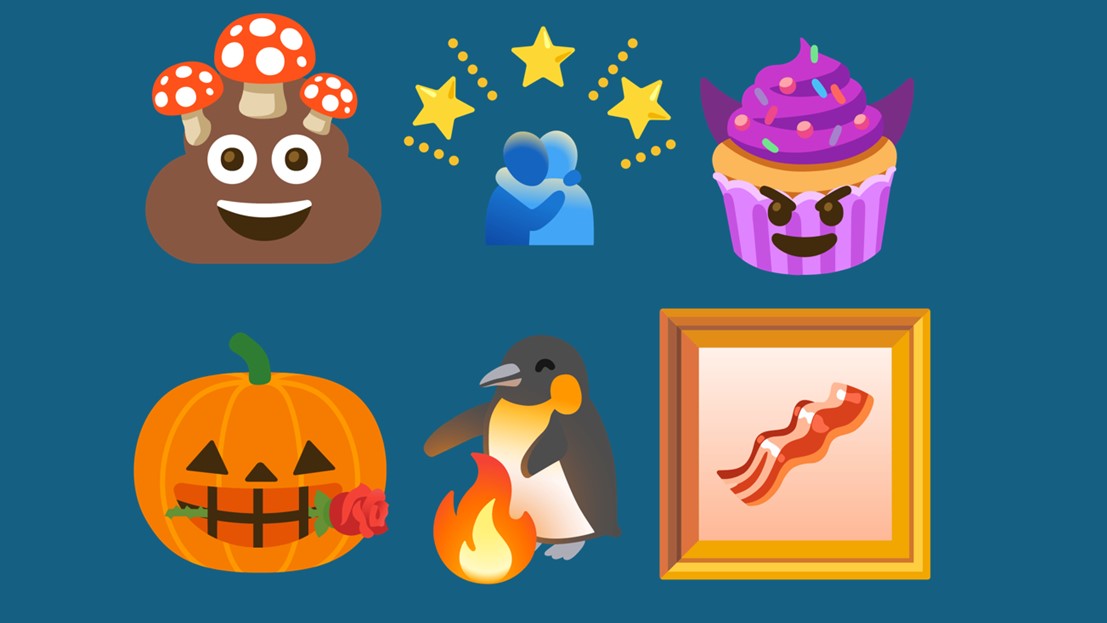
Credit:
Emoji Kitchen
If you’re that person in the
WhatsApp groups with a sticker for every occasion, you’ll want to start playing with Gboard emoji combos. Emoji Kitchen lets you easily combine two standard
emojis to create a sticker that’s a mix of the two or perhaps something even weirder. There are an extraordinary number of combinations to try  at least 100,000 and counting  so you can’t get bored of fusing the emojis for interesting results. We’ve been having a play around with it ourselves, so we’ll run you through how to use it and the best Gboard emoji combos we’ve found so far.
How to use the Gboard Emoji Kitchen
You might be ready to use Emoji Kitchen already, but we’ll help you get started if you’re not. Your
Android device needs to have Gboard installed and set as your default
keyboard, and the Emoji Kitchen settings need to be enabled. Here’s what you do.
More...