View Single Post
  #1  
Old 12-04-2024, 10:30 AM
phillynews215's Avatar
phillynews215 phillynews215 is offline   Thread Starter  
I'm A Community Feed Poster

  puertorico
 
Join Date: October 11th, 2009
Posts: 13,284
Downloads: 0
Uploads: 0
phillynews215 Knows Their Stuffphillynews215 Knows Their Stuffphillynews215 Knows Their Stuffphillynews215 Knows Their Stuffphillynews215 Knows Their Stuffphillynews215 Knows Their Stuffphillynews215 Knows Their Stuffphillynews215 Knows Their Stuffphillynews215 Knows Their Stuffphillynews215 Knows Their Stuffphillynews215 Knows Their Stuff


View phillynews215's Profile   Edit Options Edit Profile Picture View phillynews215's Photo Album Add phillynews215's to Your Contacts Show Groups Edit Avatar Subscribed Threads Private Messages
Default Google Photos could soon make it easier to set wallpapers (APK teardown)

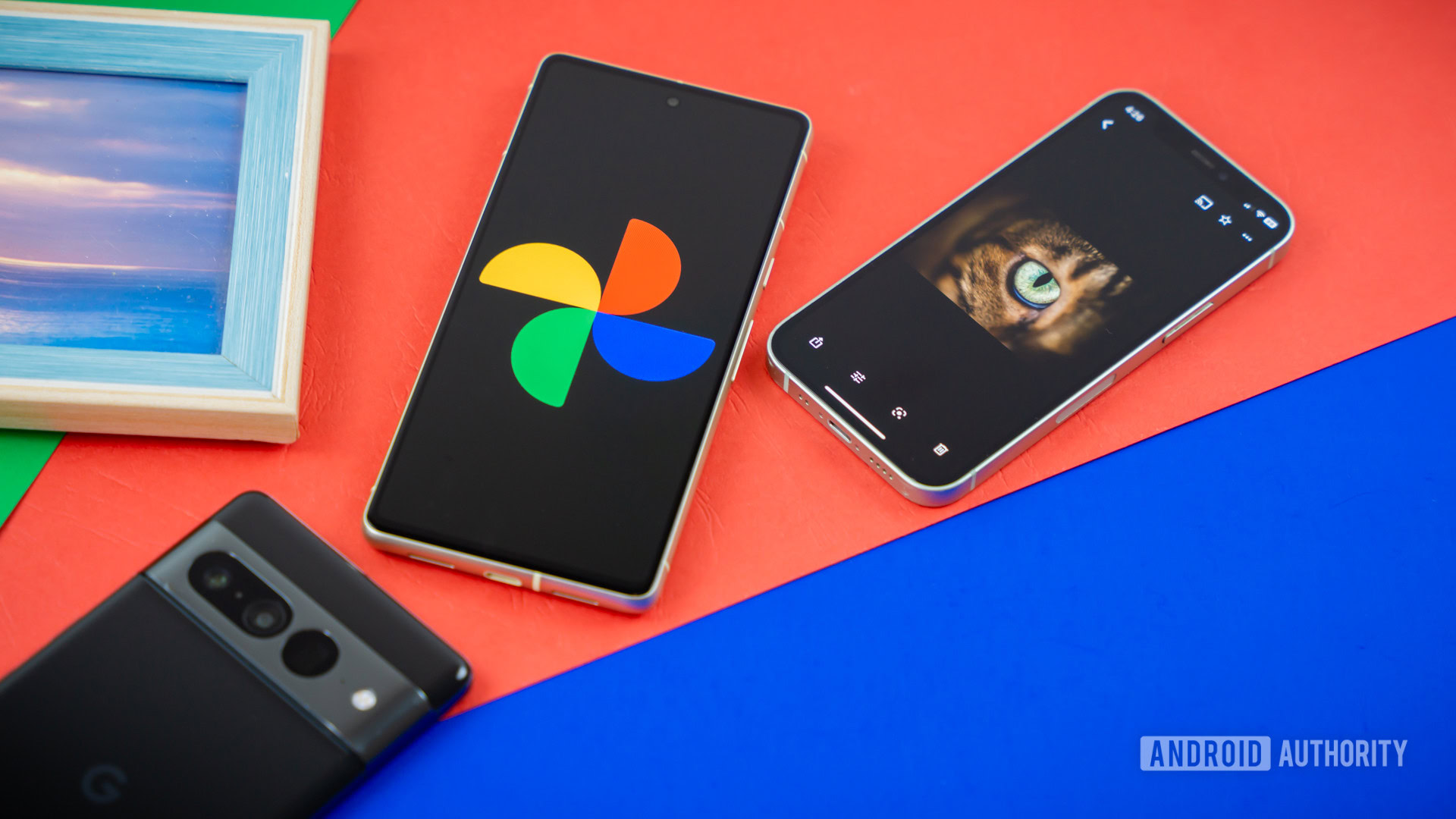
Credit: Edgar Cervantes / Android Authority


  • Currently, setting a wallpaper from Google Photos requires navigating through multiple menus.
  • A future update will add a direct Set as wallpaper*option to the three-dot menu.

Google Photos is quite a hit amongst power users, and for good reason. It’s a great app for photo management, and with the addition of AI features, it’s also a great app for editing your photos. If you like the result of your edits, you can also use Google Photos to set the edited photo as your phone’s wallpaper. Strangely, though, the process is rather cumbersome, as the option to do so is hidden beneath a few layers of buttons. Many users are bound to be left hunting for the button to set a wallpaper because of its unintuitive placement. Thankfully, it seems Google could fix this in a future update and make it easier to set a wallpaper.


More...
Reply With Quote