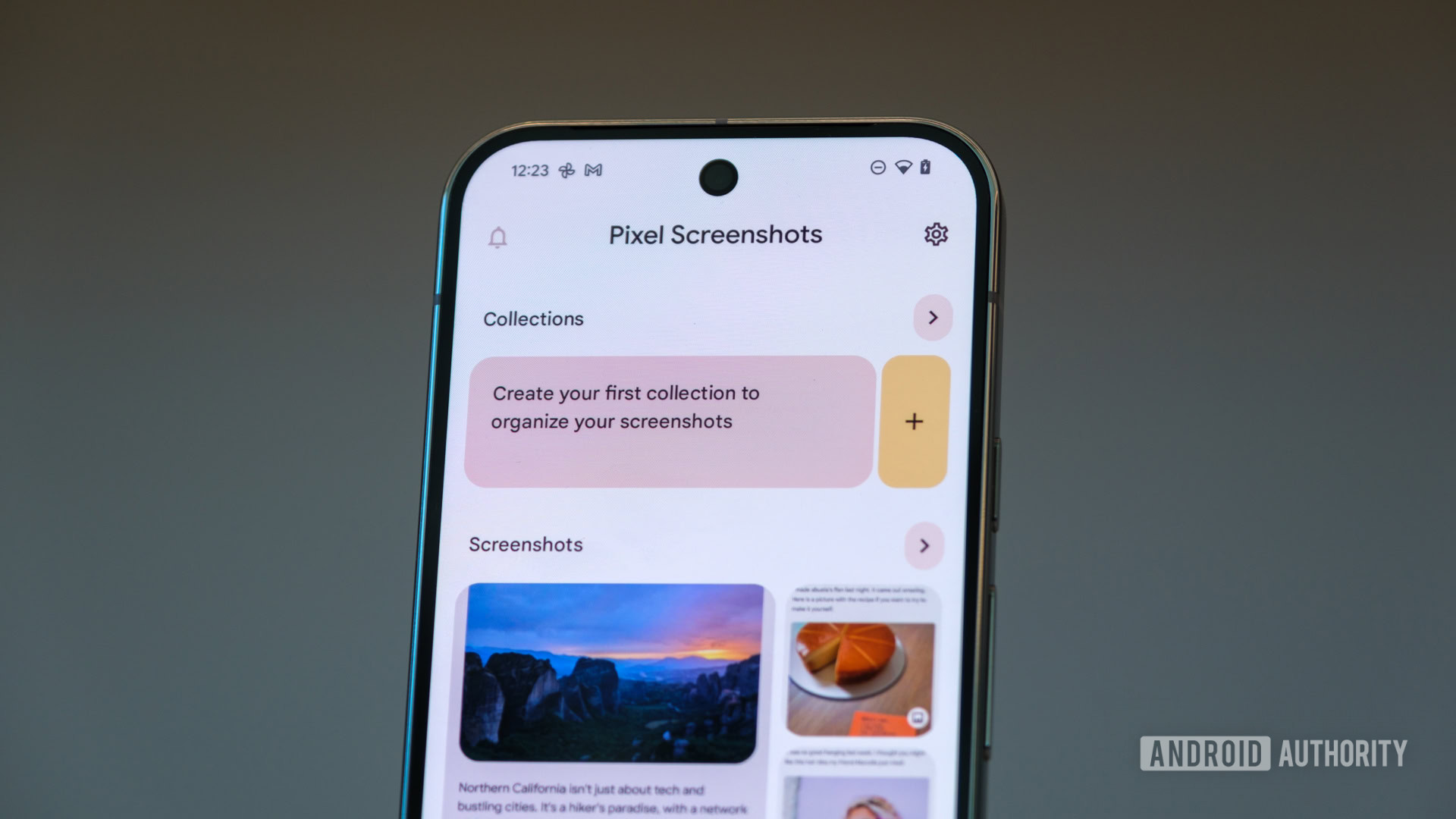
Credit: Ryan Haines / Android Authority
- Circle to Search searches can now be saved to the Pixel Screenshots app.
- Tickets and credit cards that you screenshot can be sent directly to your wallet.
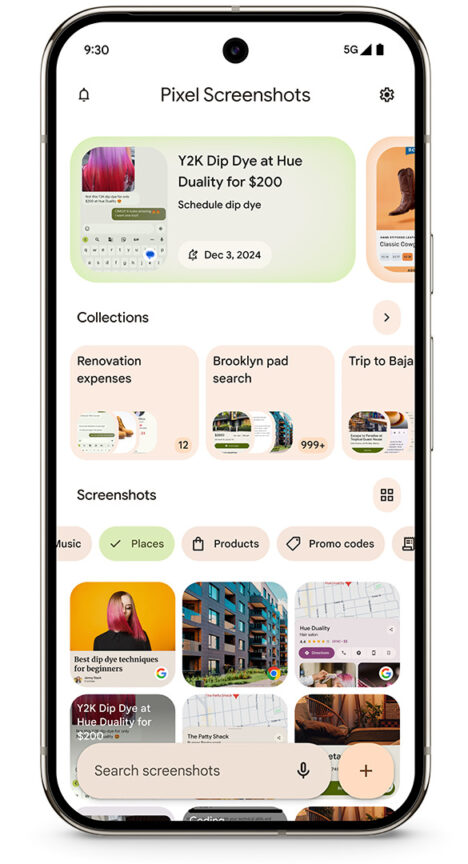
- Screenshots are now automatically categorized so you can easily find them with the app’s new filters.
Google’s latest Pixel Drop is here to deliver new tools to Pixel devices and updates to existing features. One of the many existing features that are getting some attention is the
Pixel Screenshots app. This new update aims to make managing and organizing your collection of screenshots a little easier.
There are four changes coming to the Pixel Screenshots app that should prove to be pretty handy. The first of these changes is related to
Circle to Search. Users now have the ability to save whatever they find with Circle to Search to the Screenshots app. This way you can remind yourself of whatever you were looking for, whether it was a gift or something else.
Credit: Google
Finding that screenshot in the app will also be easier going forward. When you take a screenshot now, the Screenshots app will automatically categorize the image. You’ll be able to use the app’s new search filters to locate that screenshot. And the app will provide suggested actions  based on the information  when you find the image you’re looking for. This could include creating a calendar invite or getting directions.
The next big change adds some integration with
Google Wallet. If you take a screenshot of a ticket or credit card, you’ll have the option to send it directly to your digital wallet.

Credit: Google
The final update now lets you see movie, music, product, and other text suggestions in Gboard while searching in relevant apps. This feature won’t be on by default, so you’ll need to turn on “Show suggestions for your screenshots in other apps†in the Pixel Screenshots app to activate it.
Pixel Screenshots debuted on the Pixel 9 series and this Pixel Drop won’t be bringing it to older devices. As such, all of these features are only available on the Pixel 9, Pixel 9 Pro, Pixel 9 Pro XL, and Pixel 9 Pro Fold. Unfortunately, the update also only supports one language  English.
More...