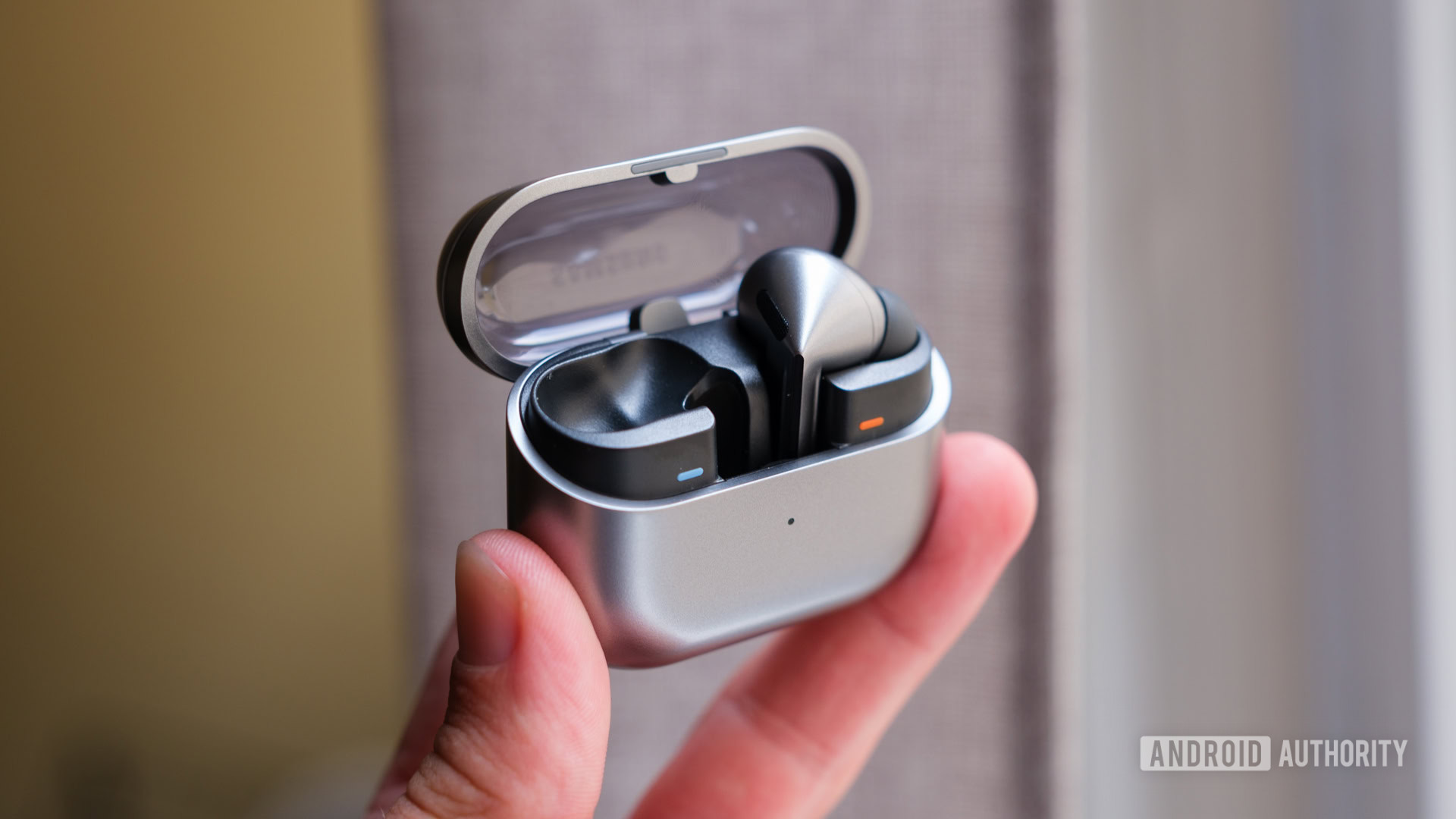
Credit: Ryan Haines / Android Authority
- One UI 7 adds closer integration with Samsung’s latest earbuds.
- Users can now access listening modes, the equalizer, and other settings from the Quick Settings panel.
- This integration only works with the Galaxy Buds 3 and Galaxy Buds 3 Pro.
Having to download and open a dedicated app just to access the settings for your headphones or earbuds is annoying. Samsung seems to have realized this and is making a change with
One UI 7. Users will soon be able to adjust these settings straight from the Quick Settings panel.
Samsung began
rolling out the beta for its Android 15-based One UI 7 update yesterday to Galaxy S24 devices in select markets. It’s bringing a bevy of new features like Look Now, Camera Ready, Call Transcript, and more. But a nice little addition that shouldn’t go understated is closer integration with the company’s earbuds, specifically the Galaxy Buds 3 and Galaxy Buds 3 Pro.
More...