View Single Post
  #1  
Old 12-16-2024, 02:03 PM
phillynews215's Avatar
phillynews215 phillynews215 is offline   Thread Starter  
I'm A Community Feed Poster

  puertorico
 
Join Date: October 11th, 2009
Posts: 13,284
Downloads: 0
Uploads: 0
phillynews215 Knows Their Stuffphillynews215 Knows Their Stuffphillynews215 Knows Their Stuffphillynews215 Knows Their Stuffphillynews215 Knows Their Stuffphillynews215 Knows Their Stuffphillynews215 Knows Their Stuffphillynews215 Knows Their Stuffphillynews215 Knows Their Stuffphillynews215 Knows Their Stuffphillynews215 Knows Their Stuff


View phillynews215's Profile   Edit Options Edit Profile Picture View phillynews215's Photo Album Add phillynews215's to Your Contacts Show Groups Edit Avatar Subscribed Threads Private Messages
Default One UI 7 adds new game frame rate options, but also takes one away

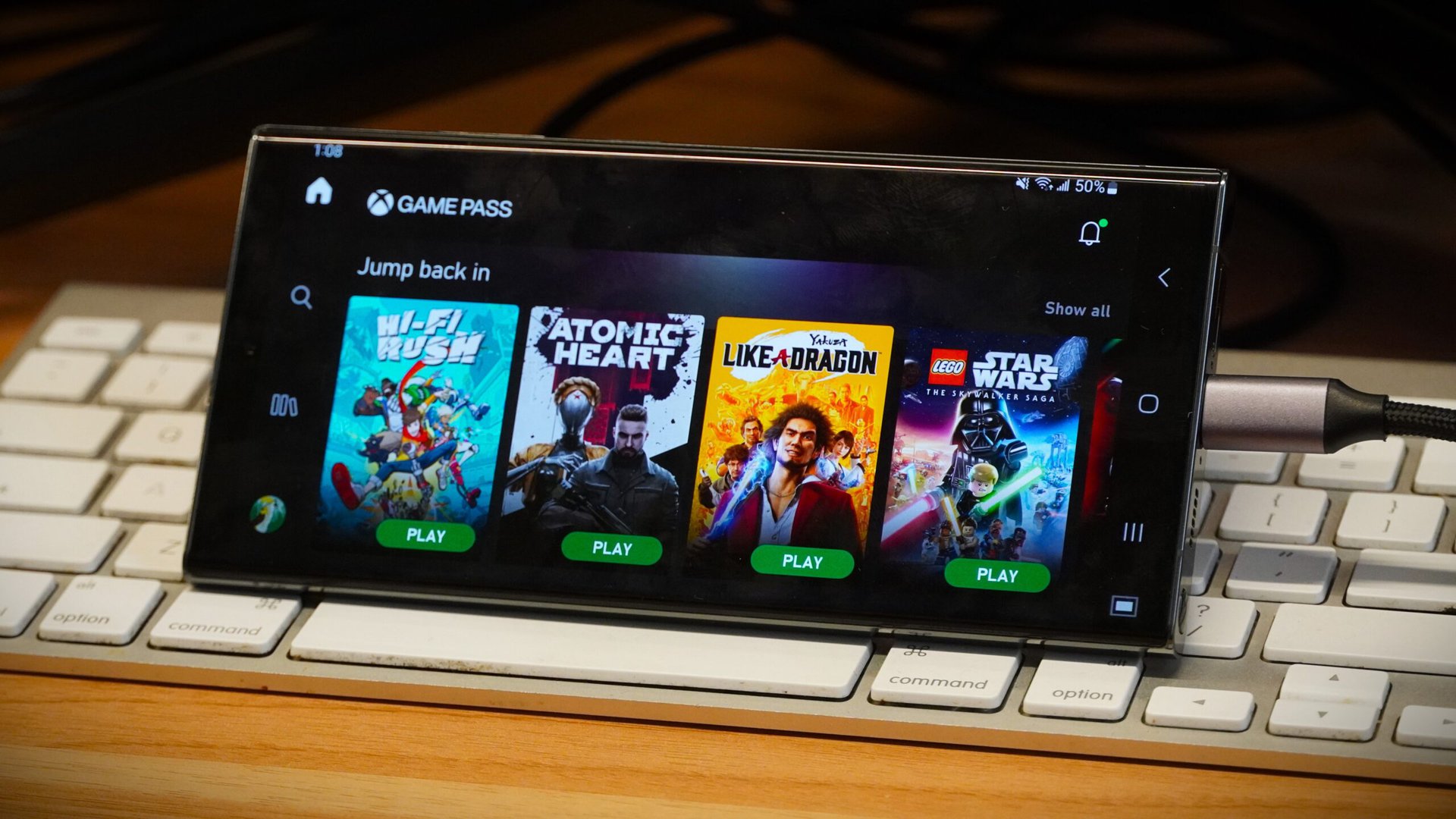
Credit: Adam Birney / Android Authority

  • One UI 7 introduces a new option called Gaming motion smoothness in the Game Booster app.
  • Gaming motion smoothness lets you switch between 60Hz and 120Hz refresh rates.
  • There’s no longer an option for reducing frame rates to 48Hz.
Games always look better at higher refresh rates, but you may be more concerned about your battery life when you’re on the go. One UI 7 has added a new option that lets Galaxy owners choose between higher frame rates or longer battery life, but it has also taken away an option.

In the One UI 7 beta, there’s a new option in the Game Booster app called “Gaming motion smoothness” (h/t: SamMobile). Tapping on this option will give you a choice of setting the frame rate at 60Hz or 120Hz. As you would expect, the 60Hz setting eats up less battery than the 120Hz option.


More...
Reply With Quote