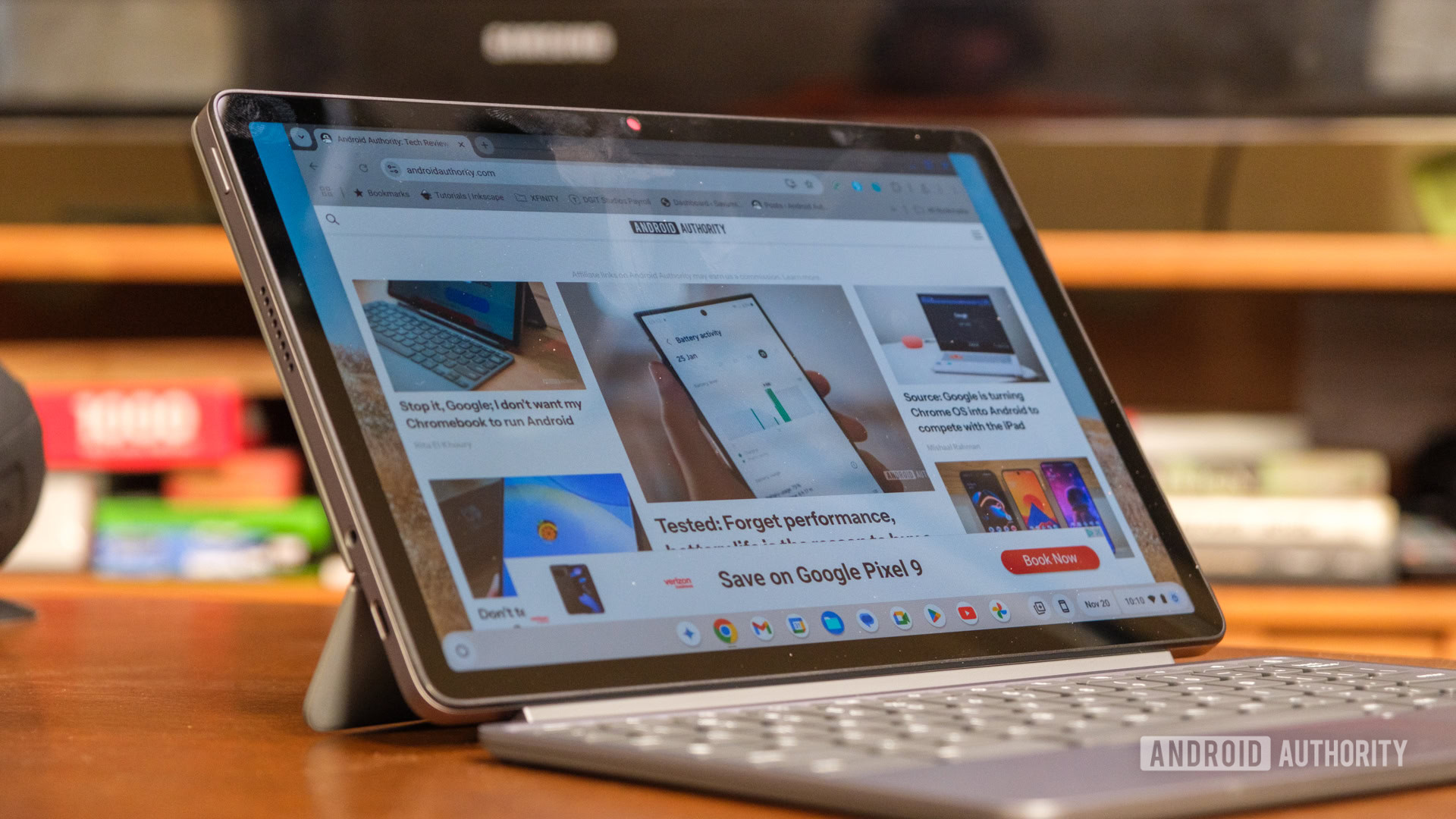
Credit: Ryan Haines / Android Authority
- Google just announced the Chrome OS M131 update, which is rolling out to Chromebooks in the coming days.
- The update’s new Back to Safety feature lets you restore your system to a stable state without wiping your data.
- The update also brings flash notifications and a design refresh for Quick Answers.
As everyone starts to feel that seasonal cheer, there’s a welcome early gift for
Chromebook users. In a
blog post on the official Chromebook support page, Google officially launched the Chrome OS M131 update, bringing a mix of new features and system improvements. One aspect of this release is the new Back to Safety feature, designed to simplify device recovery without the drastic step of performing a full reset.
Previously, restoring a Chromebook to a stable state often required a powerwash, wiping everything in the process. In the new version of
Chrome OS, users can select ‘Safety reset’ as a non-destructive way to troubleshoot. The feature resets the Chrome settings and shortcuts, disables extensions, and clears cookies and temporary data  all while keeping your bookmarks, history, and saved passwords intact.
More...