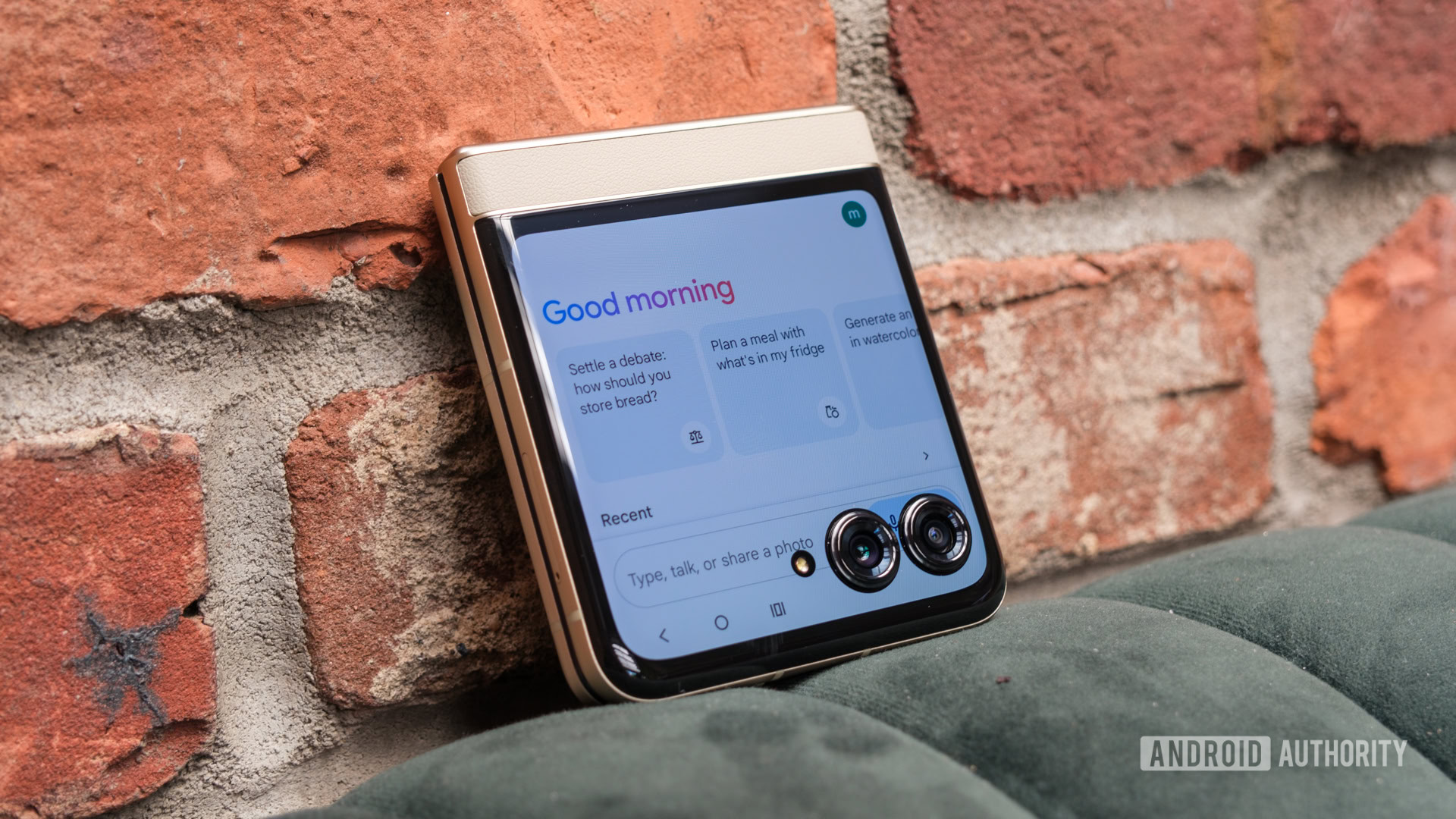
Credit: Ryan Haines / Android Authority
- Google app beta users on Android can now choose between different Gemini models.
- The latest Gemini 2.0 Flash model is also available for testing on Android.
- This feature gives users more control over their AI experience on their smartphones.
Google Gemini is shaping up to be a great AI assistant, especially when you see how little others have progressed. While
ChatGPT has an edge in a few areas, Gemini’s deeper integration within
Android flagships and tie-in with Google Search makes it almost second nature. Google recently announced the new Gemini 2.0 Flash model, which is said to outperform 1.5 Pro on key benchmarks. You can try this out on the web, but if you want to try it on your phone, you can now do so with the latest Google app beta.
Google app v15.49.42 beta adds support for choosing a specific Gemini version for your queries. This setting was already available on the web for
Gemini Advanced users with the announcement of Gemini 2.0 Flash last week, and the feature is now making its way to the Android app. Users will be able to change the Gemini model by clicking on the header area where the current model name is shown.
More...