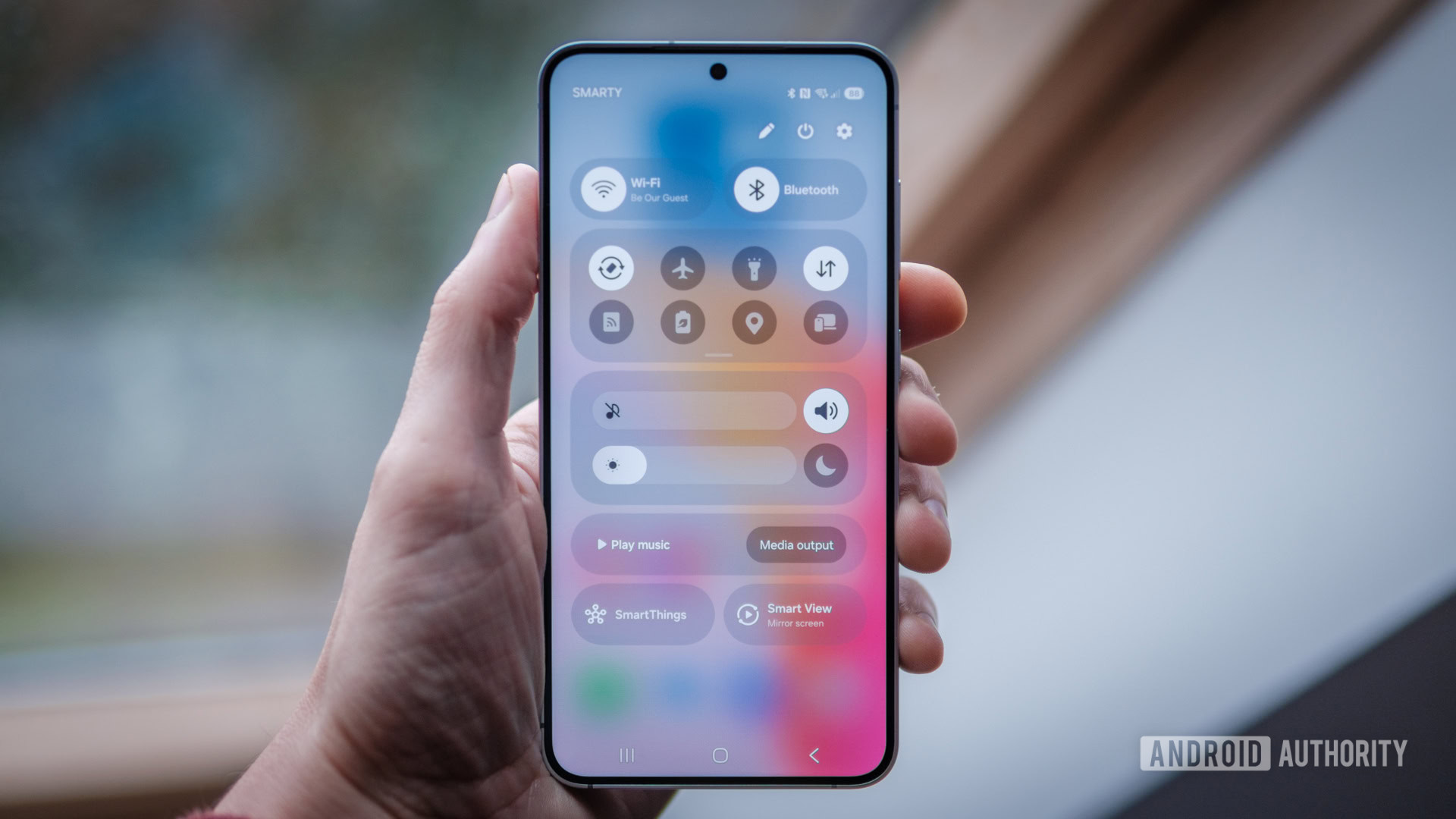
Credit: Robert Triggs / Android Authority
- The latest One UI 7 beta allows you to change how you access the quick panel.
- Swiping down from the right corner is the default method, but users can now choose to switch this to the left corner.
- This setting can be found by opening the quick panel, going into editing mode, and tapping on Panel settings.
One UI 7 introduces several new changes to Samsung’s Android skin. It’s the biggest change the UI has seen in a long time. One of the most notable modifications is having the ability to
separate notifications and Quick Settings into two different panels. In the latest beta for the OS, Samsung is now letting you choose how you access the quick panel.
In
One UI 7, if you go into Panel settings, you can choose to keep notifications and Quick Settings together or separate them. If you separate them, you’ll have two ways to access the quick panel: either by swiping down from the right corner of the screen or opening the notifications panel and swiping left from the right side of the screen.
More...