View Single Post
  #1  
Old 10-28-2025, 06:51 PM
phillynews215's Avatar
phillynews215 phillynews215 is offline   Thread Starter  
I'm A Community Feed Poster

  puertorico
 
Join Date: October 11th, 2009
Posts: 13,267
Downloads: 0
Uploads: 0
phillynews215 Knows Their Stuffphillynews215 Knows Their Stuffphillynews215 Knows Their Stuffphillynews215 Knows Their Stuffphillynews215 Knows Their Stuffphillynews215 Knows Their Stuffphillynews215 Knows Their Stuffphillynews215 Knows Their Stuffphillynews215 Knows Their Stuffphillynews215 Knows Their Stuffphillynews215 Knows Their Stuff


View phillynews215's Profile   Edit Options Edit Profile Picture View phillynews215's Photo Album Add phillynews215's to Your Contacts Show Groups Edit Avatar Subscribed Threads Private Messages
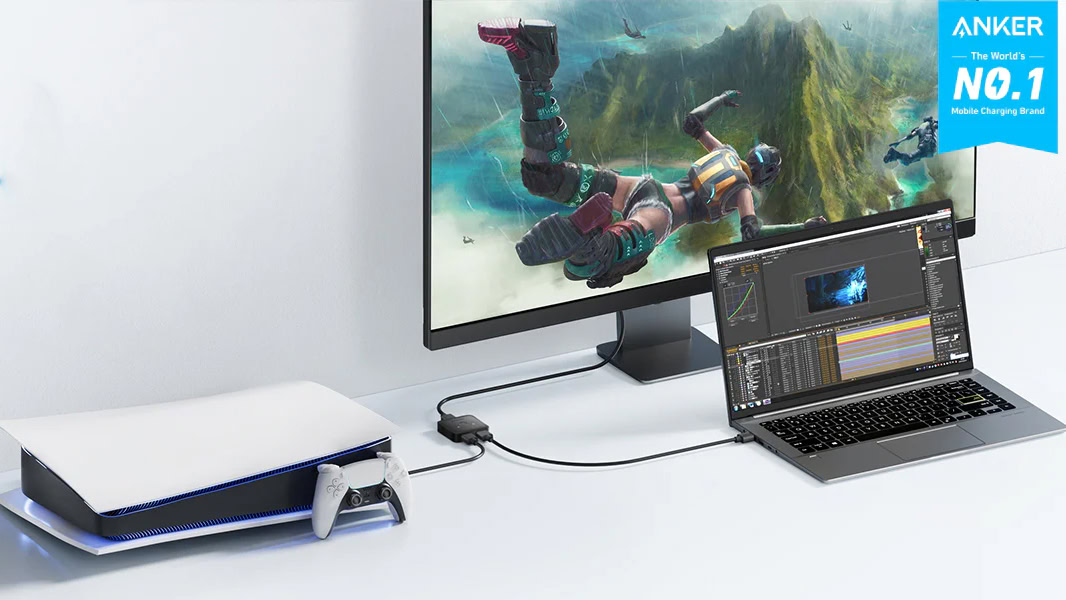
Default Here’s a simple solution to use two devices with one monitor

Credit: Anker via Amazon


The number of ports available on TVs and monitors can be limited unless you pay for a higher-end model. If you don’t have HDMI connections to spare, but want to use multiple devices, one way to go about it is to keep unplugging and plugging HDMI cables. Or you can spend a mere $9.99 on the Anker HDMI Switch and make the experience much more seamless.


More...
Reply With Quote