I started using Google’s
Gboard keyboard long before I made the switch to Android. Even as a
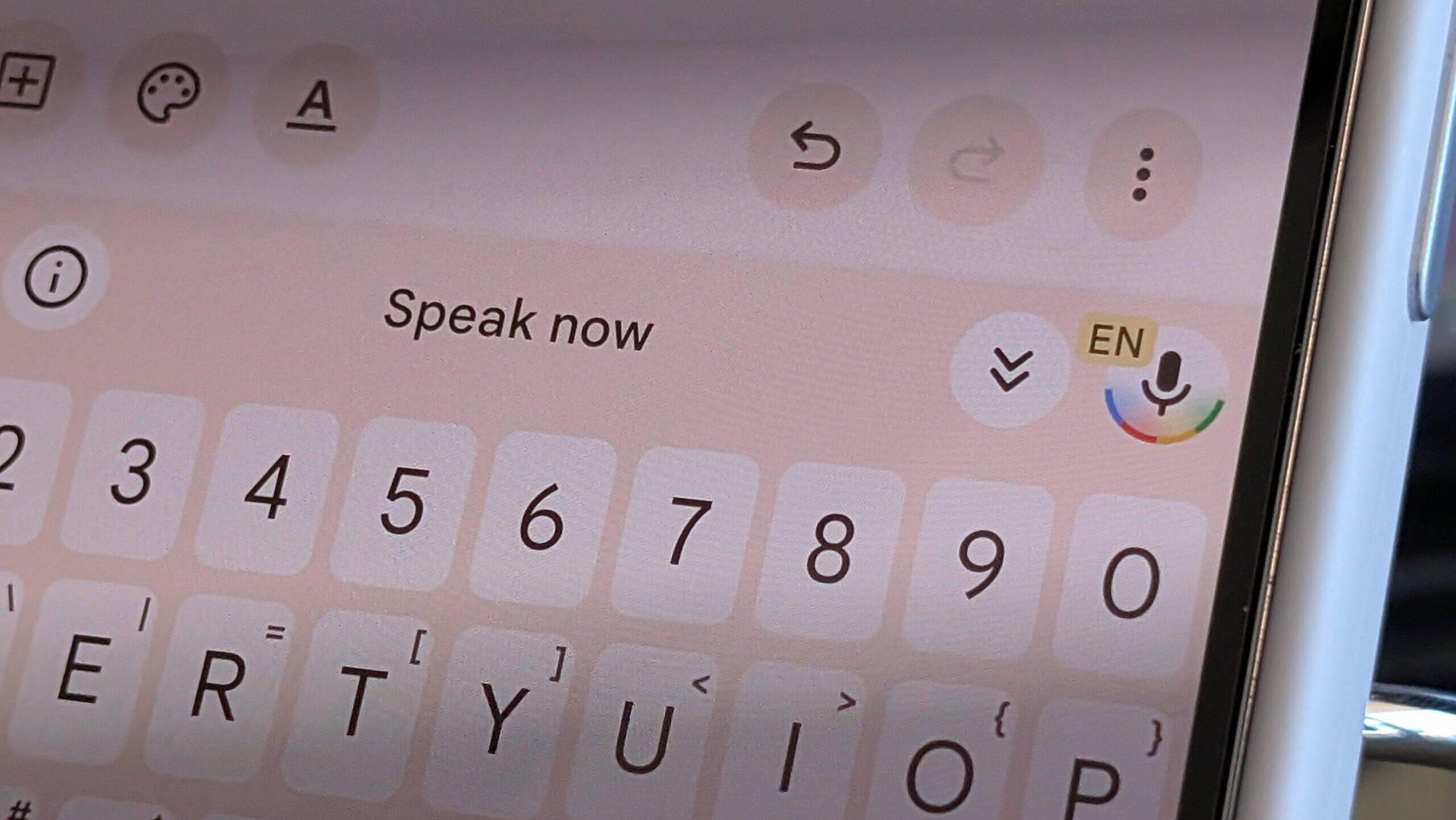
third-party keyboard on an iPhone, I found it better than the native iOS typing experience. With Gboard on Android  and more specifically on its own Pixel devices  Google has consistently added new features and to this day, I consider it best in class (don’t ask me to use an iOS keyboard, please). The single most impressive feature of Gboard, however, doesn’t involve tapping on the keys. Instead, I opt for voice typing whenever possible, and Gboard’s voice typing has been good for so long that it’s easy to take for granted. But Google just one-upped itself in a major way with a brand new voice typing command that absolutely blew my mind: you can now edit your text with the sound of your voice, and it works incredibly well.
From voice typing novice to Gboard power user
 More...