• Home
  • Download
  • Links
  • Photoplog
  • Blowfish Secret
  • Base64
  • Wordpress Salt
  • Contact
  • ROM
  • Skins
  • VIP
  • Tutorial
Wckediden - Mobile Tricks and Tweaks Community  

Go Back   Wckediden - Mobile Tricks and Tweaks Community > Wckediden Bulletin Announcements > Discussion Area > Just About Digital Community
Reload this Page [NEWS] Samsung Internet for Windows PC: First look and key features
Wckediden
Register Forum Rules FAQ Community Today's Posts Search

Notices
Under Construction

WckedIDen Forum Renovations

WckedIDen is currently undergoing forum structure renovations. During this process, you may experience intermittent errors, unavailable pages, or temporary service interruptions.

Please be patient while we work to improve the forum. We appreciate your understanding and continued support.


Community Links
Social Groups
Pictures & Albums
Members List
Meet Our Staff
Search Forums
 
Tag Search
Advanced Search
Search Downloads
Advanced Search
Search Links
Advanced Search
Find All Thanked Posts


Post New ThreadReply
 
Thread Tools
  #1  
Old 10-29-2025, 10:18 PM
phillynews215's Avatar
phillynews215 phillynews215 is offline   Thread Starter  
I'm A Community Feed Poster

  puertorico
 
Join Date: October 11th, 2009
Posts: 13,268
Downloads: 0
Uploads: 0
phillynews215 Knows Their Stuffphillynews215 Knows Their Stuffphillynews215 Knows Their Stuffphillynews215 Knows Their Stuffphillynews215 Knows Their Stuffphillynews215 Knows Their Stuffphillynews215 Knows Their Stuffphillynews215 Knows Their Stuffphillynews215 Knows Their Stuffphillynews215 Knows Their Stuffphillynews215 Knows Their Stuff


View phillynews215's Profile   Edit Options Edit Profile Picture View phillynews215's Photo Album Add phillynews215's to Your Contacts Show Groups Edit Avatar Subscribed Threads Private Messages
Rss Feed Samsung Internet for Windows PC: First look and key features

Samsung Internet finally launched on PC on October 30, following years of fans asking for it to happen. The browser first came to Windows back in late 2023 and later pulled from the Microsoft Store, but this time, it's here to stay.


Samsung Internet is initially available in beta for US and Korean users, but we were able to get access to the app and take it for a spin. How is it? Pretty impressive for a first release. It has all of the features that makes Samsung Internet so good on Android smartphones and tablets, including syncing of browsing history and other data between Windows and Android.
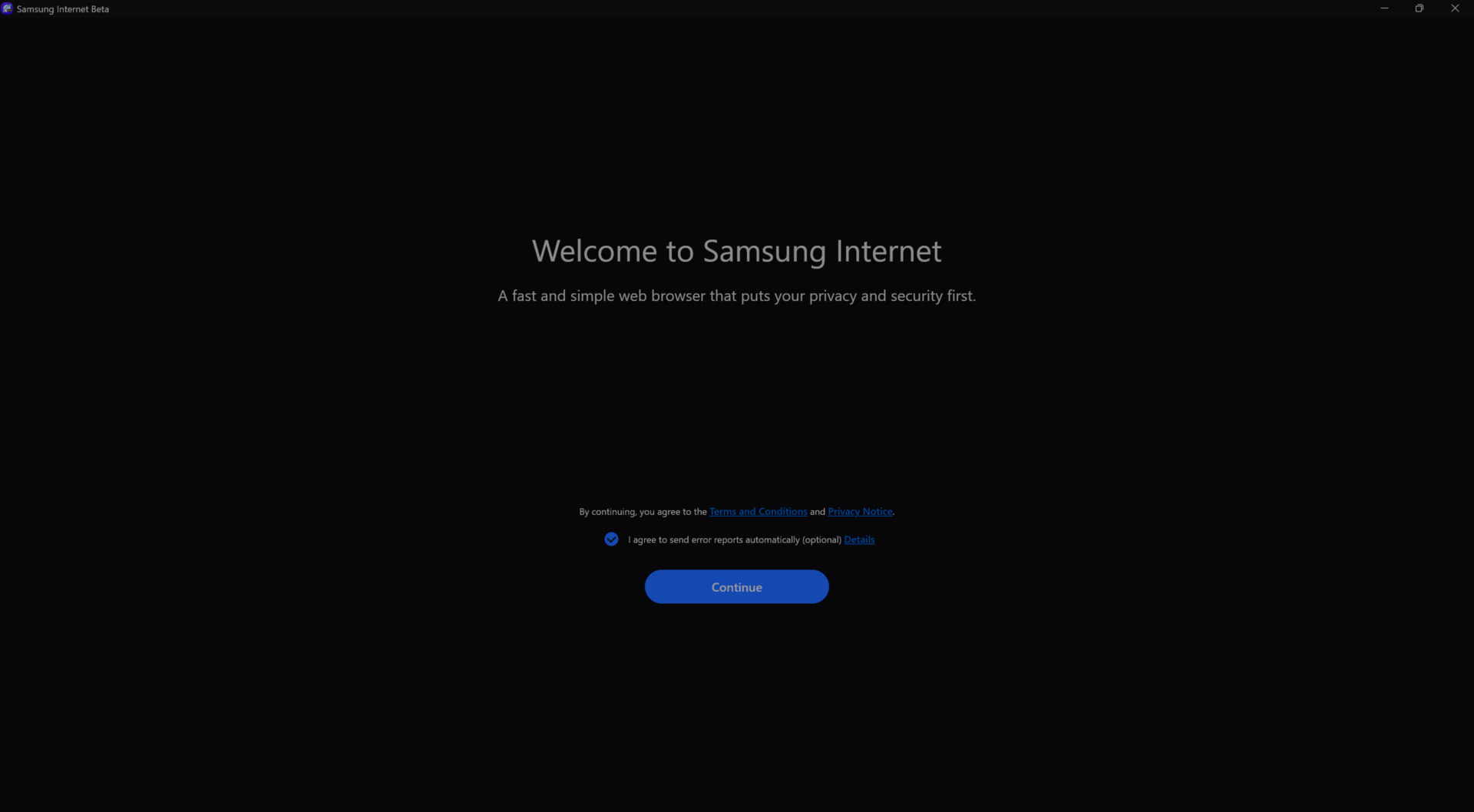


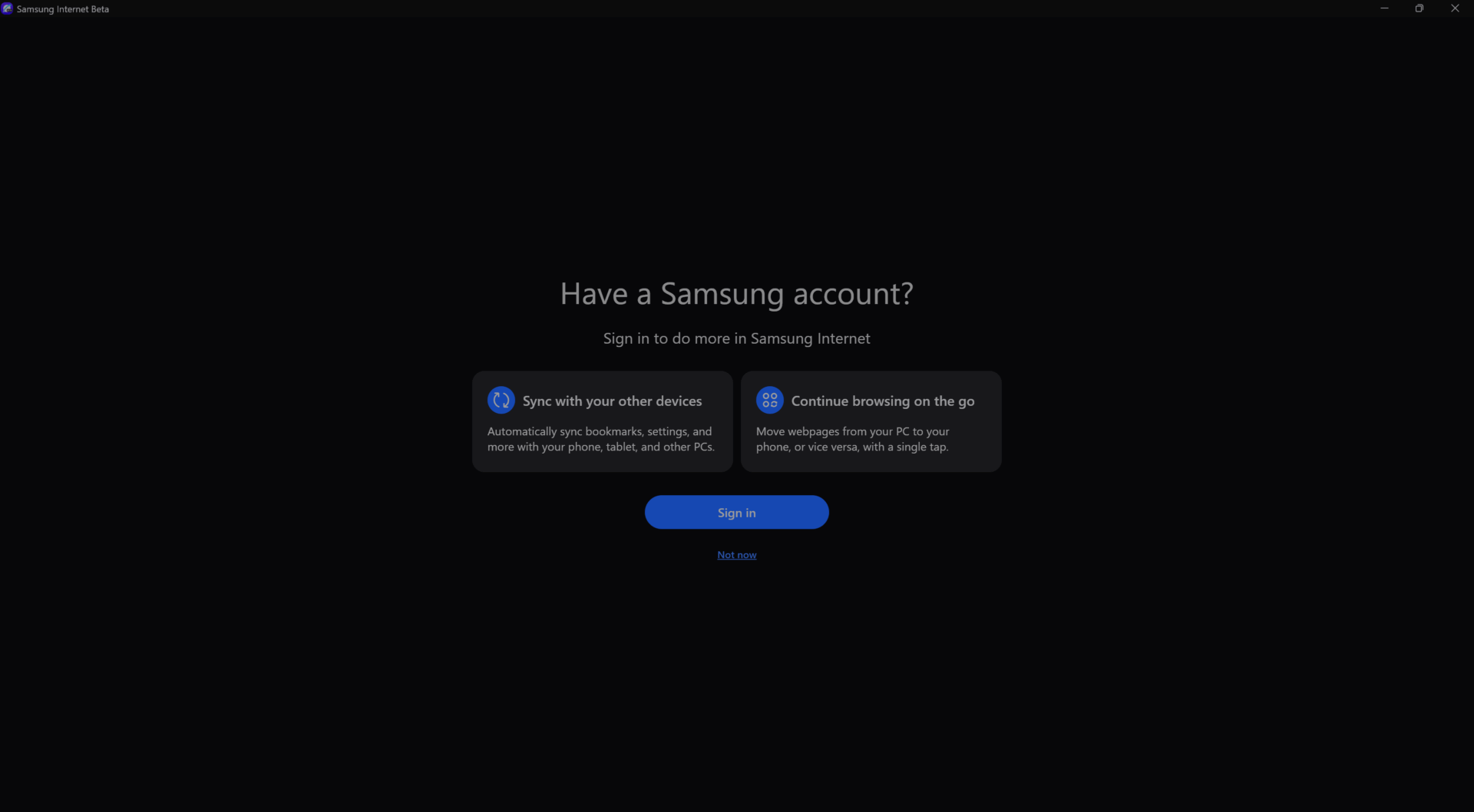
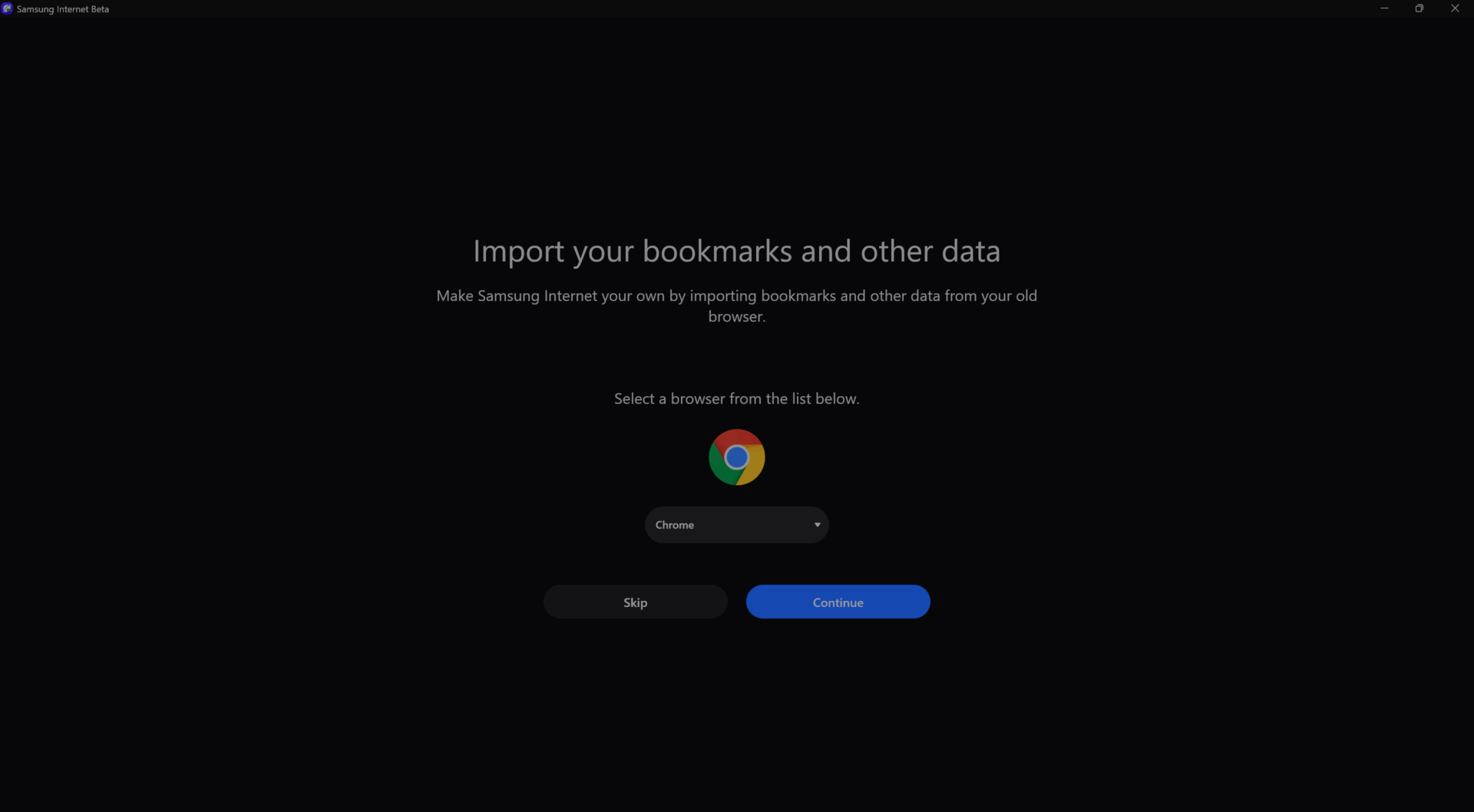
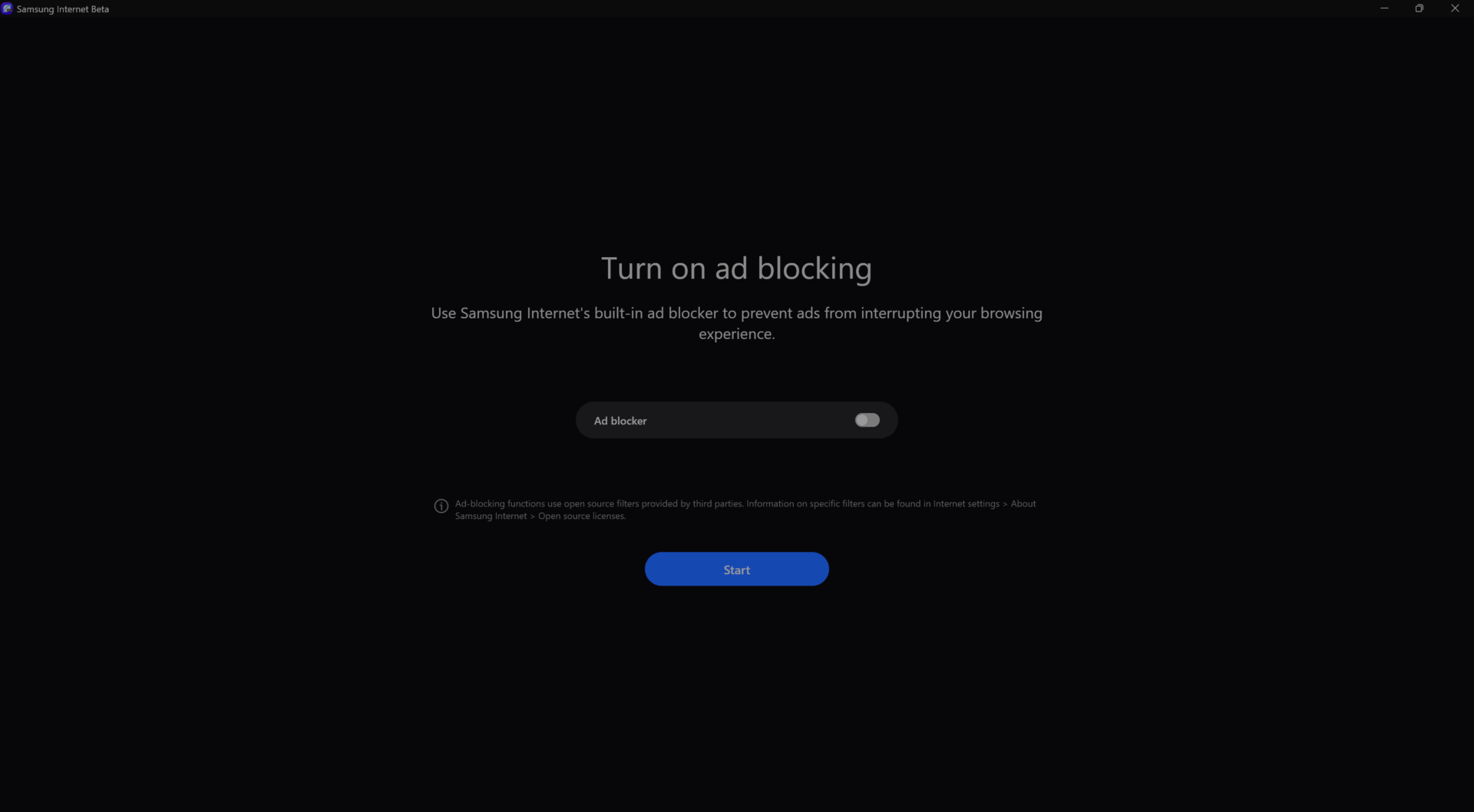
When you first launch the browser, it goes through the familiar setup process seen in many others. You’re asked to sign in with your Samsung account to enable data sync, given the option to import bookmarks and data from other browsers, and even prompted to enable the built-in ad blocker.


Here are some of the notable features available on Samsung Internet on PC, which regular users of the mobile version will be familiar with:


  1. Split view: Lets you split the browser into two halves to browse separate websites side by side (or top and bottom), similar to Multi Window multitasking on Galaxy smartphones.
  2. Secret mode: Samsung’s take on Incognito mode for private browsing.
  3. Browsing Assist: A Galaxy AI-powered feature that offers website summaries and translations.
  4. Smart anti-tracking: Blocks websites from tracking your activity, with a “Strict” mode for more aggressive protection.
  5. Privacy dashboard: Displays daily statistics on blocked trackers and ads, and gives you options to disable pop-ups and other interruptions.
  6. Sidebar: Provides quick access to bookmarks, open tabs, and other useful tools.
  7. Sync with Samsung Cloud: Syncs browsing history with other devices using the same Samsung account.
  8. Add-ons: Supports extensions from the Chrome Web Store.
  9. Dark mode: Enables a dark theme, either manually or automatically based on your system setting.


The above list is by no means exhaustive – Samsung Internet is a fully featured browser packed with more tools and settings than we can list here. The best part? You can take it for a spin yourself by officially enrolling in the beta program if you reside in the US or Korea.


If you’re outside those regions, you can still try it out by downloading the executable file from this Google Drive link. It works on Windows 10 version 1809 and later, and even supports Windows notebooks powered by ARM chips (download the ARM version here).
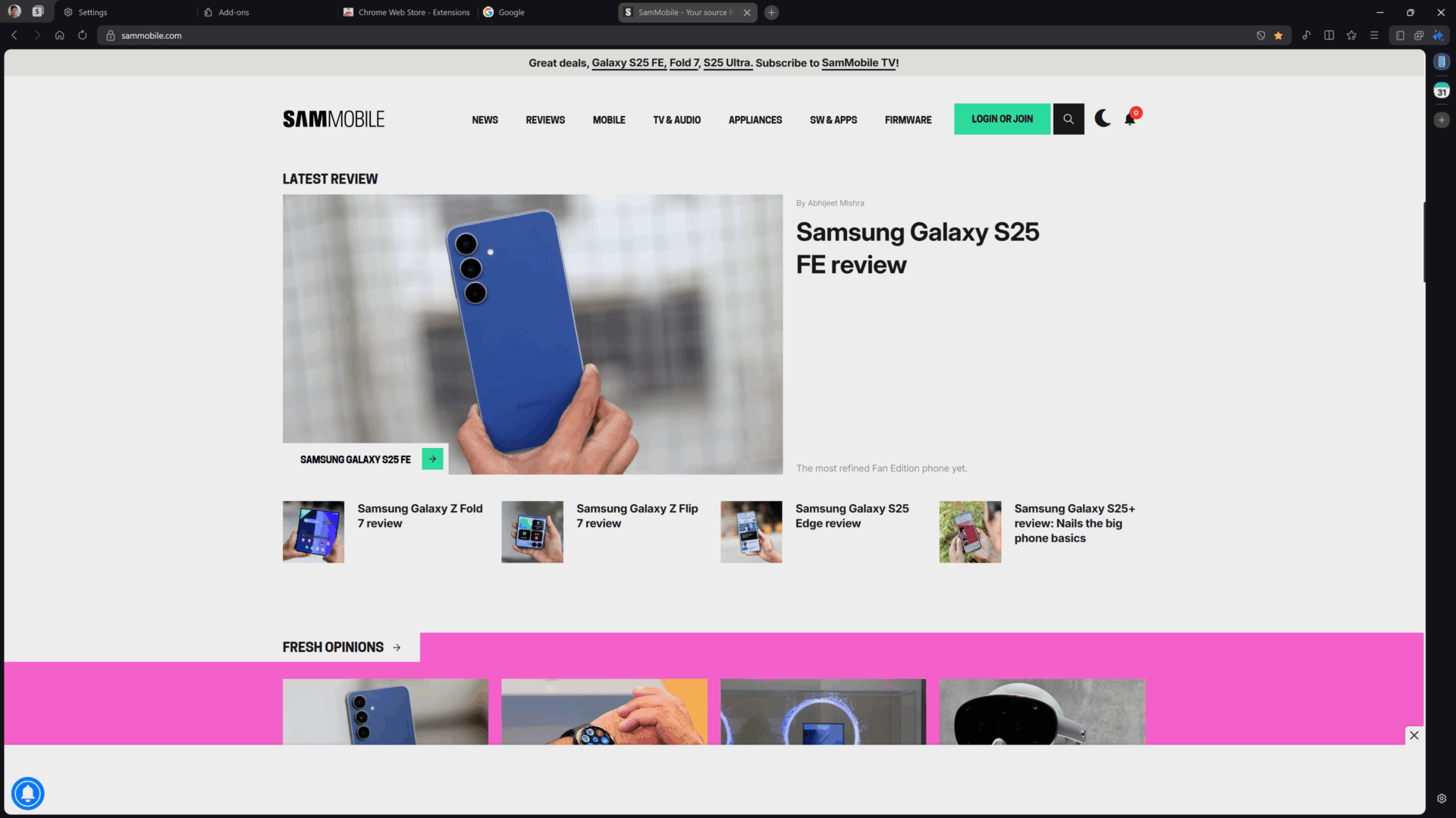


SamMobile.com
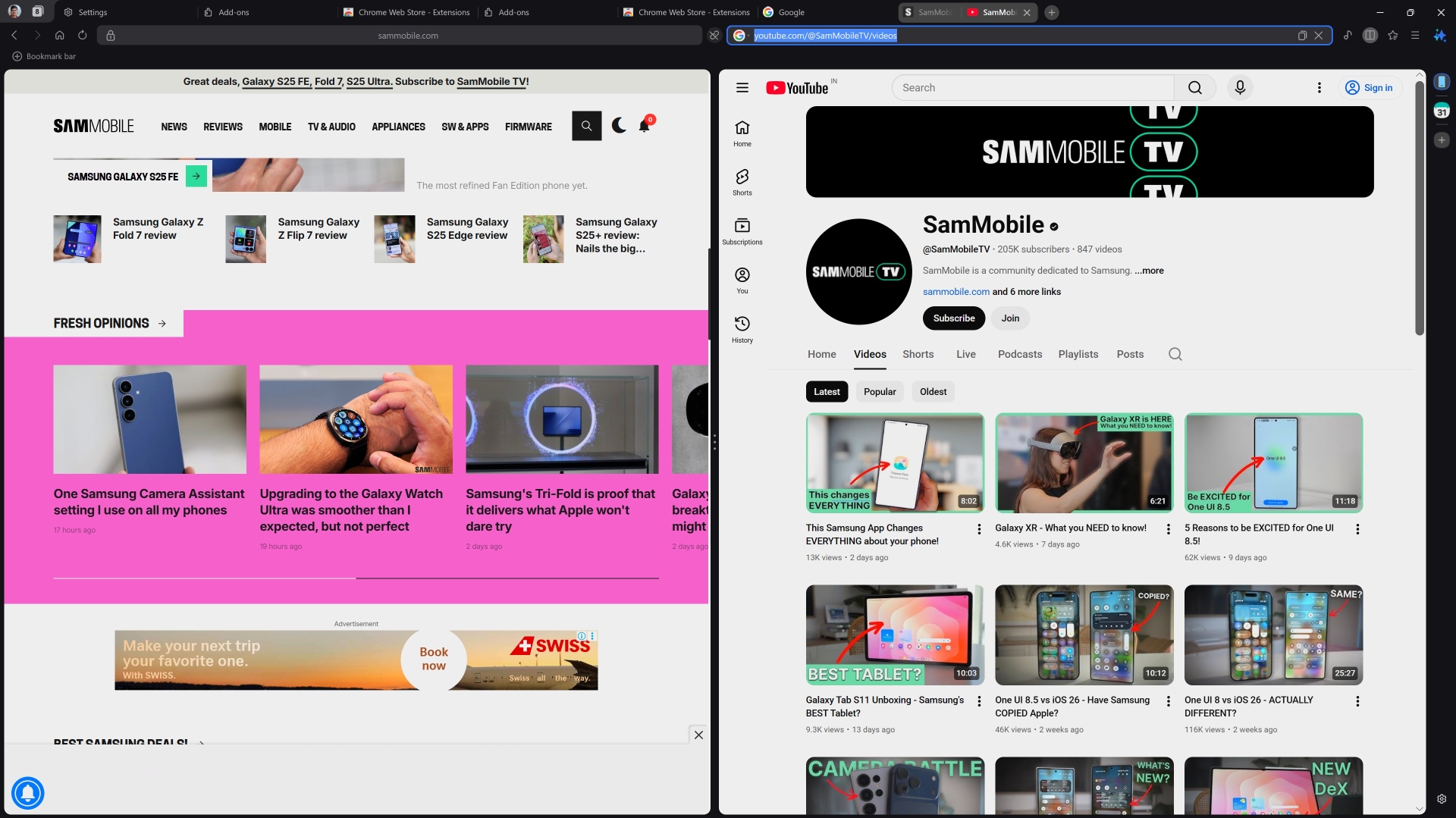


Split view
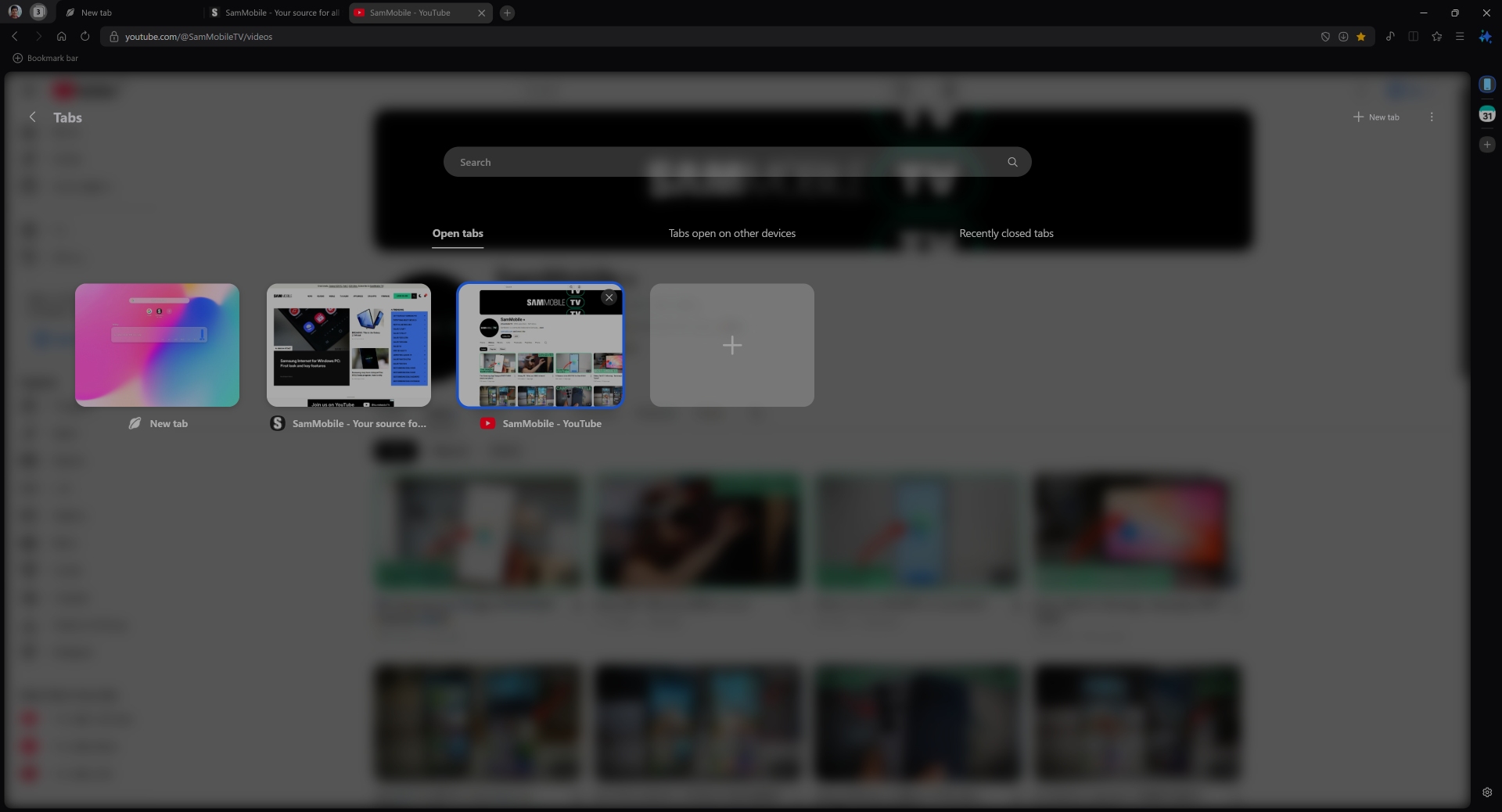


Tab manager
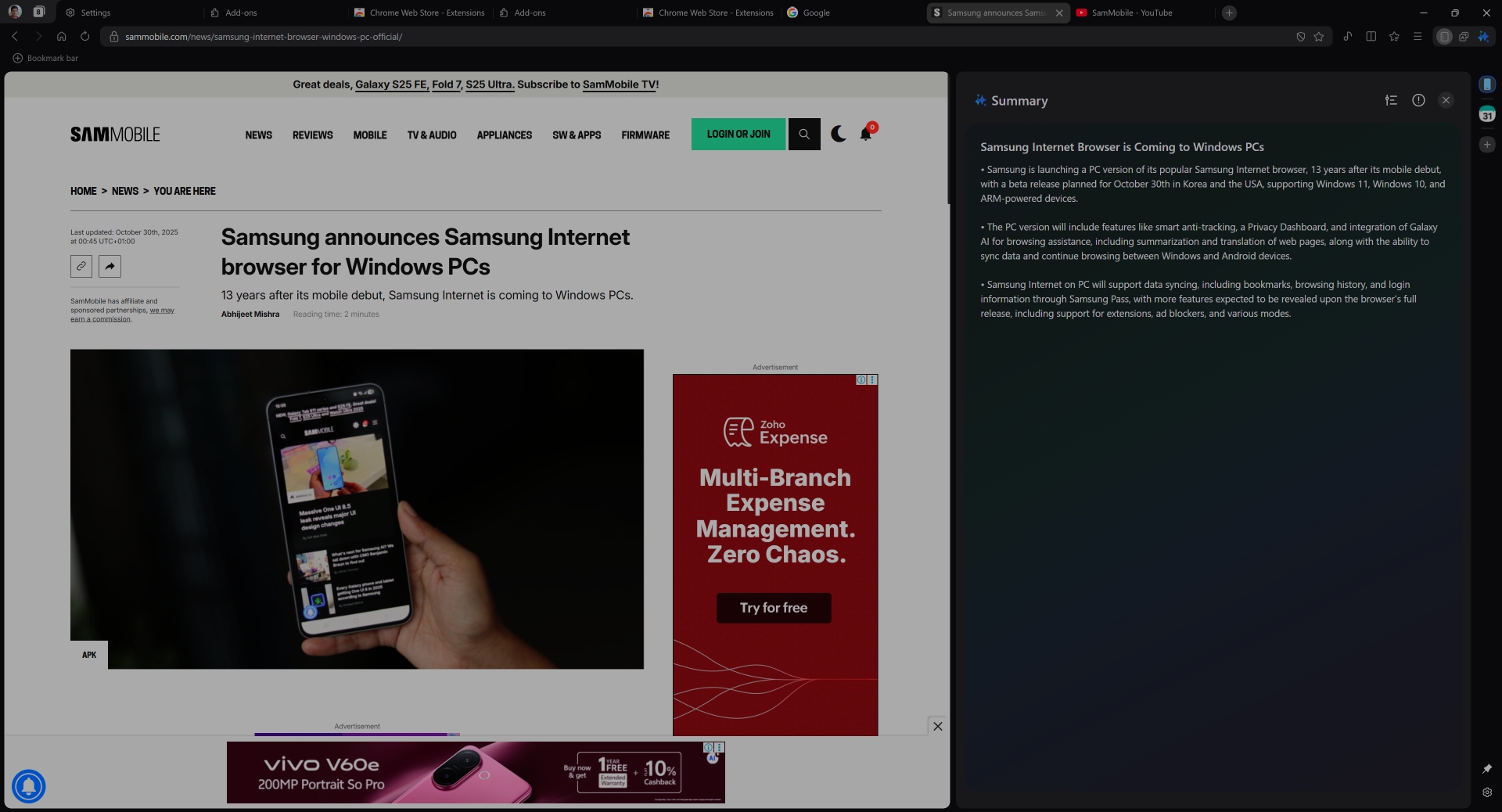


Galaxy AI summary
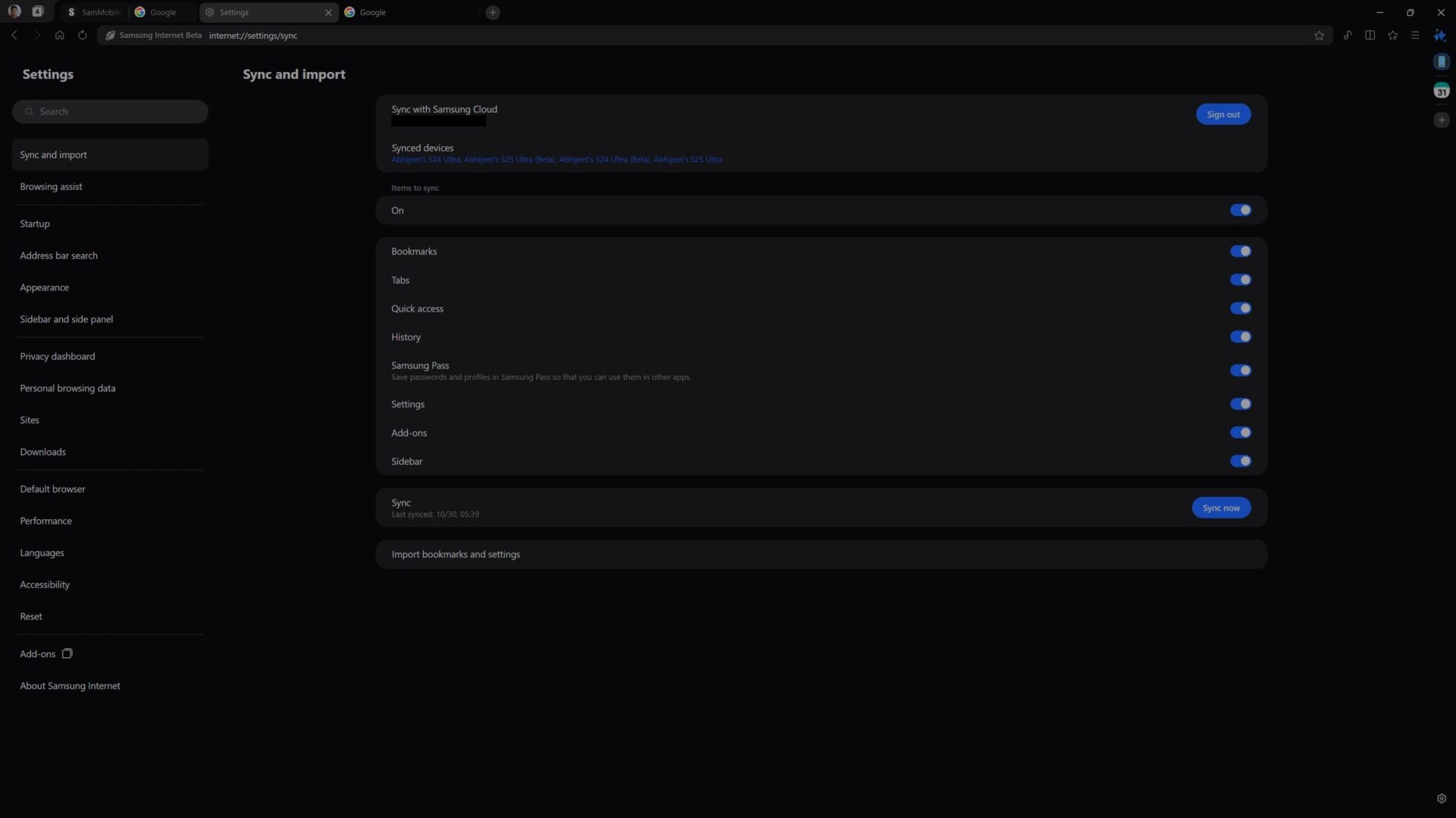


Sync and import
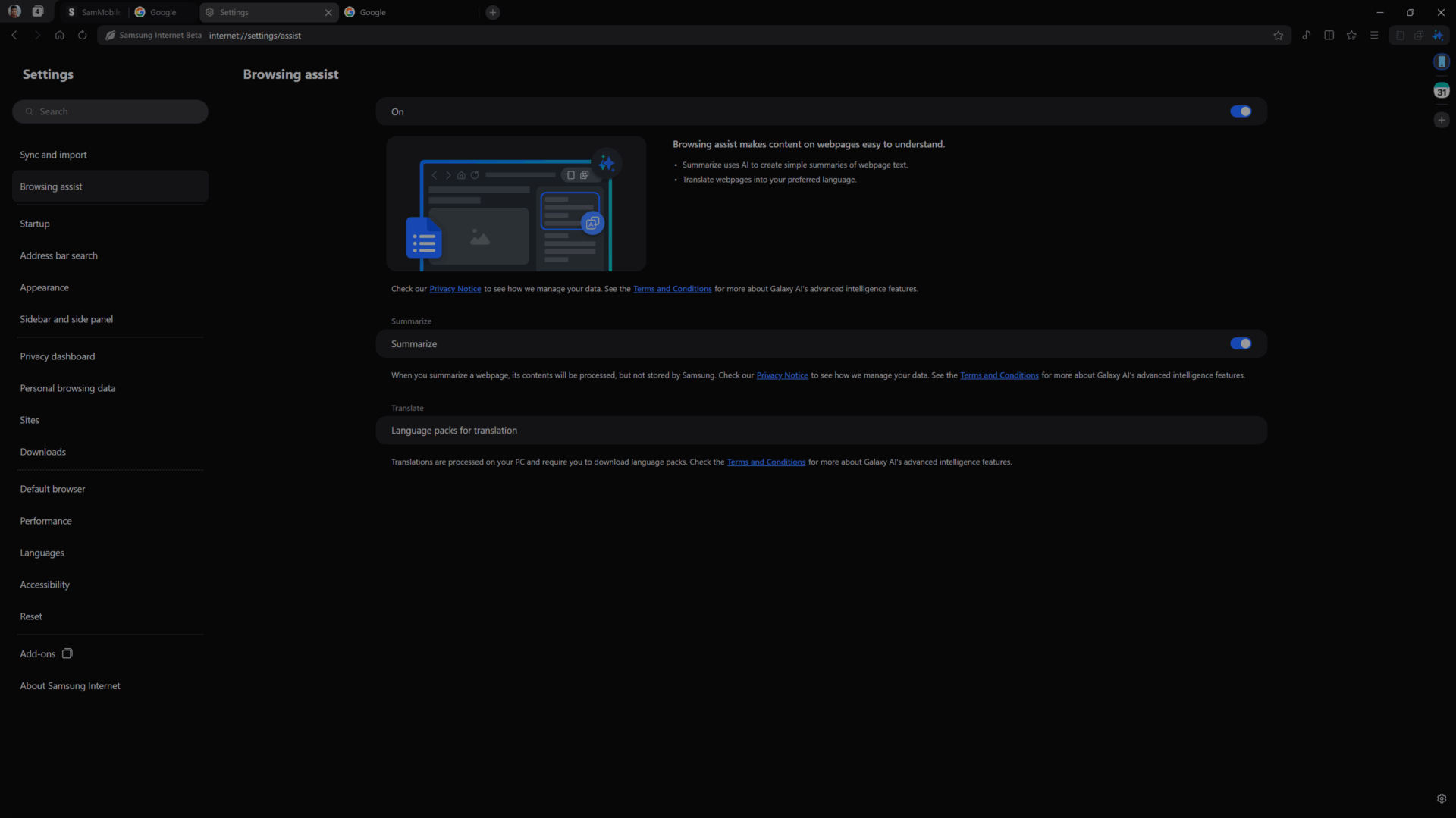


Browsing Assist settings
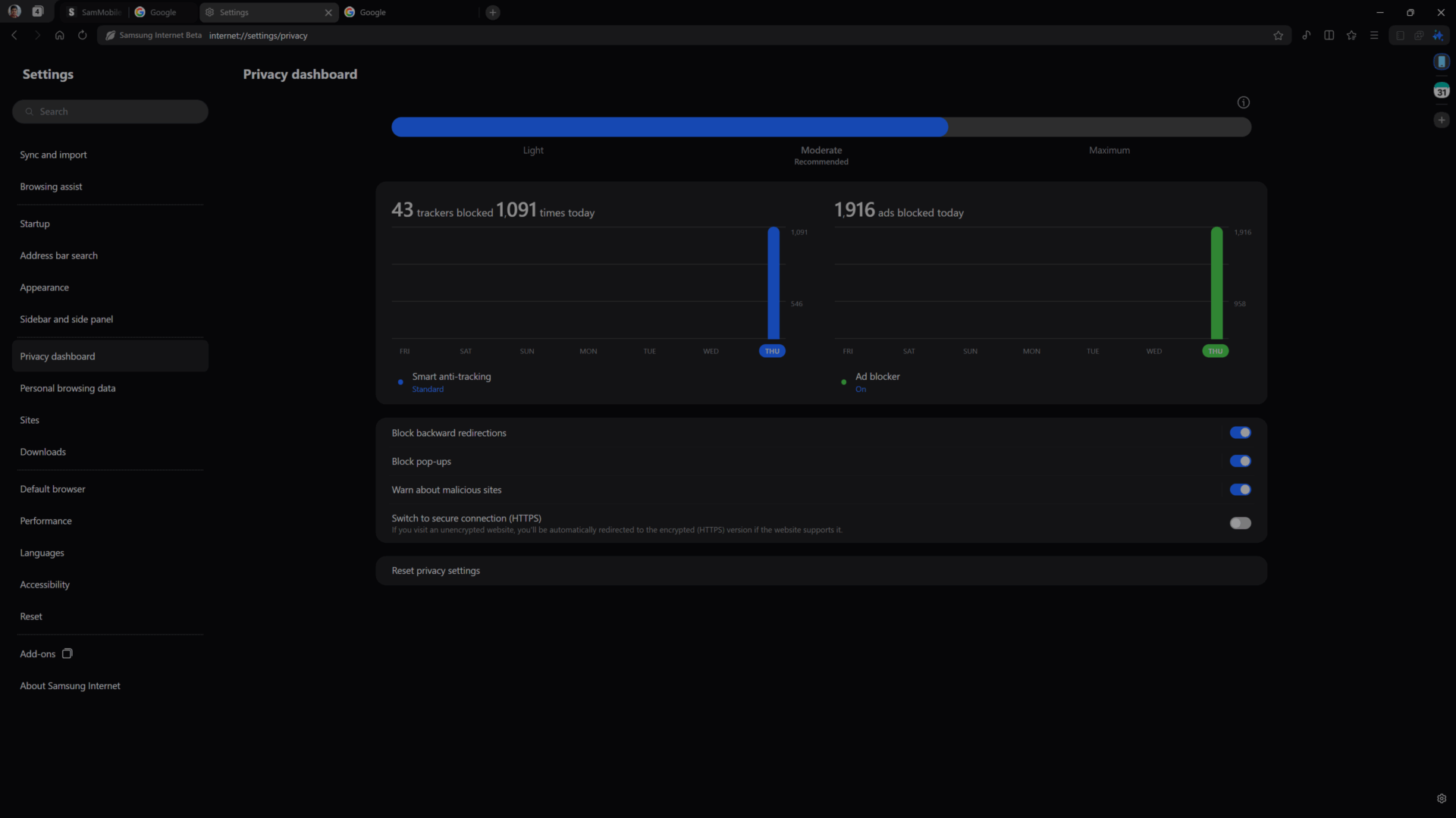


Privacy Dashboard
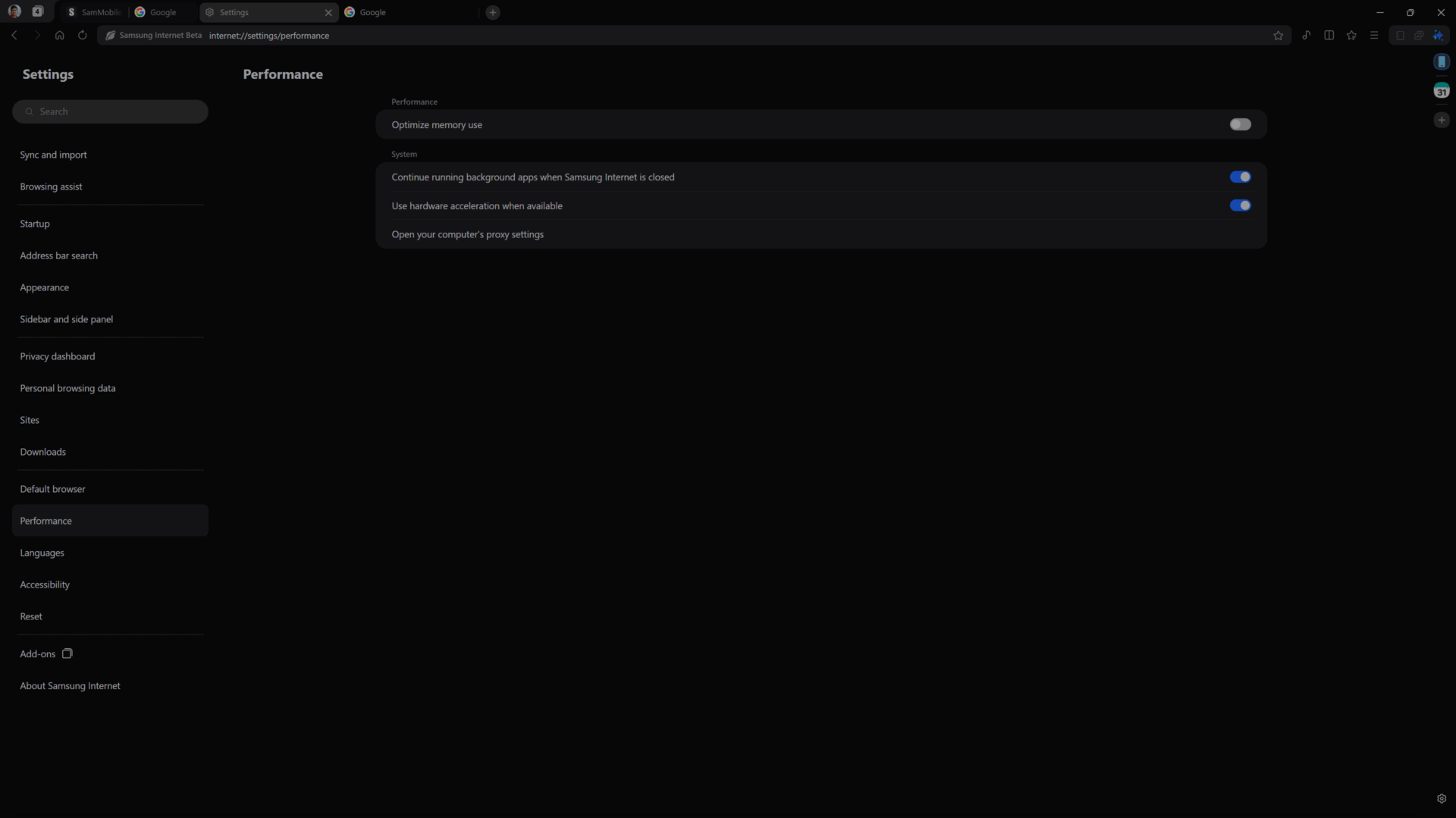


Performance options


The post Samsung Internet for Windows PC: First look and key features appeared first on SamMobile.


More...
Reply With Quote
phillynews215
View Public Profile
Visit phillynews215's homepage!
Find all posts by phillynews215
Post New ThreadReply

« Previous Thread | Next Thread »

Currently Active Users Viewing This Thread: 1 (0 members and 1 guests)
 

Thread Tools
Show Printable Version Show Printable Version
Donate Via PayPal
Amount:
Enter Short Message:
Posting Rules
You may not post new threads
You may not post replies
You may not post attachments
You may not edit your posts

BB code is On
Smilies are On
[IMG] code is On
HTML code is On

Forum Rules

Similar Threads
Thread Thread Starter Forum Replies Last Post
[NEWS] Samsung announces Samsung Internet browser for Windows PCs phillynews215 Just About Digital Community 0 10-29-2025 10:18 PM
[NEWS] Samsung developing key tech for improved Galaxy AI features phillynews215 Just About Digital Community 0 11-06-2024 05:11 AM
[NEWS] Here's our first look at the Samsung Galaxy Z Fold Special Edition phillynews215 Just About Digital Community 0 09-07-2024 05:37 PM
Heres your first look at some of Galaxy Rings health tracking features (A phillynews215 Bulletin News 0 06-30-2024 10:54 PM


All times are GMT -4. The time now is 08:48 AM.

Wckediden Community - Archive - Privacy Statement - Terms of Service - Top


Powered by vBulletin® Version 3.8.14
Copyright ©2000 - 2026, vBulletin Solutions Inc.
Template-Modifications by TMS
POWERED BY PHILLYFINESTSERVERSTAT FOR WCKEDIDEN|- NEXTELELITE| - PPCTHEME| - IDENINSIDER