 |



|
#1
 09-30-2024, 03:36 PM
|
||||
|
||||
 I wasn’t convinced by Gemini, but the Pixel 9 is bringing me around
I’ve never been a big fan of voice assistants. I’ve had Google Assistant in my pocket for years, yet I don’t think I’ve relied on it for much more than turning on my smart lights or setting kitchen timers. Honestly, I don’t love speaking out loud to an assistant when I can get the same result with a few quick taps. So, when my colleague Rita asked me to switch from Google Assistant to Gemini and see how I got along, I put it off as long as possible. After all, if I didn’t want to talk to a robot before, why would I want to talk to one now?
As it turns out, I just needed the right kind of robot. I needed Gemini, but I needed it on the Pixel 9 series before I felt confident Google knew what it was doing. Here’s what I learned from switching assistants. The power of conversation Of course, when you switch chatbots, the first thing you should probably do is talk to your new assistant  at least to get used to some new AI lingo. And, when Google introduces a more conversational Gemini alongside the Pixel 9 series, dubbed Gemini Live, there’s no better time to do so. I got to talk to Gemini Live as part of the Pixel 9 launch itself, suddenly finding that I had no idea what to ask a voice assistant that sounded so human. I eventually found the words to ask Gemini what to do with the rest of my day in San Francisco, which gave me more ideas to test once I returned home. See, I’m heading to Amsterdam  a city I’ve never been to  to spend a few days and run a marathon later this fall. So far, I’ve asked everyone I know for suggestions, from family friends to colleagues, and everyone has a different answer. Now, I could put all of those answers into a list and try to figure it out for myself (what I usually do), or I could ask Gemini Live to walk me through a few of the different ideas and interrupt it as I have new thoughts or want to know more about a certain stop. So, that’s what I did. I can ask Google Assistant a hundred questions, but I'd rather have a conversation with Gemini Live. I sat down to ask Gemini Live about a few specific places I figured I should hit, trying to balance free things like the Dam Square with not-so-free things like the Van Gogh Museum. And then, as a dad of two cats, I wanted to hit the Kattenkabinet  a museum dedicated entirely to art featuring cats. With Gemini Live  set to the Ursa voice  I was able to talk through the things that I wanted to hit day by day, interrupting if I thought it might be a bit too much for my schedule and trying to be mindful of not stretching myself too thin ahead of a race. Sure, I could have used Google Assistant to find some of the same information, but it wouldn’t have felt as natural as talking to Gemini. I probably would have ended up asking Google Assistant a series of about 20 questions, taking notes as I went, to figure out my itinerary for myself. With Gemini Live, I automatically got a transcript of our conversation so I could reference it at a moment’s notice. Now, if only I could get over how natural some of the Gemini Live voices sound. More facts from more places 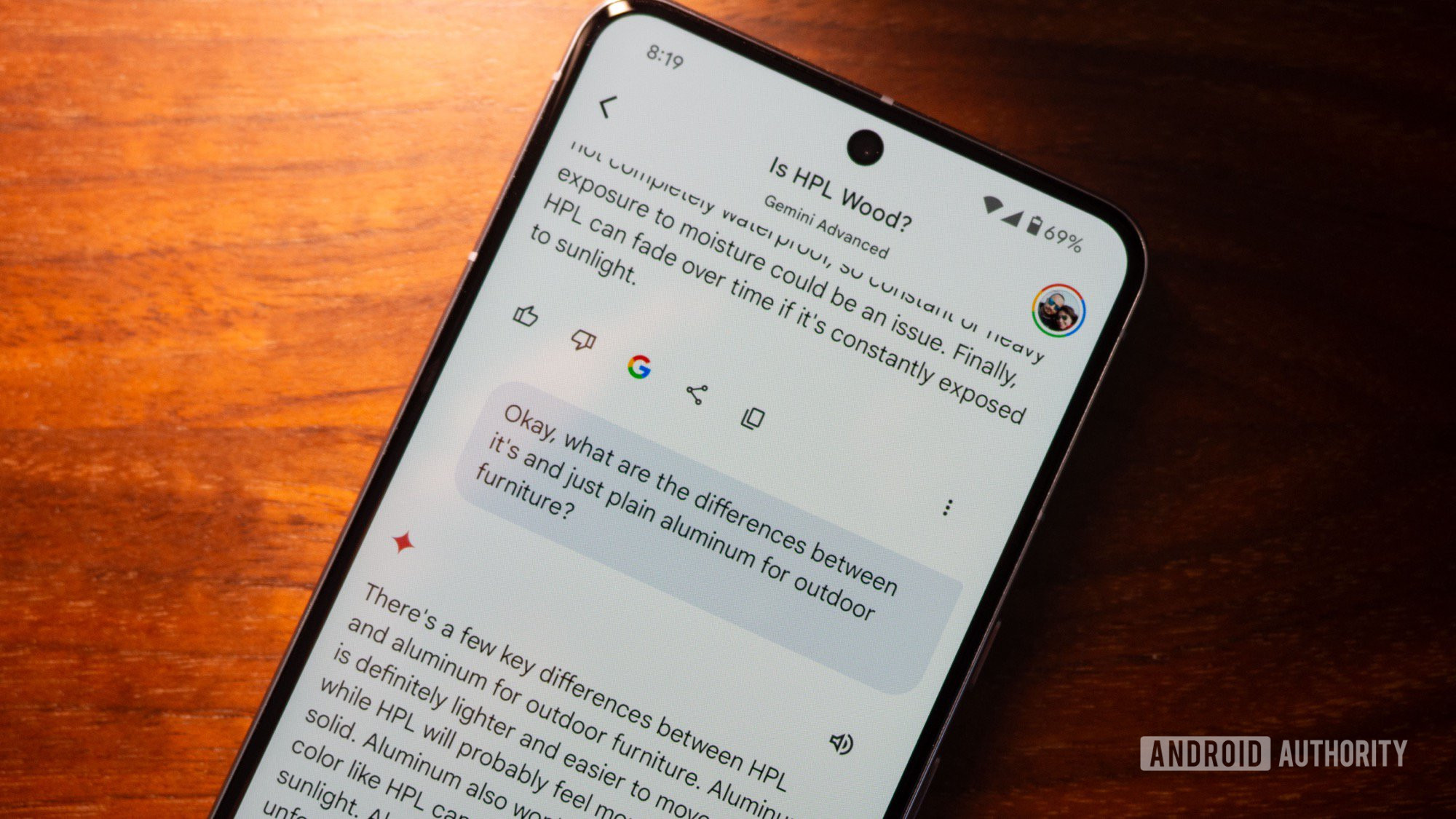 Credit: Rita El Khoury / Android Authority Perhaps I like talking to Gemini a bit better than I did Google Assistant because it pulls more up-to-date facts from the internet and your personal data. Google developed a full set of extensions for Gemini, which allow it to reach its AI-powered fingers into other apps like Gmail, Google Maps, and Google Docs. As you can imagine, this comes in handy while planning a multi-day trip to another country. After I used Gemini Live to get a bit of a feel for what I could tackle each day, I switched over to the main Gemini Advanced interface to plot a few of the suggestions on a custom Google Maps layout, along with a few obvious points of reference, like my hotel and the approximate starting line of the race. And, when I say that I did that, what I mean is that I asked Gemini to do it  and it did so without issue. In the past, I’ve had to manually plot out different stops for family vacations, taking more time to reach the same conclusion that Gemini did in just a few seconds. Google already has access to my emails, so why not use them to make Gemini smarter? As mentioned, Gemini can also dig into your Gmail inbox  should you decide to opt-in. While I’m usually not thrilled about giving out my personal data, Gemini is an extension of Google, which means it already had my emails waiting in the wings. Anyway, this also meant I could ask Gemini where I’d have to go to pick up my race bib and how much time I’d have to hobble down to the hotel lobby the next day before checkout. Now, I realize that Google Assistant can also pull information from my Gmail inbox, but it doesn’t then combine it with my other travel plans quite as seamlessly as Gemini does. I also find that Gemini is more helpful when I have fact-based questions. Sure, I can ask Google Assistant how Ajax is doing in the early stages of the Eredivisie table (not well; they’re in 12th), but if I ask Gemini for information on touring the Johan Cruyff arena (where Ajax plays), I get six bullet points breaking down how to get in, options for tours, accessibility limitations, and whether or not you need to book ahead. Ask Google Assistant for the same touring information, and I get a link to book a tour  useful, but only once I know if I can fit a visit into my schedule. Letting creativity flow 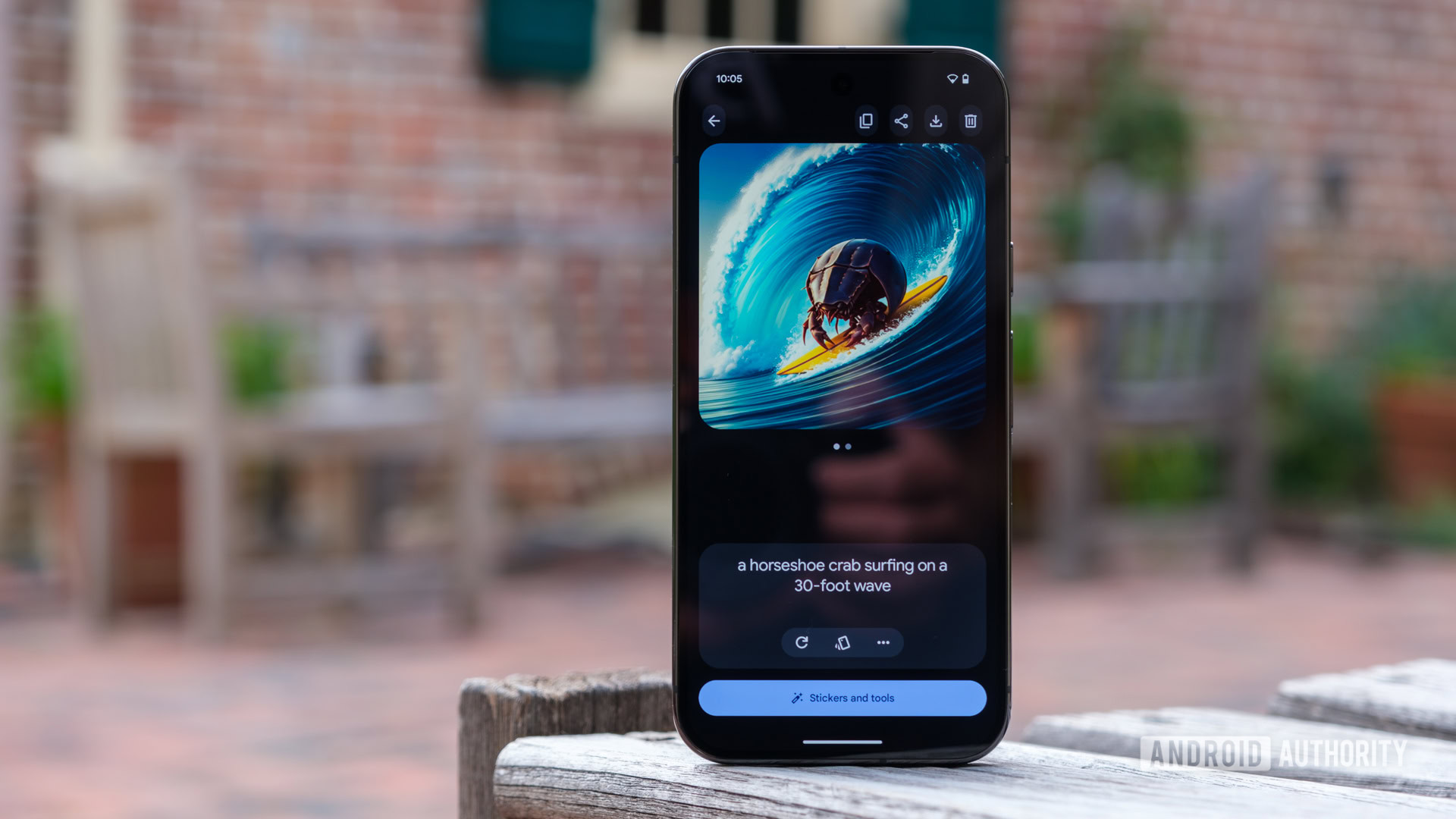 Credit: Ryan Haines / Android Authority Of course, I’m not just using Gemini over Google Assistant as a trip planner  it’s way more helpful as a creative aide, too. I’ll admit that I don’t have much interest in letting it help me write code, nor do I want it to help me write in general, but I’ve started using it way more often as an image generator. As a co-leader of a run club, typing in a simple prompt and getting back a graphic that’s ready to go for an event saves me a good chunk of time week in and week out. That said, I don’t actually use Gemini’s native image generator very often, but only because the Pixel 9 series has something that’s so much better  Pixel Studio. You probably already knew this was coming, as I’ve compared it favorably to the likes of Samsung’s Portrait Studio, but the Pixel Studio is everything I need in an image generator. It runs on the same Imagen 3 platform as Gemini Advanced but offers you faster control over your art style thanks to simple buttons to swap your art style. For whatever reason, our run club has picked up a pigeon as a mascot, and now I have an endless supply of graphics to use. Pixel Studio uses Imagen 3 just like Gemini, so that counts... right? Alright, so maybe using Pixel Studio as an extension of Gemini is cheating just a little bit, but it still tops Google Assistant. It’s much easier to grab my Pixel 9 Pro, type out an idea, get a unique image, and add text to it later in Canva than it is to ask Google Assistant for a cartoon pigeon, which will give me one of several stock images that honestly aren’t quite as cute  or as customizable. And yes, I know I can use the Help Me Write feature in Gemini across Gmail, Google Docs, and wherever else I’m trying to write, but as a guy who makes his living writing, I’d like to hold onto my skill for a little longer. I’m sure it would be useful if you were trying to write copy for Instagram posts about running several times per week, though. And yet, something is missing 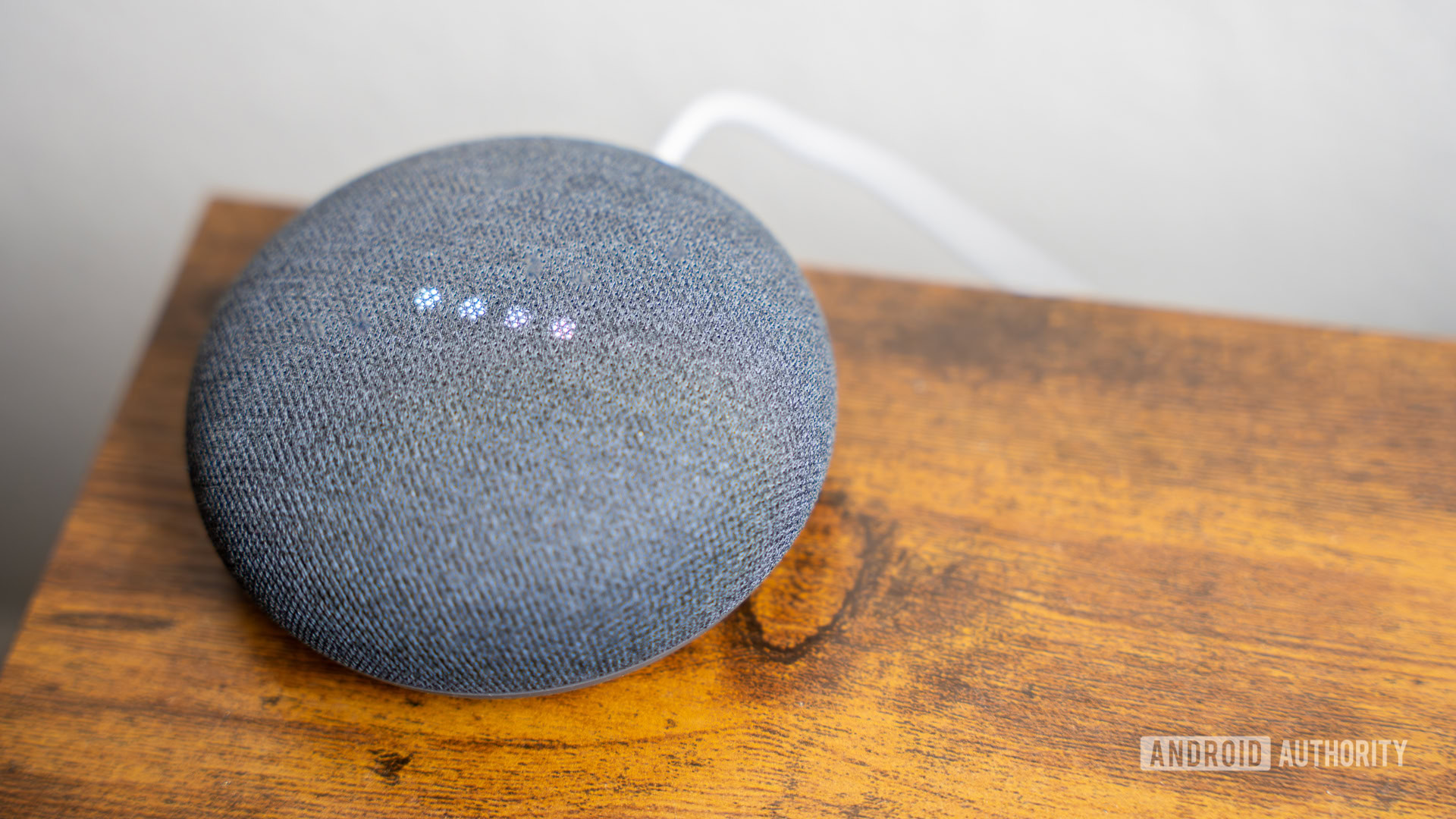 Credit: Edgar Cervantes / Android Authority Up to this point, it seems like switching from Google Assistant to Gemini is a no-brainer, right? Well, if you’re only trying to use it on the Pixel 9 series, then maybe. However, it’s not as cut and dry once you open up to the rest of Google’s ecosystem. I have an apartment dotted with Nest speakers, Lifx smart lights, and an NVIDIA Shield hooked to my TV  none of which works entirely with Gemini, at least not right now. Instead, I have to split time between Gemini and Google Assistant, depending on where I am and what I’m doing. On top of that, there are still some everyday services that Gemini simply doesn’t work with. If you want to ask Gemini to play music, it will only do so from YouTube Music, leaving my vast library of Spotify playlists in the dust. Thankfully, Google Assistant has no problems playing from Spotify, and it’s a bit better at handling routines, too. You can finally create routines with Gemini, yes, but Google Assistant handles launching them based on an alarm or a location just a bit better. Gemini is great, but it's got some work to do in my smart home. Thankfully, it looks like Google is working on fixing a few of Gemini’s shortcomings, at least concerning smart home controls. It plans to roll out an updated Help Me Create feature to Nest Aware subscribers later this year, which should help take routine requests and turn them into practical, fleshed-out procedures. It also sounds like Google’s Nest speakers will get a similar treatment to Gemini Live, making them more conversational and a bit less robotic. Perhaps my biggest question about Gemini going forward is whether or not I’ll eventually be willing to pay for the service. Right now, all Pixel 9 Pro devices (including the Pixel 9 Pro Fold) get a year of Google One AI access, which includes Gemini Advanced as a way to try out the new features. After that year is up, though, Google One AI goes back to costing a cool $20 per month, and I haven’t quite decided if my usage is worth that cost. Gemini has some neat tricks, no doubt, but I think I’d have to be using it several times a day to make it worthwhile. For now, though, I’ll have to keep living my split existence. I’ll have to keep letting Gemini run my life while out and about or planning for a trip while Google Assistant keeps holding down the home front. Maybe I’ll be able to rely on Gemini full-time in the near future, but we’re not quite there yet. More... 
|





  |
«
Previous Thread
|
Next Thread
»
| Currently Active Users Viewing This Thread: 1 (0 members and 1 guests) | |
|
|

 Similar Threads
|
||||
| Thread | Thread Starter | Forum | Replies | Last Post |
| My Pixel support nightmare convinced me to never go back to Google | phillynews215 | Digital Scoop | 0 | 11-03-2025 01:10 PM |
| My Pixel phone’s best app is the one I wasn’t using | phillynews215 | Digital Scoop | 0 | 01-19-2025 12:12 PM |
| Updated Gemini app on iOS just ran laps around Apple Intelligence | phillynews215 | Digital Scoop | 0 | 12-19-2024 06:45 AM |
| Taylor Swift wasn’t one of Google’s top trending musicians of 2024. Here’s | phillynews215 | Digital Scoop | 0 | 12-10-2024 11:41 AM |
| I convinced my iPhone friends to adopt RCS without ever mentioning RCS | phillynews215 | Digital Scoop | 0 | 10-05-2024 11:08 AM |
All times are GMT -4. The time now is 08:35 AM.