 |



|
#1
 09-09-2024, 08:54 PM
|
||||
|
||||
 I got hate for not using the S Pen on my Galaxy S24 Ultra, so I used it for
A couple of weeks ago, I penned a long-term review of the Galaxy S24 Ultra and said that Samsung should remove the S Pen. That got you all going. I received many comments telling me how wrong I was, and one even told me I was an iPhone user in disguise. Thats so insulting.
So, over the past couple of weeks, I decided to try and use that S Pen a little bit more every day to see whether the comments were right and I was wrong about the S Pen being a little bit useless. Here are some of the S Pen features Ive used over the last few weeks. Some of them are quite good, and some are just not for me. Off-screen memos 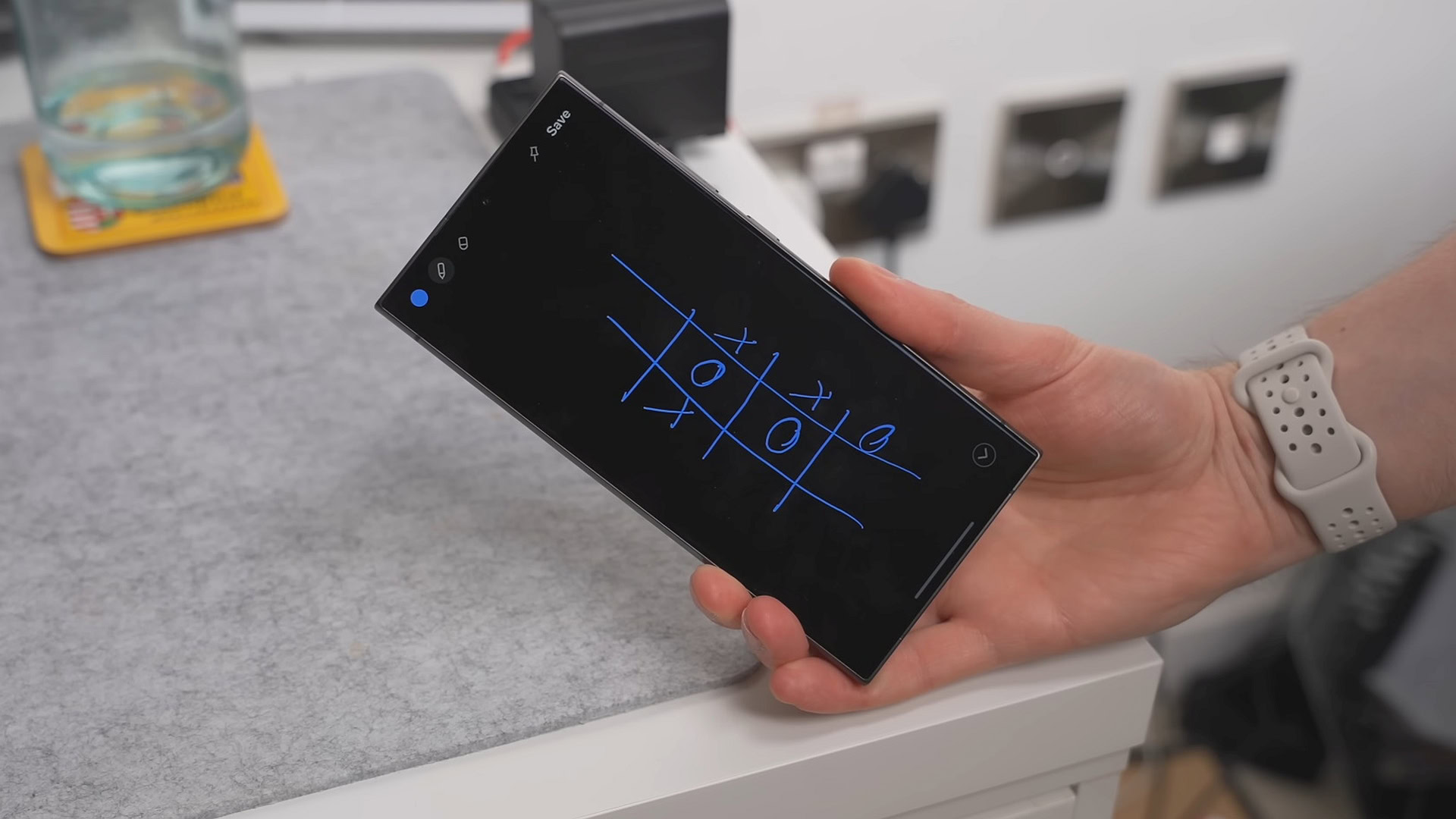 Credit: Andy Walker / Android Authority There was already one S Pen feature that I used quite often, and that was off-screen memos. If you have your Galaxy S24 Ultra and want to take a note immediately without unlocking your phone, you can do just that. Just scribble down a few things without unlocking your phone. I mostly used it to play games or just fiddle around, but I didnt realize how powerful the notes app was here. If you go into the settings, you can pin that note on your lock screen as an always-on display. Its a pretty helpful feature if youre someone who likes to write down shopping lists as you go or add to that note without having to create a new note each time or go into the app and then edit it. I already used the S Pen off-screen memos feature quite often. I also really like the fact that you can call or email someone immediately just by hovering over their address or number with that S Pen. You can do this with math equations, too. Very useful. Air View 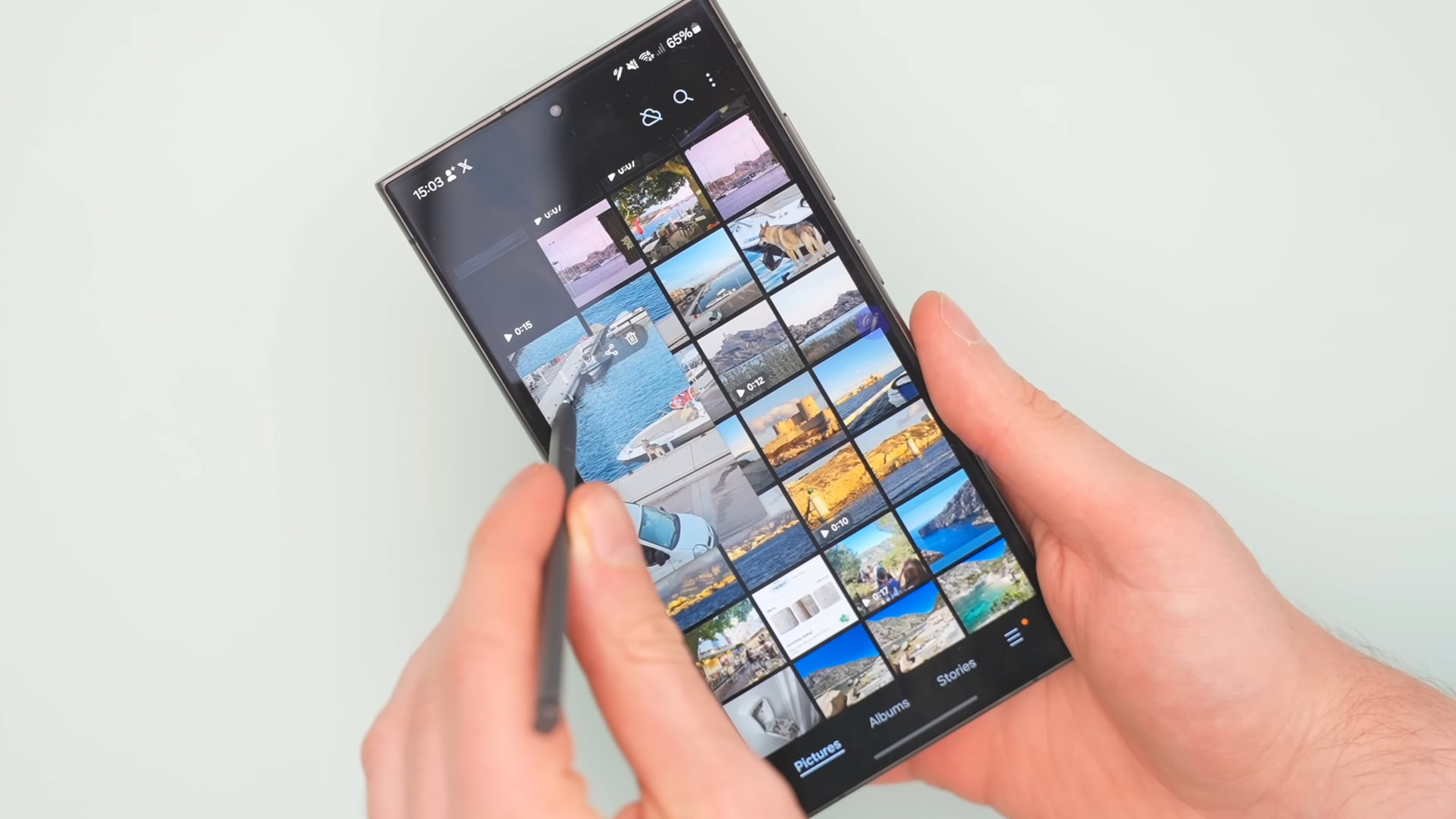 Credit: Andy Walker / Android Authority Another S Pen feature that I didnt know existed until I read the comments was Air View. Now, you might know what this is already, but if you dont, you can hover over any photo or video in the Gallery, and itll pop out into a small window, allowing for better previews. This only works inside the Samsung Gallery app, so it doesnt work with Google Photos or any other picture app, but I found myself using this feature regularly over the past couple of weeks. S Pen to text 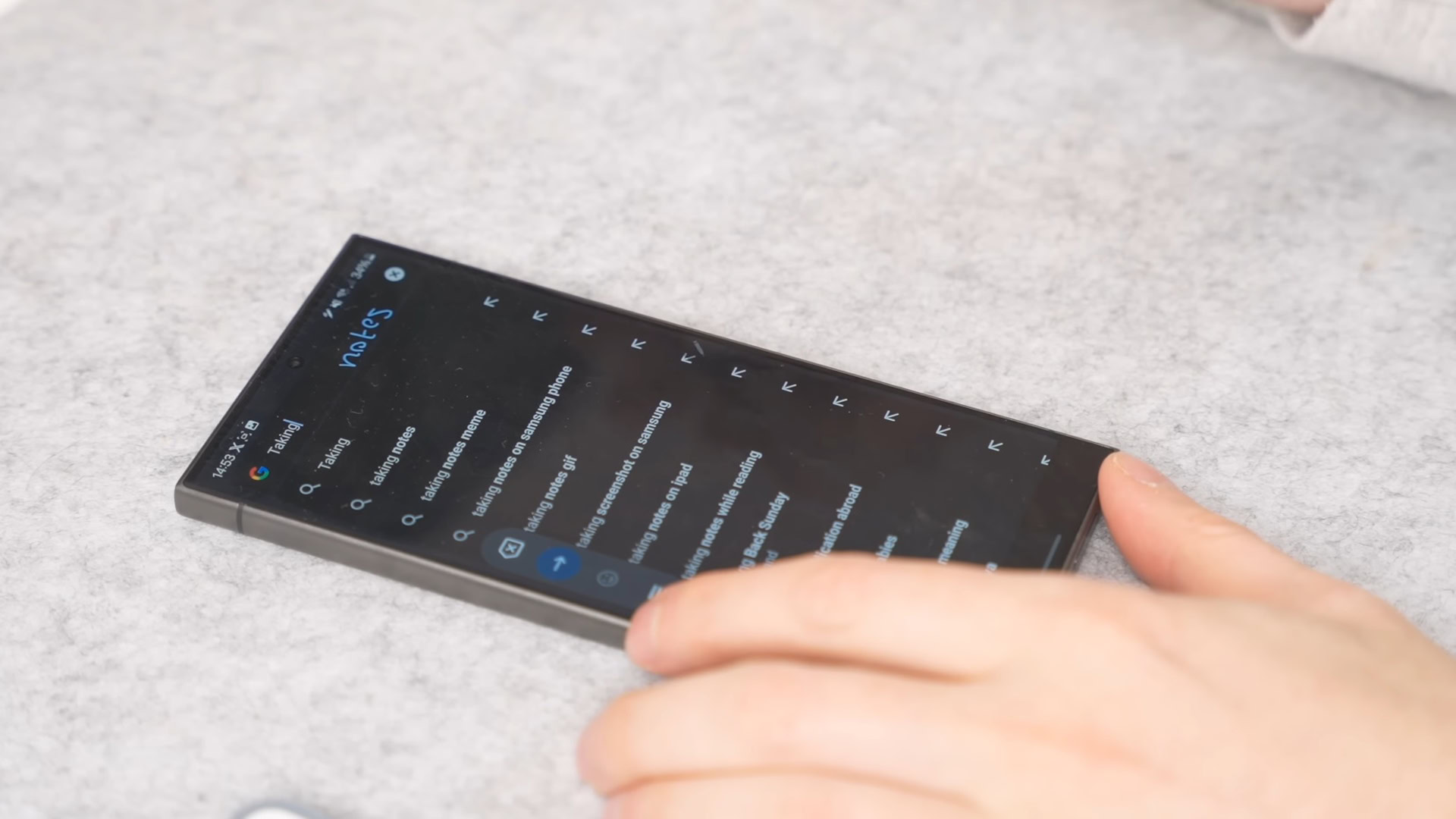 Credit: Andy Walker / Android Authority I am impressed by how accurately Samsung and One UI can determine what Im writing, so Ive been using the S Pen to write in search boxes instead of the keyboard. Even though my writing looks like a five-year-olds, the device recognizes what I intended to jot down. This was even more impressive when I was trying to take notes in a meeting. When you write something down, you can hover over it and it will convert that scribble to text. I have so many typos when Im trying to type quickly, and with the S Pen, it felt like I could just get these notes down a little bit easier. It felt a little bit more natural. Smart Select 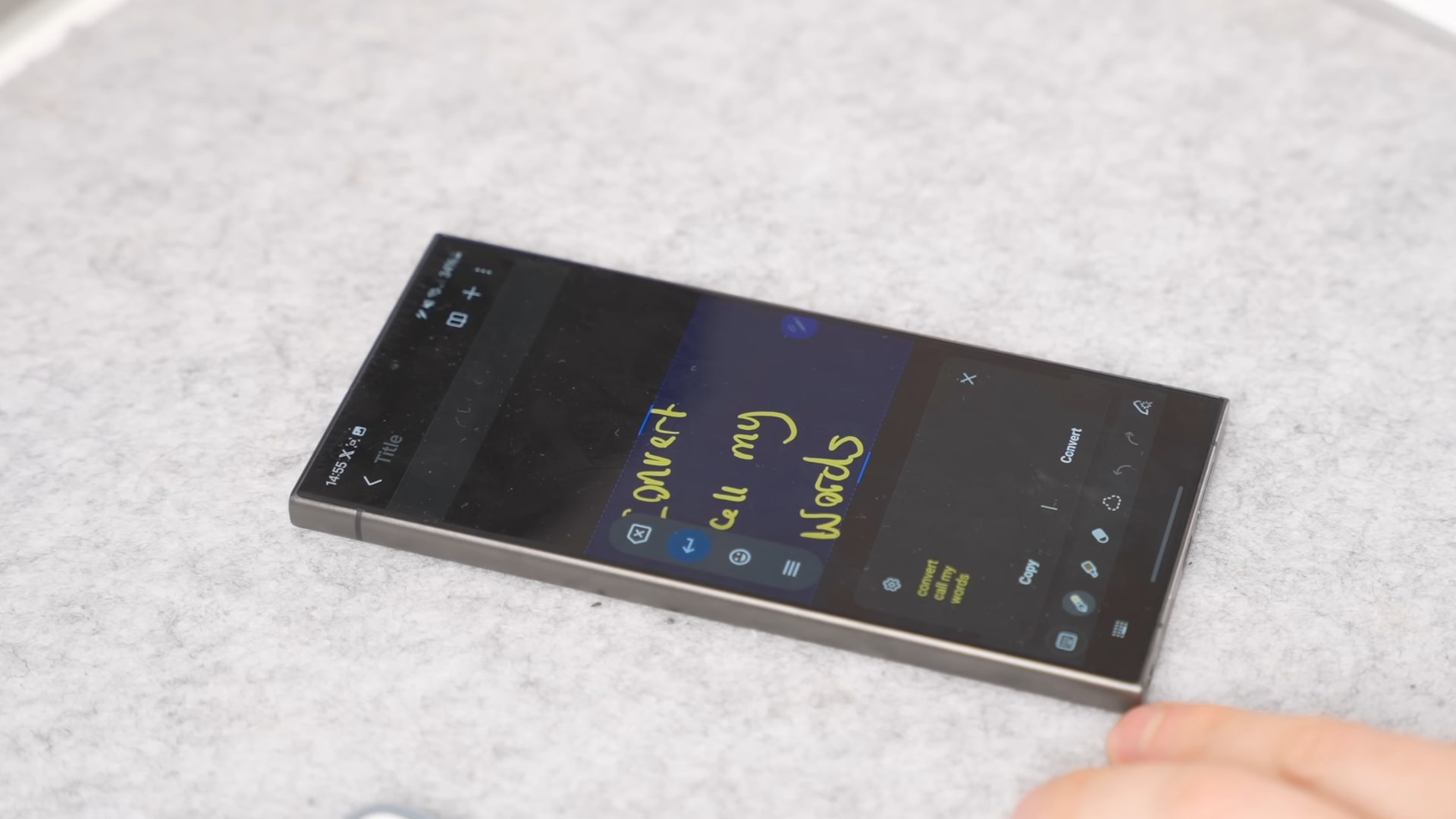 Credit: Andy Walker / Android Authority Undoubtedly, my favorite S Pen feature is Smart Select. This is handy for taking screenshots and then annotating those screenshots immediately. I appreciate anything that eliminates steps, and the fact that you can be a bit more accurate using the S Pen to annotate or draw is great. It allows you to screenshot the exact part that you want to share. Talking of sharing, you can then share that screenshot directly in Smart Select. I really like this functionality. Photo editing Now, for the S Pen features that I just dont think are useful. For example, if you go into the Gallery app and want to edit a photo by drawing around something to eliminate it, you can use the S Pen. However, I feel like thats an extra step. I can do just as well by drawing around the same subject with a finger. Translate 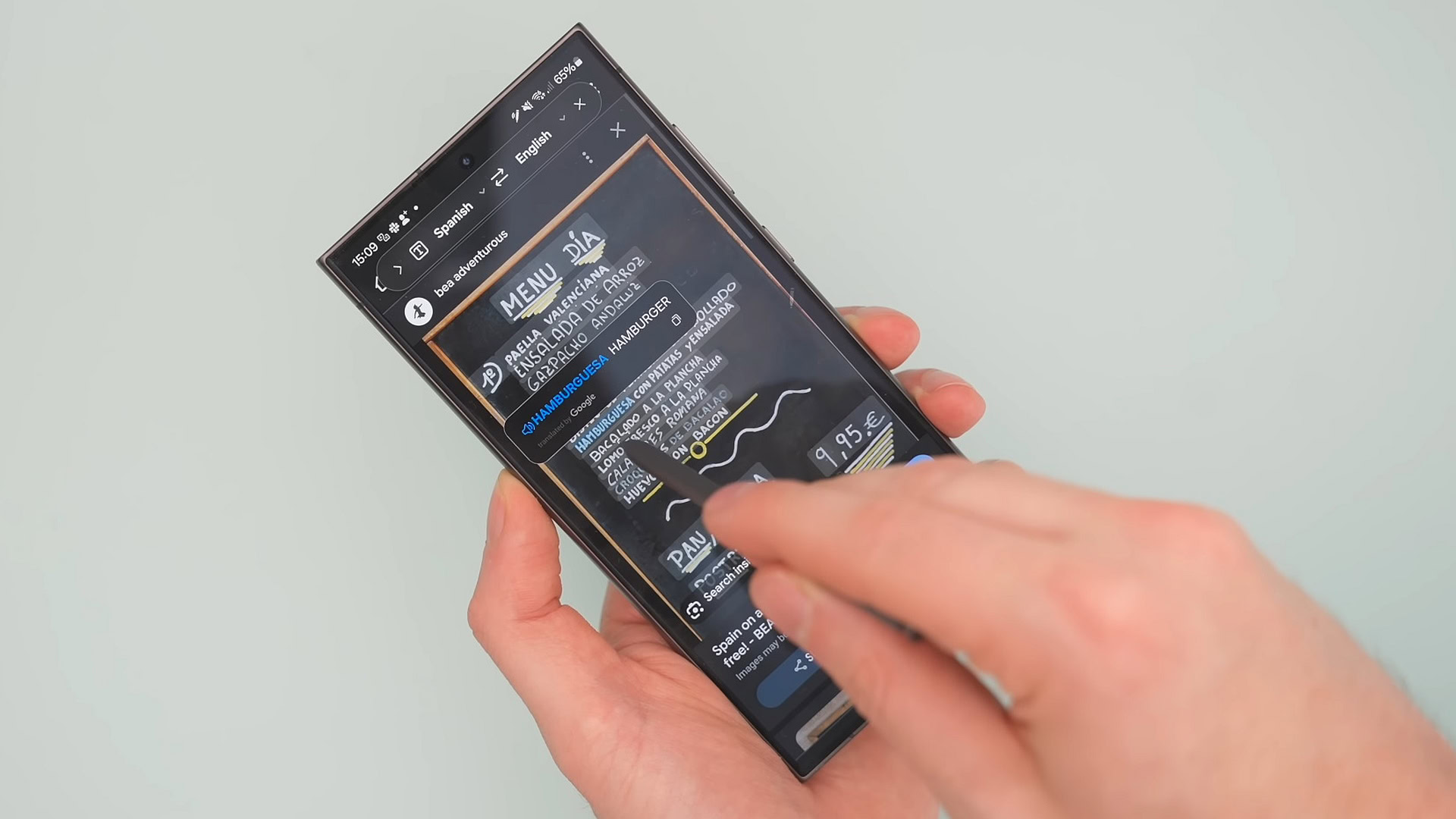 Credit: Andy Walker / Android Authority Then theres Translate with the S Pen. If you want to translate a single word, you can just hover over it, or you can translate entire paragraphs and sentences. However, I think Circle to Search has done a much better job, eliminating the need to use that S Pen. You can actually just use Circle to Search around any of the text in an image or on a website and translate it right from there without having to get the S Pen out. This is the same with Bixby Vision as well. Its quite powerful. You can draw a box around a subject in an image, and Bixby Vision will provide more info on that image or even find more visuals like it. However, you dont really need it now because Circle to Search is there. It does a better job. Its quicker, easier, and more accurate in terms of the information that itll give you. So again, the S Pen here is just a little bit redundant. Magnify 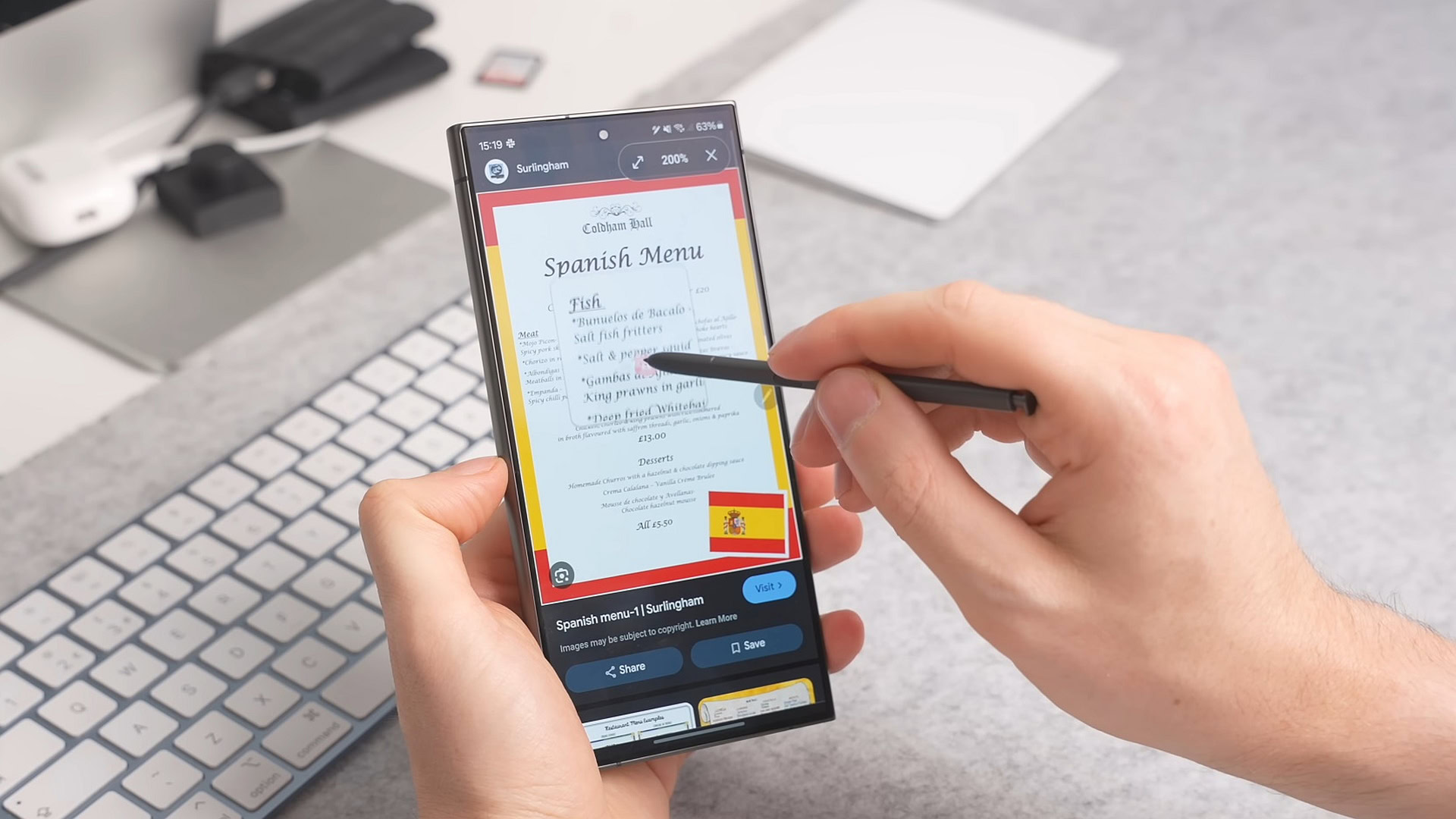 Credit: Andy Walker / Android Authority Then you have things like Magnify. It works really well, but do you need it? I dont see how many people use Magnify that often daily. Im not going to bash it because, like I said, it is functional, but there are also good magnification options on Android already. Calendar notes This brings me to what I think is possibly the most pointless feature of the S Pen: the ability to write inside your calendar. You can zoom in on your calendar and start writing down certain events and notes with the S Pen. However, it doesnt create a reminder for the note you just took inside your calendar. You have to then go back into that specific date and re-add a reminder for what youve just written  I just dont see the point. AR Doodle 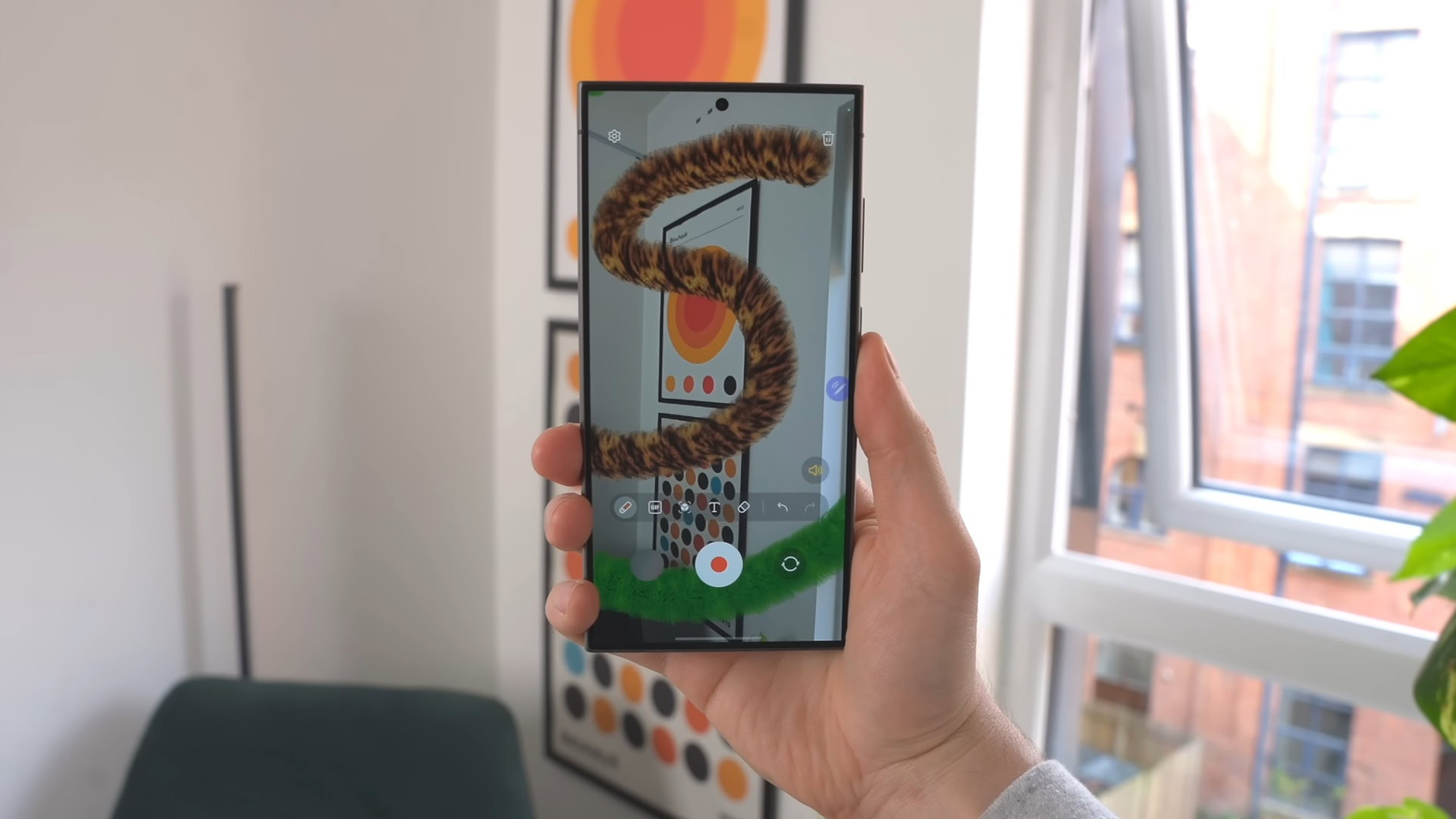 Credit: Andy Walker / Android Authority There is an app, though, that Ive probably had the most fun using over the past couple of weeks: AR Doodle. You can create 3D objects by drawing them with the S Pen, and then once youre done, you can view these objects as if they exist in the real world. Its a nifty concept and a fun app. I think its probably geared towards children, if anything. Im not sure how much I would use this outside of testing it just for this article, but I like that its there. Its really powerful and does a really good job. Pentastic 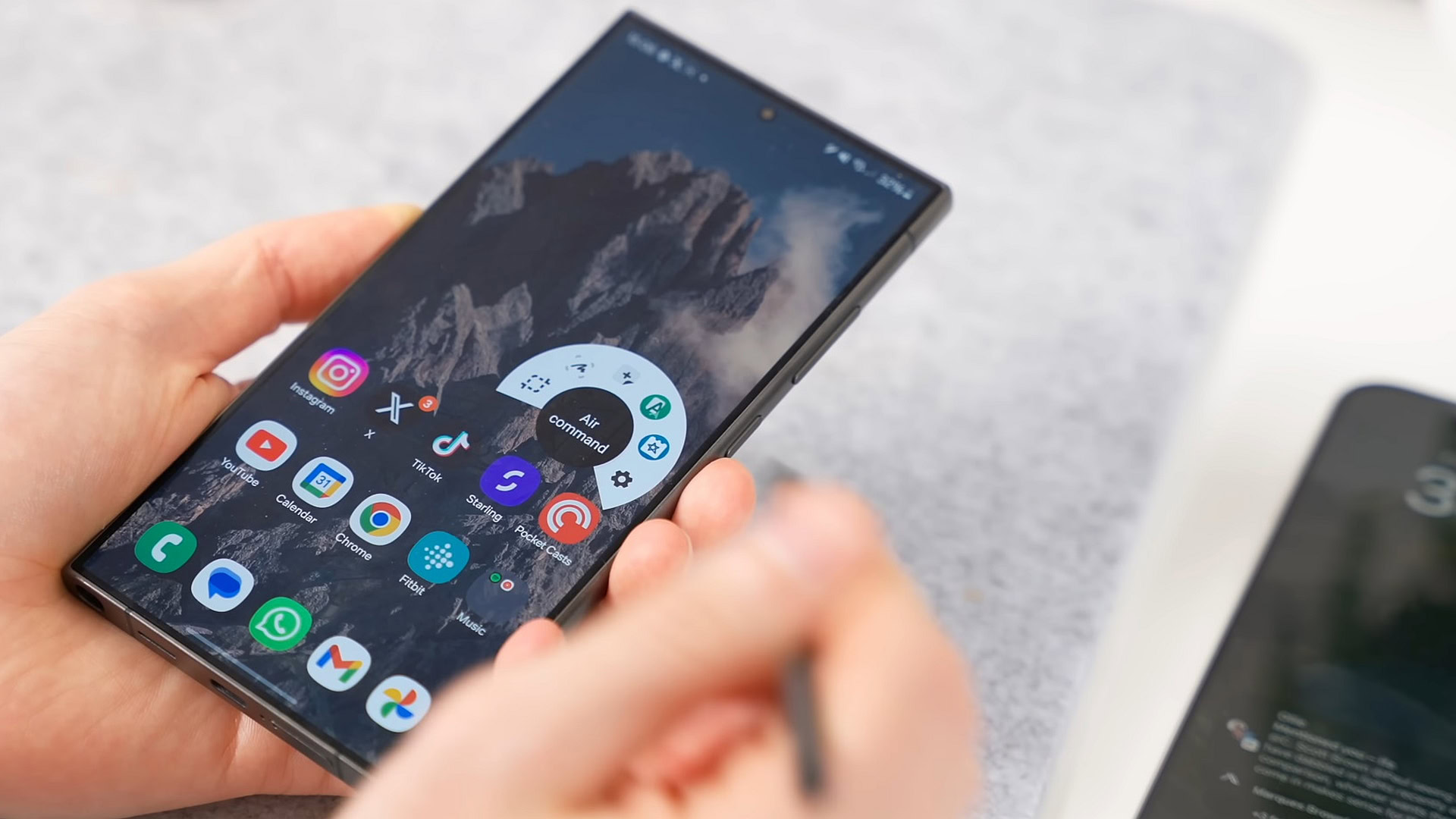 Credit: Andy Walker / Android Authority Theres also Pentastic inside the Good Lock app, and I like that you can customize the S Pens smarts a little bit. You can change the menu that pops up every time you open it, the sound of the S Pen, and even the cursor to a little pig if thats your style. You can also add a double-click on the S Pen button to open any app, which again is useful. I know there are loads of S Pen features I havent tried, and if I did, it would just take hours. You can unlock your phone with the S Pen, set up routines to control your smart home, which I think is cool, or just use it to zoom in and out of the camera and take pictures. By the way, I found zooming in and out of photos annoying and rigid. So, is the S Pen actually useful? Ive used the S Pen as much as possible in the last couple of weeks, and I do get it. I get why some people love it, but no matter how much I try, I just dont think its for me. I dont like the added step of using the S Pen. Having said that, I am actually open to being proven wrong that the S Pen is the best feature of the Galaxy S24 Ultra and the Ultra lineup as a whole. If theres an app you think I should try or a feature with the S Pen, then let me know in the comments below because I would love to give it a go. More... 
|





  |
«
Previous Thread
|
Next Thread
»
| Currently Active Users Viewing This Thread: 1 (0 members and 1 guests) | |
| Thread Tools | |


|
|

 Similar Threads
|
||||
| Thread | Thread Starter | Forum | Replies | Last Post |
| I used to hate the Pixel Tablet, but now I kind of love it | phillynews215 | Digital Scoop | 0 | 10-27-2025 03:58 PM |
| [NEWS] Galaxy S24, S24+, S24 Ultra, and S24 FE get December 2024 security update | phillynews215 | Just About Digital Community | 0 | 12-09-2024 06:20 AM |
| Wondering why your Galaxy S24 Ultra has an S Pen dead spot? You can blame i | phillynews215 | Digital Scoop | 0 | 12-03-2024 09:15 AM |
| [NEWS] Galaxy S24, S24+, and S24 Ultra get October security update | phillynews215 | Just About Digital Community | 0 | 10-09-2024 08:52 PM |
| Hate YouTube ads? This key change will make you hate them even more | phillynews215 | Digital Scoop | 0 | 10-08-2024 07:54 AM |
All times are GMT -4. The time now is 11:51 AM.