 |



|
#1
 10-28-2024, 04:23 PM
|
||||
|
||||
 Windows 11 is preventing users from removing their devices from Phone Link
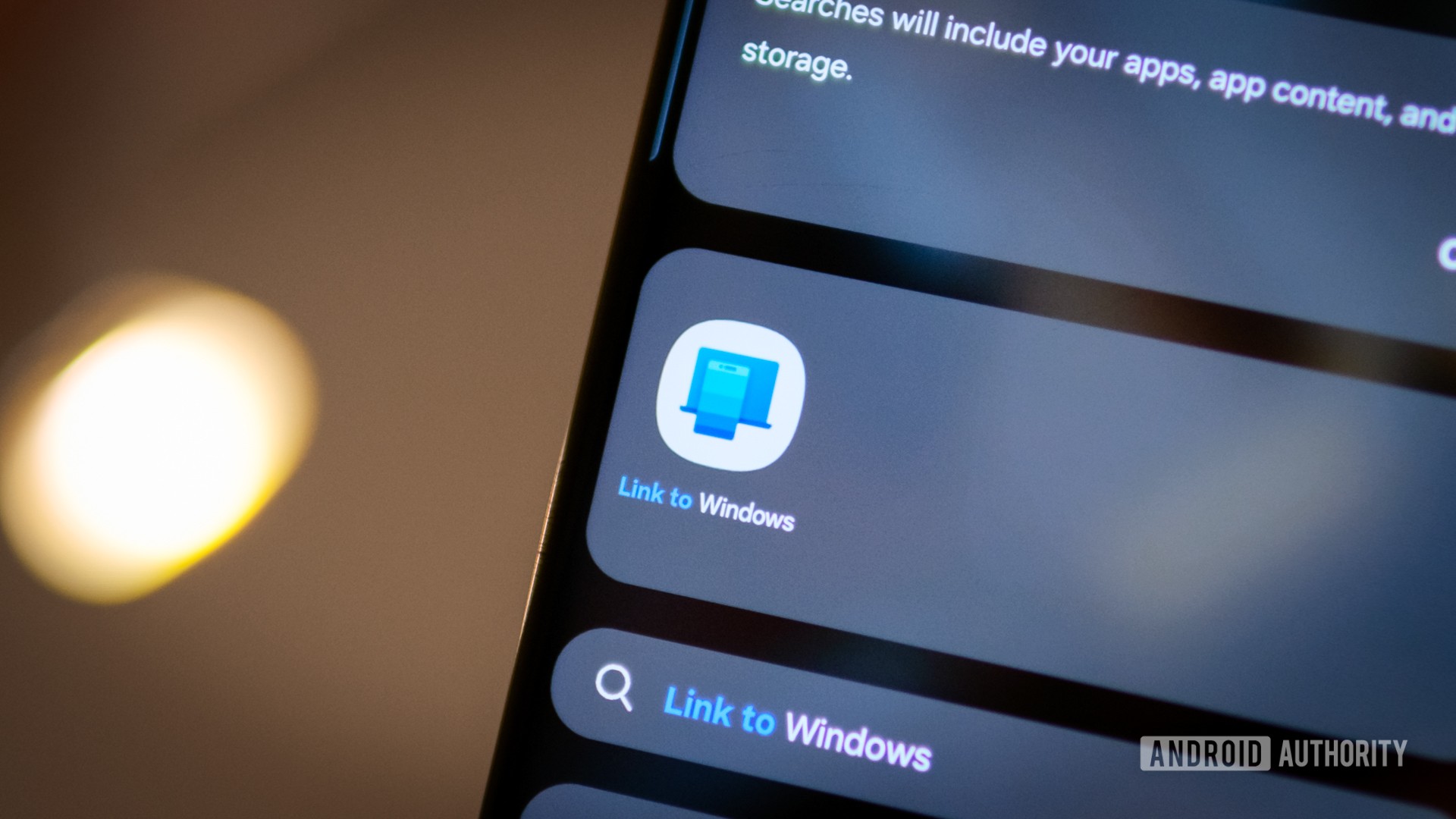 Credit: Robert Triggs / Android Authority Credit: Robert Triggs / Android Authority
You can connect your phone to your PC with Microsoft’s pre-installed Phone Link app. It will allow you to view notifications, make phone calls, and use mobile apps all from your computer. But if you don’t want your phone to forever be connected to your PC, you may want to avoid setting it up as users report having difficulty unlinking their phones. First reported by XDA Developers, it appears the Windows Phone Link app recently lost some of its functionality. Previously, when you connected your phone to the app, you could remove it by clicking on the three dots next to the handset’s name in the Devices section. Now, however, users are reporting on the Microsoft Feedback Hub that the three-dot option is no longer available. We can also confirm that the option to remove is no longer there on our PCs either. More... 
|





  |
«
Previous Thread
|
Next Thread
»
| Currently Active Users Viewing This Thread: 1 (0 members and 1 guests) | |
| Thread Tools | |


|
|

 Similar Threads
|
||||
| Thread | Thread Starter | Forum | Replies | Last Post |
| Microsoft fixes bug preventing users from opening classic Outlook | phillynews215 | Web Host News | 0 | 10-22-2025 12:06 PM |
| Android 15 is preventing Windows Phone Link from showing certain notificati | phillynews215 | Digital Scoop | 0 | 12-14-2024 04:13 PM |
| Windows 10 KB5046714 update fixes bug preventing app uninstalls | phillynews215 | Web Host News | 0 | 11-22-2024 06:39 PM |
| Californians can now keep their state IDs on their wrists, thanks to this n | phillynews215 | Digital Scoop | 0 | 09-21-2024 02:27 AM |
| [REVIEW] Removing Application Lock on Windows Mobile Standard Devices | wcked | Bulletin News | 0 | 09-14-2009 01:35 AM |
All times are GMT -4. The time now is 06:35 AM.