 |



|
#1
 07-09-2024, 06:55 PM
|
||||
|
||||
 Google Maps finally adds speed monitoring features to iOS and CarPlay
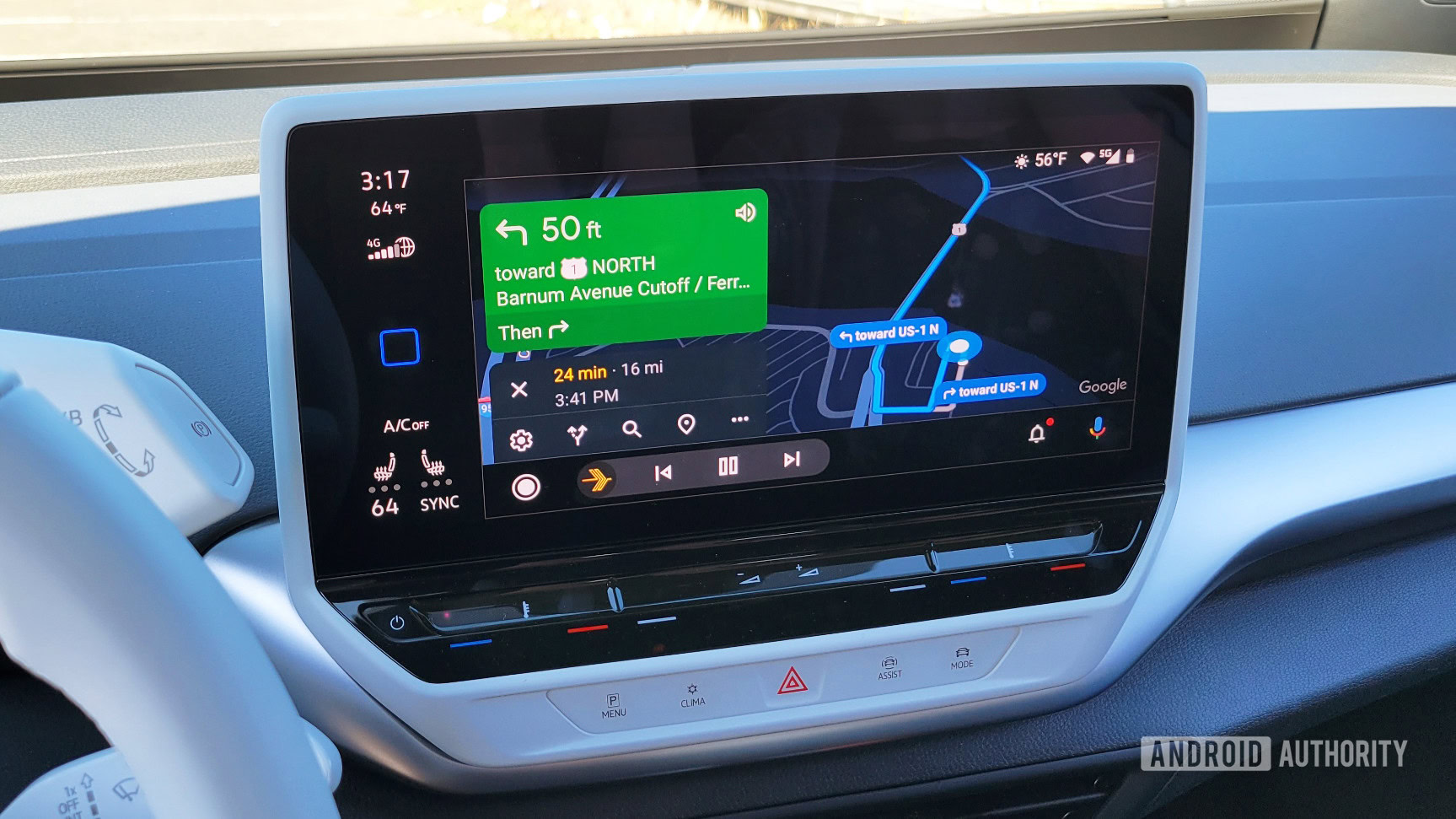 Credit: C. Scott Brown / Android Authority Credit: C. Scott Brown / Android Authority
Google confirmed that the speed monitoring features are rolling out globally, so they should show up for everyone soon. For those using an iPhone who have yet to see these features, open the Google Maps app, tap on your profile picture, navigate to Settings, then to Navigation, and finally select Driving options. This will lead you to the speedometer/speed limit toggles. More... 
|





  |
«
Previous Thread
|
Next Thread
»
| Currently Active Users Viewing This Thread: 1 (0 members and 1 guests) | |
|
|

 Similar Threads
|
||||
| Thread | Thread Starter | Forum | Replies | Last Post |
| WhatsApp adds passwordless chat backups on iOS and Android | phillynews215 | Web Host News | 0 | 10-31-2025 01:52 AM |
| If you hate Google Maps ads, Apple Maps might not be better for much longer | phillynews215 | Digital Scoop | 0 | 10-27-2025 03:58 PM |
| Major iOS 19 features could get delayed, and you can blame iOS 18 | phillynews215 | Digital Scoop | 0 | 12-12-2024 01:39 PM |
| Google Photos finally adds a smarter way to delete cloud backups | phillynews215 | Digital Scoop | 0 | 12-04-2024 07:14 PM |
| Google Maps drops ‘speed trap’ reports for broader ‘police’ option | phillynews215 | Digital Scoop | 0 | 11-26-2024 05:20 PM |
All times are GMT -4. The time now is 02:03 PM.