 |



|
#1
 12-05-2024, 10:04 PM
|
||||
|
||||
 Here are my 7 favorite Android Auto features
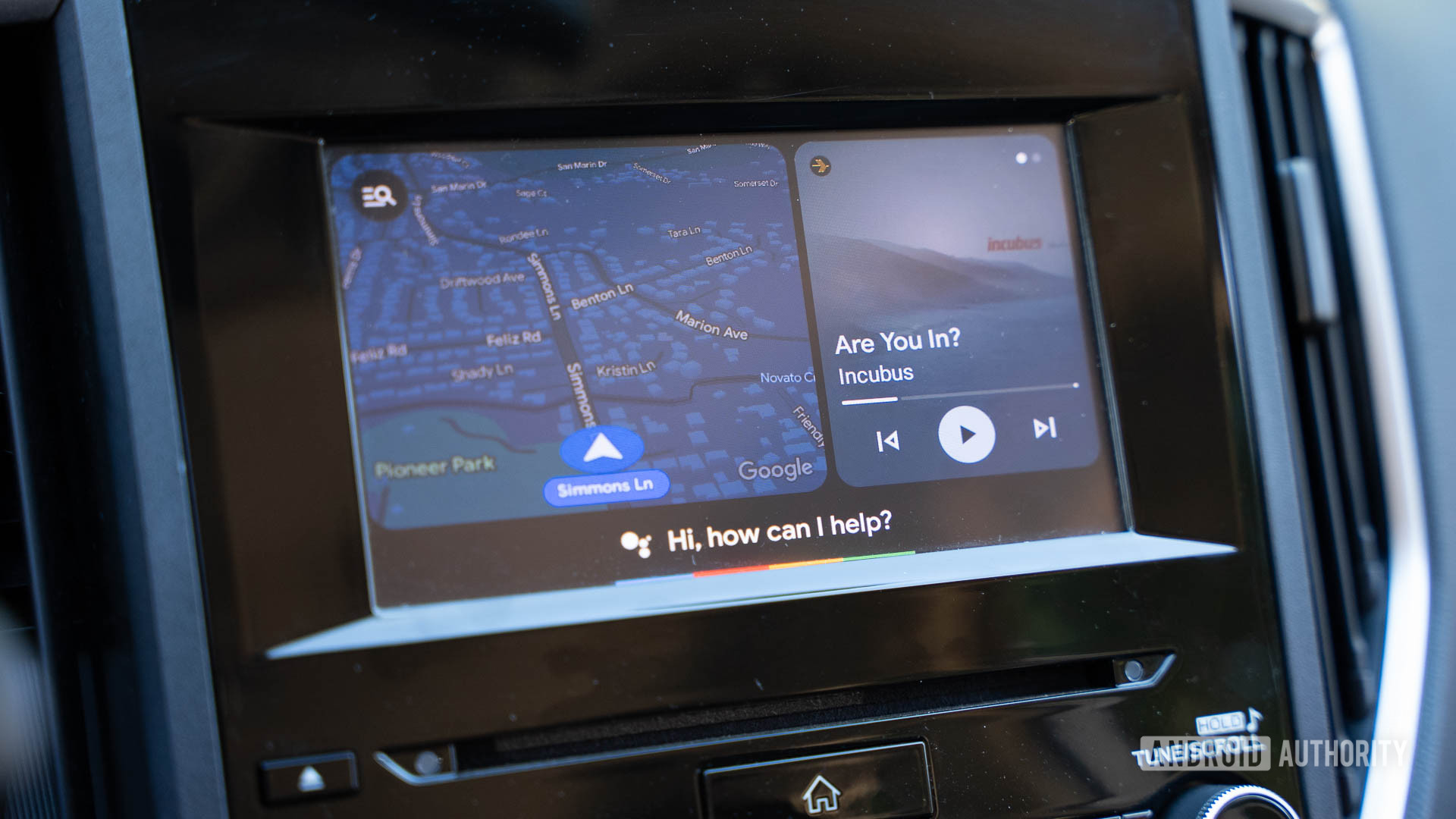 Credit: C. Scott Brown / Android Authority When Android Auto first debuted in 2015, it was just OK. It was nice being able to access your Android apps and phone controls right from your car’s display, but it was anemic in features and only worked on one car model (although many more supported models followed). There were also plenty of Android Auto bugs to deal with. Ten years later, though, Android Auto has become much more robust. Today, it’s a killer Android feature and has become essential to my driving life. I don’t think I would ever own a car without it. While most people know about the basic things you can do with Android Auto  use Maps or Waze for navigation, listen to music, respond to messages, etc.  there are a few things that make using the system much easier and more enjoyable than it was in the past. I want to give seven of those Android Auto features a little love here! Navigating straight from Calendar events 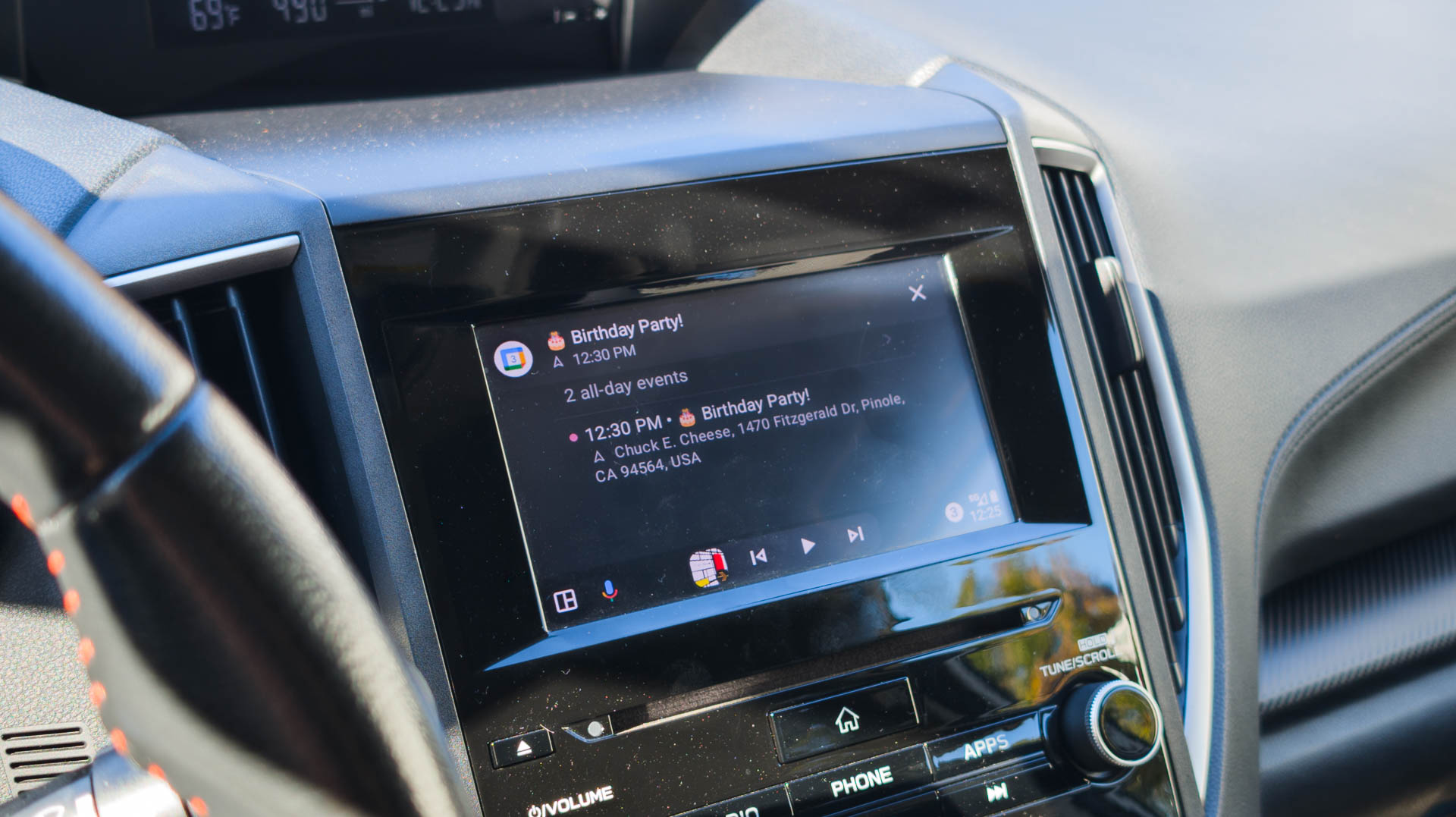 Credit: C. Scott Brown / Android Authority Sometimes, the best features aren’t revolutionary. Instead, they simplify a routine that would typically be convoluted. That’s precisely the case when creating navigation directions from Google Calendar events. When Android Auto first rolled out, Google Calendar wasn’t even supported. This made navigating to the address saved in an event a multi-step process: open Calendar on your phone, find the address, and then manually input it into Maps or Waze through Android Auto. Even when Google did roll out Calendar support in Android Auto, you’d still need to enter the address information manually (or use voice commands). You can just tap on a Calendar event in Android Auto, and it will start navigation directions to the location saved in that event. Today, though, you don’t need to do any of that nonsense. Just open the Calendar app on Android Auto, tap the event, and boom: you’re navigating to the event’s location through your app of choice. Of course, this requires the proper address information to be saved within that Calendar entry. I’ve simply gotten into the habit of adding that info whenever I make an event, specifically because I know Future Me will greatly appreciate Past Me doing so. I’ve even toyed with the idea of creating a separate Calendar just for Android Auto purposes, but that seems a bit like excessive organization, even for me. Using the steering wheel button for voice commands 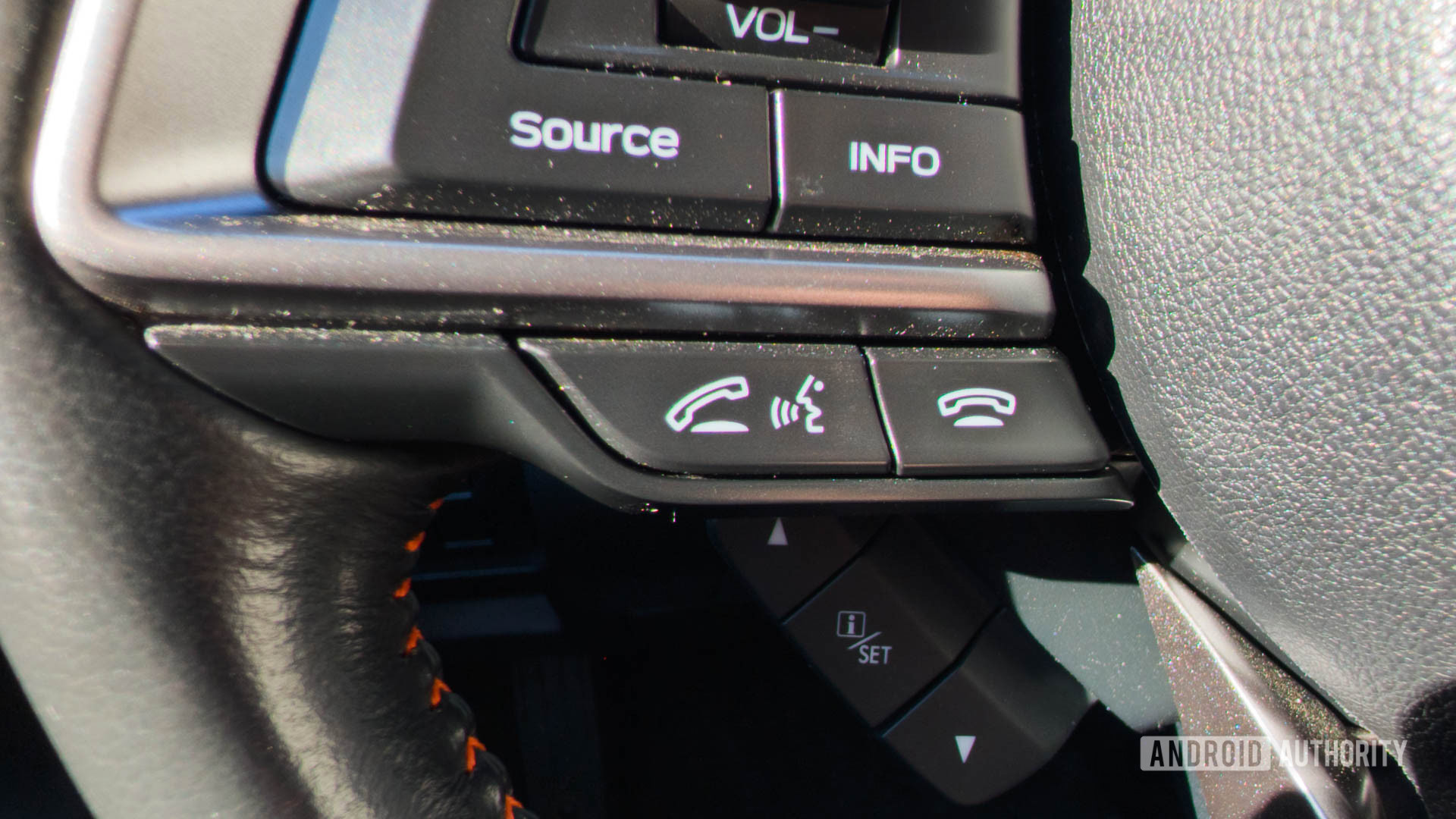 Credit: C. Scott Brown / Android Authority On my Subaru Crosstrek, there’s a button on the steering wheel for issuing voice commands to the car’s software. This button is, on its own, useless. The voice commands you can give to the car are quite limited, and you need to be absolutely precise with your syntax, or things will go very wrong. This isn’t surprising because Subaru is a car company, not a software company. The useless voice control button on my steering wheel becomes much more useful when Android Auto is active. Thankfully, my phone takes over this button when Android Auto is active, making it a highly effective way to initiate Google Assistant voice commands. Sure, I could just say, “Hey Google,†but that doesn’t often work when I’m playing music way too loudly. I could also reach over to the on-display Assistant button, but that’s not nearly as safe and convenient as the tactile button right on the steering wheel. I certainly haven’t been in every car ever made, but I’ve found this works on most makes and models with a voice button on the steering wheel, not just Subaru Crosstreks. Now, if only car makers would stop wasting their time and resources trying to make their own voice assistants and just hand the reins over to Google. Passenger control of the phone version of Maps 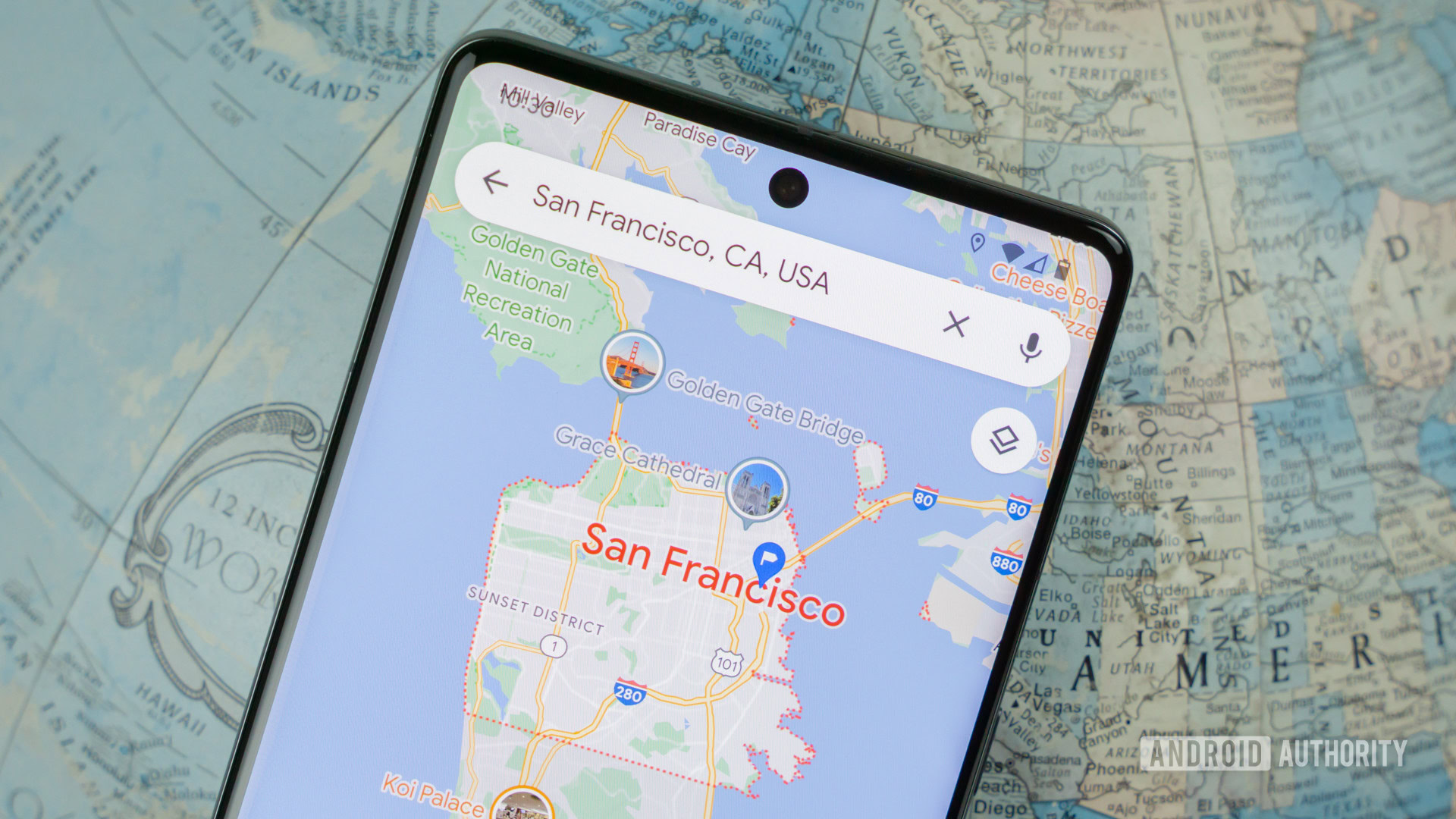 Credit: Edgar Cervantes / Android Authority Prior to 2023, when you connected your phone to your car and initiated Android Auto, you could not use Google Maps on your phone. This was for safety reasons: Google didn’t want you fumbling with your phone while driving, so it forced you to use the Android Auto version of Maps exclusively. While its intentions were pure, Google’s limitation was awful in practice. Using Maps on your car’s display is fine if you know where you want to go, but if you don’t, it isn’t very good. On road trips with my partner, we usually download Google Maps data for the area surrounding our destination, so we can always find restaurants, silly tourist traps, and other fun stuff on our route, even without data service. However, with this Google Maps limitation, searching for anything while driving meant she would need to disconnect my phone from Android Auto, quickly use the full version of Maps to figure out where we should navigate to, and then reconnect. Silly. Google only recently started to allow the use of Google Maps on your phone while connected to Android Auto, and I'm so happy about it. In 2023, though, Google finally removed this limitation. Now, my partner can just grab my phone and find the next rest stop or gas station while I continue to drive safely. Of course, nothing is stopping me from using my phone while driving now, but you know what? That’s on me. Google doesn’t need to police people. If people are going to put themselves and others in harm’s way, blocking Maps from use while driving (and thus punishing people who want to use that feature safely) isn’t going to change that. Consistent dark mode for Maps  Credit: C. Scott Brown / Android Authority Android 10, which launched in 2019, finally introduced a system-wide dark mode. Android Auto, though, didn’t receive its own dark mode option until a bit later that year. Meanwhile, Google Maps didn’t receive a dark mode in Android Auto until months after that, so it hasn’t been that long since a Google Maps dark mode has been available in Android Auto. Nowadays, I can’t imagine using Google Maps in Android Auto without dark mode. I have it activated 100% of the time because, without it, my car’s display is literally blinding, especially at night. It’s simply not safe to have a bright, nearly all-white light shining on your face while driving in the dark. Before Google Maps in Android Auto had a dark mode, driving with navigation on at night was like driving under a spotlight. Not safe. Now, whenever I get a new phone, one of the first things I do is connect it to Android Auto and permanently set Google Maps in dark mode. I wonder why I even need to do that  in my opinion, dark mode should be the default for Maps on Android Auto for the safety reasons I just mentioned. Until then, though, I’m just happy I no longer need to use light mode like I did before 2020. Separate volume controls for Assistant and music 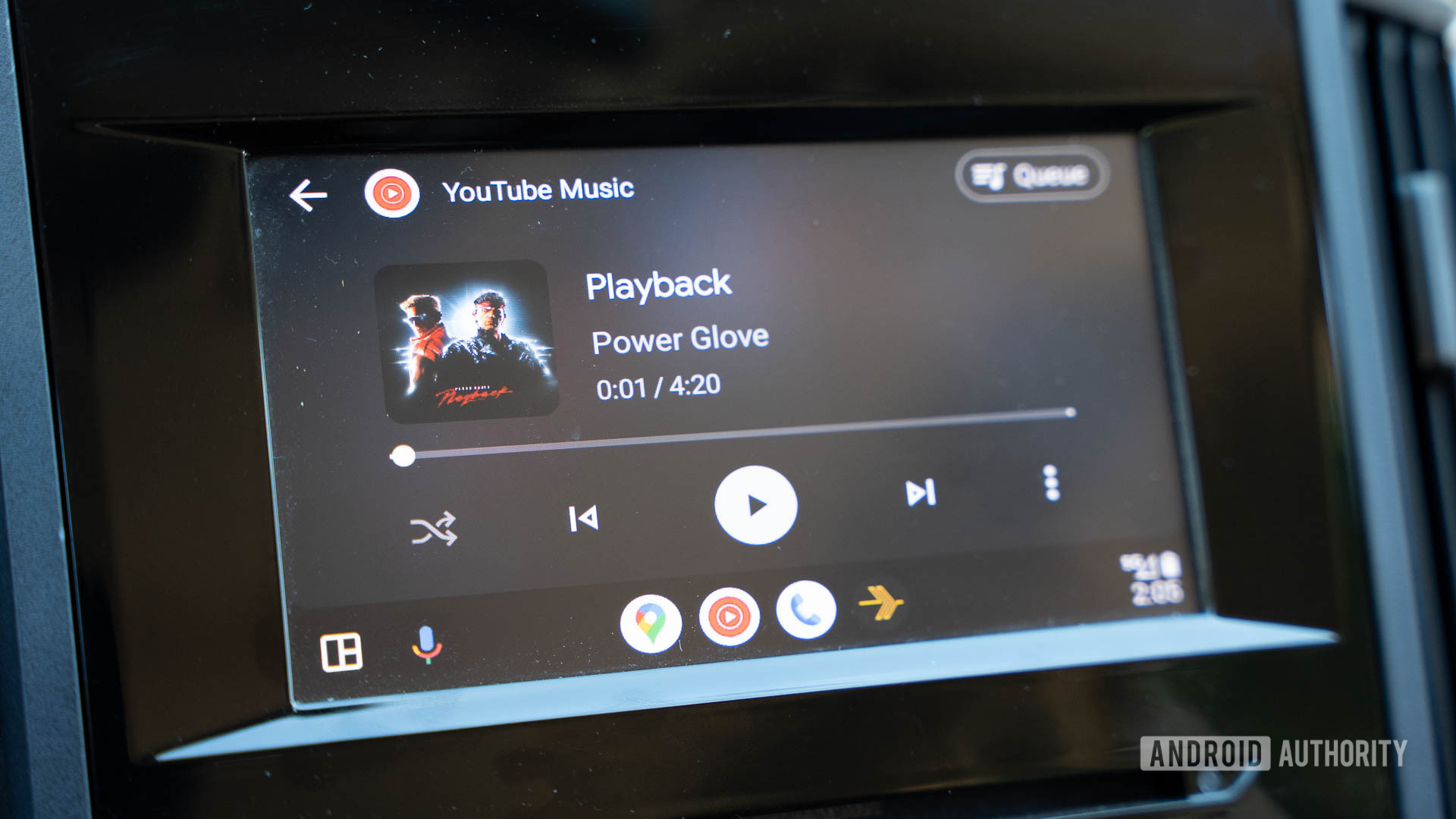 Credit: C. Scott Brown / Android Authority As this article makes clear, Google hasn’t always started with the best systems right out of the gate. A notable exception is the volume control setup within Android Auto. There has never been a time when one volume turn controlled both Google Assistant’s voice and your media player volume. They have always been separate. Android Auto allows you to set your music to one volume and the Google Assistant voice level to a completely different volume. I am so glad Google made this choice. When I’m listening to music way too loudly in the car, the last thing I want is for Google Assistant to come in at the same overbearing volume to tell me I have a right turn coming up. I love that I can set a volume for my music and set a volume for Google Assistant individually. The only complaint I have here is that there’s no way to do this preemptively. I need to wait until Assistant is talking and then adjust the volume. Then, when it’s done talking, adjust the volume of the music (read: crank it). It would be nice if I could do this ahead of time or set a universal option (Assistant should always be 75% as loud as media, or something like that). Still, this is a minor inconvenience. I’m just glad I’m not stuck with one volume control for both. Customizable app shortcuts (taskbar) 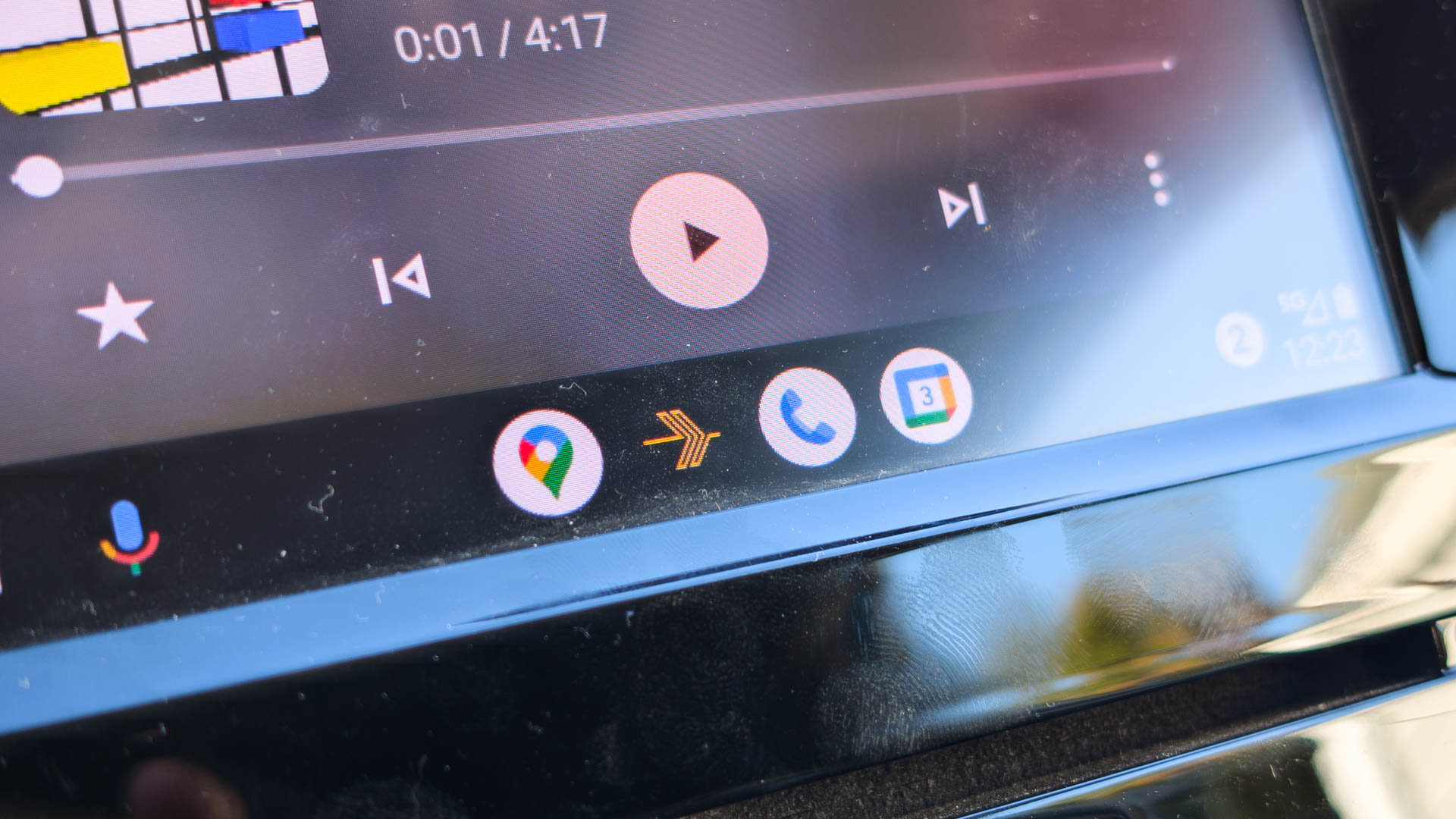 Credit: C. Scott Brown / Android Authority At Google I/O in 2022, Google announced the “Coolwalk†redesign of Android Auto. This introduced a split-screen function that most people use to keep their navigation map on one side and their media player on the other, which is brilliant. However, Coolwalk also introduced app shortcuts, which I’ve always referred to as a taskbar due to its similarity to other taskbars. Regardless, these app shortcuts show your four most recent apps. Unless you cover them up with your media player, the icons are always there. This allows you to quickly jump to any one of these apps without needing to open up the app drawer and find them, which could be dangerous to do if you’re actively driving. Having quick access to my four most-used apps means I very rarely need to open Android Auto's app drawer. For me, I only really ever use four apps: Google Maps, Plexamp, Google Calendar, and the phone app. Having these four app shortcuts means I almost never need to open the app drawer. Honestly, I don’t know how I used Android Auto comfortably before the Coolwalk update. Wide compatibility across phones and vehicles (for now) 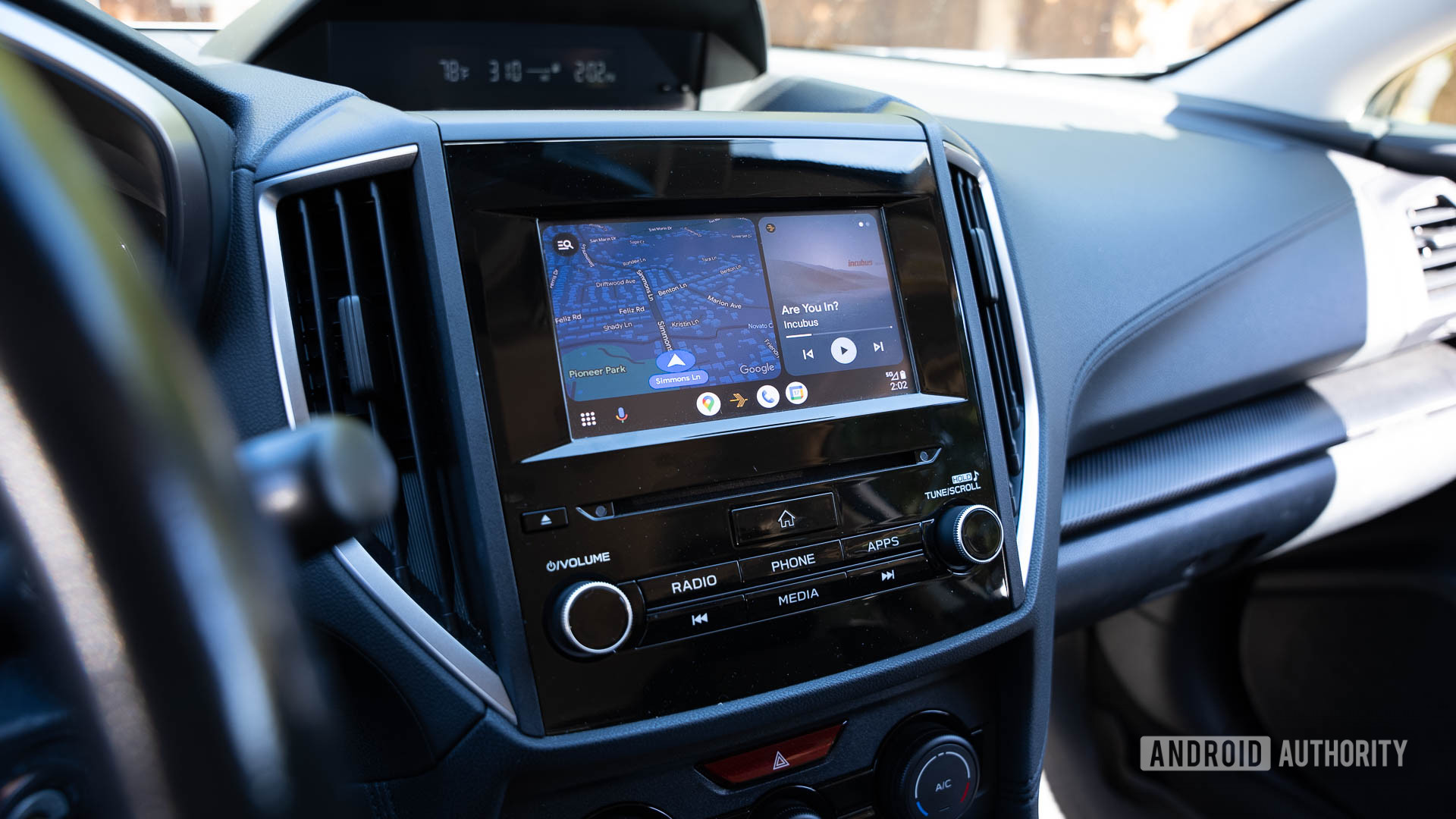 Credit: C. Scott Brown / Android Authority As mentioned earlier, only one car was supported when Android Auto first launched: the 2015 Hyundai Sonata. You also needed a phone running Android 5.0 Lollipop, the newest Android version at the time. This severely limited the adoption of Android Auto. Today, though, Android Auto works on nearly any Android phone and with a wide variety of cars. At this point, you could get into pretty much any car made in the past five years and find Android Auto inside (along with Apple’s equivalent for iPhones, known as CarPlay). As a guy who travels quite a bit, I love that I can rent a car and be relatively assured it will support Android Auto. It's so nice to know I can get into nearly any car with nearly any Android phone and use Android Auto. Too bad those days are numbered. Unfortunately, this broad support isn’t likely to last. Some car manufacturers have already rejected both Android Auto and CarPlay, most famously Tesla. In 2023, General Motors also announced its intentions to phase out support. Car manufacturers are looking to subscription models to generate more revenue, and what better way to get more money out of consumers than to charge them for a system that does what Android Auto already does for free? Eventually, it wouldn’t surprise me if every car manufacturer offers their own Android Auto-esque systems that don’t work as well, aren’t updated as often, and cost you $9.99 per month or something. Until then, though, I’m so happy I can get into most vehicles, plug in my phone (or use the amazing AA Wireless TWO for universal wireless support), and have the same on-display experience I get in my own car. I have no idea why any company would want to mess with that level of convenience for its customers, but I guess that’s why I don’t work in the car industry. What’s your favorite Android Auto feature? Is there one we missed here? Let us know in the comments! More... 
|





  |
«
Previous Thread
|
Next Thread
»
| Currently Active Users Viewing This Thread: 1 (0 members and 1 guests) | |
|
|

 Similar Threads
|
||||
| Thread | Thread Starter | Forum | Replies | Last Post |
| These are my 5 favorite Android productivity features | phillynews215 | Digital Scoop | 0 | 12-04-2024 10:30 AM |
| These are your favorite Android 15 features, and one of them isn’t even liv | phillynews215 | Digital Scoop | 0 | 10-21-2024 11:23 AM |
| Here are my 10 favorite Android games to play with a controller | phillynews215 | Digital Scoop | 0 | 10-09-2024 11:40 AM |
| Poll results: Your least-favorite gimmicky phone hardware features | phillynews215 | Digital Scoop | 0 | 10-07-2024 03:40 PM |
| [RELEASE] Auto Answer Auto Speakerphone 03 | CYBER WEESJE | Mobile Locker | 4 | 11-16-2009 06:23 AM |
All times are GMT -4. The time now is 02:03 PM.