 |



|
#1
 12-08-2024, 10:37 AM
|
||||
|
||||
 If Gboard is the best Android keyboard, why do I like this alternative so m
I’ve long believed that Gboard is the Android keyboard king. After all, it’s made by Android’s creator, offers a laundry list of helpful features, and is entrenched deep within Google’s ecosystem. However, my recent experience with another keyboard makes me question this belief.
I often seek out new, exciting alternatives to established apps, even those I thought I would never ditch. With Gboard next on the chopping block, I stumbled across an app called HeliBoard  a simple Android keyboard that focuses on privacy and simplicity. Despite my initial quibbles, I’ve not yet felt the need to switch back to Gboard. In fact, I may never look back. A dream for tinkerers 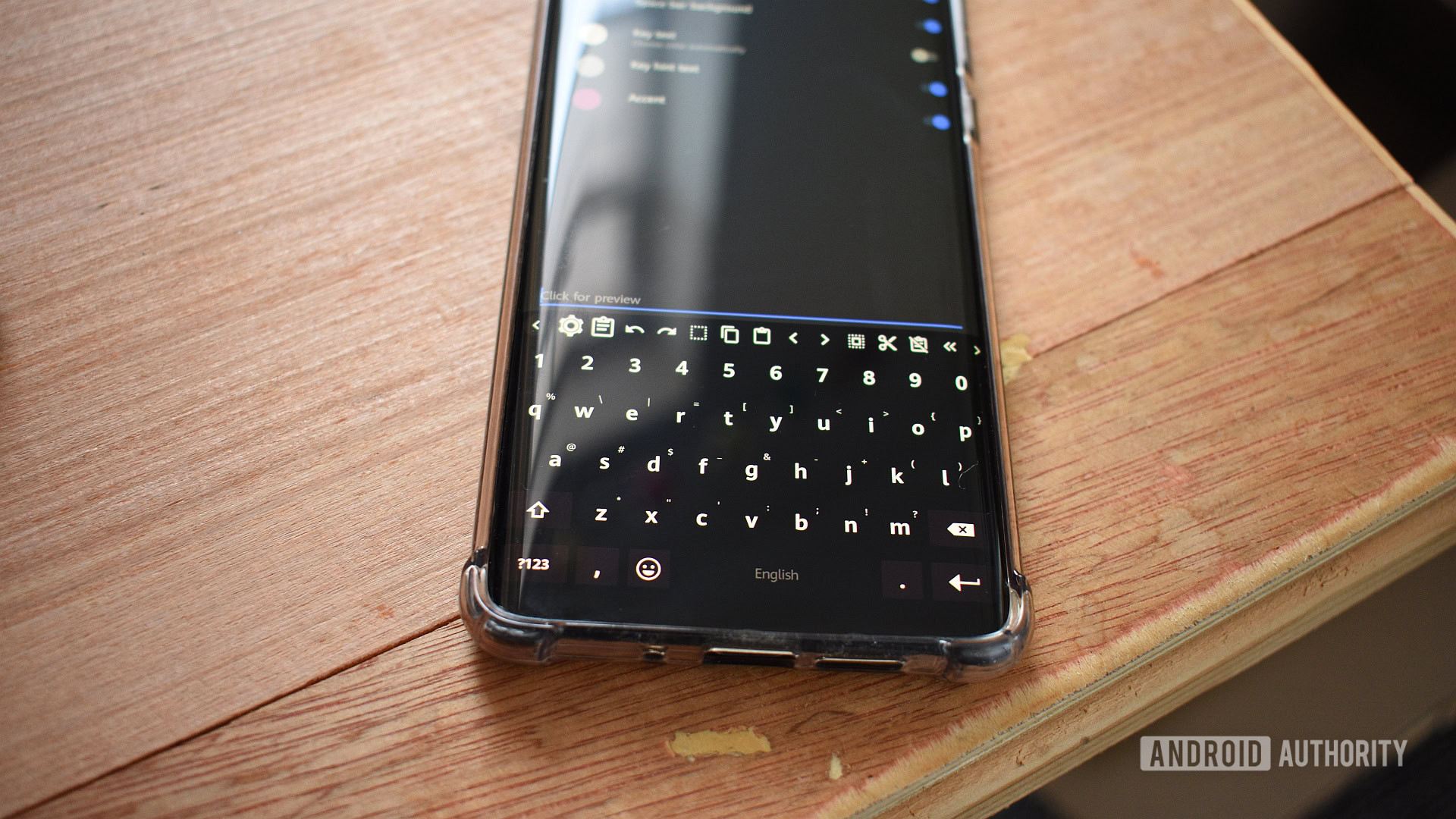 Credit: Andy Walker / Android Authority Jumping from Gboard to Heliboard feels like ditching a cushy SUV for a compact city runabout, but this isn’t necessarily a downgrade. Initially, getting used to the change was challenging, but I eventually warmed to the latter’s zippy ease. While Gboard is ready to use from the get-go, HeliBoard demands more tinkering before any reliable keystrokes can be made. This app is a boon for tinkerers like me but will undoubtedly annoy those who prefer readymade solutions. Aesthetically, HeliBoard is far more malleable than its contemporary, offering three keyboard styles, a more fluid color combination via color pickers, and a genuinely useful customizable toolbar. This toolbar resides at the top of the keyboard and allows quick access to several vital shortcuts. Each of these myriad elements is customizable and movable. If you activate your numpad manually and do it often, you can scoot that toolbar shortcut to the first position in the line. I’ve grown quite fond of quickly selecting all text, tapping the undo/redo buttons and the directional buttons, which allows me to move through individual letters more easily. Jumping from Gboard to Heliboard feels like ditching a cushy SUV for a compact city runabout, but this isn't necessarily a downgrade. If you’re multilingual, switching between tongues is super easy. Press and hold the spacebar, select your tertiary language, and off you go. Some languages don’t have dictionaries to back them, so suggestions and predictions disappear. Like Gboard, users can select different popup key orders, hint sources, and keyboard layouts for each language. HeliBoard will automatically switch to AZERTY when selecting French and back to QWERTY when English is required. Keys without the bloat 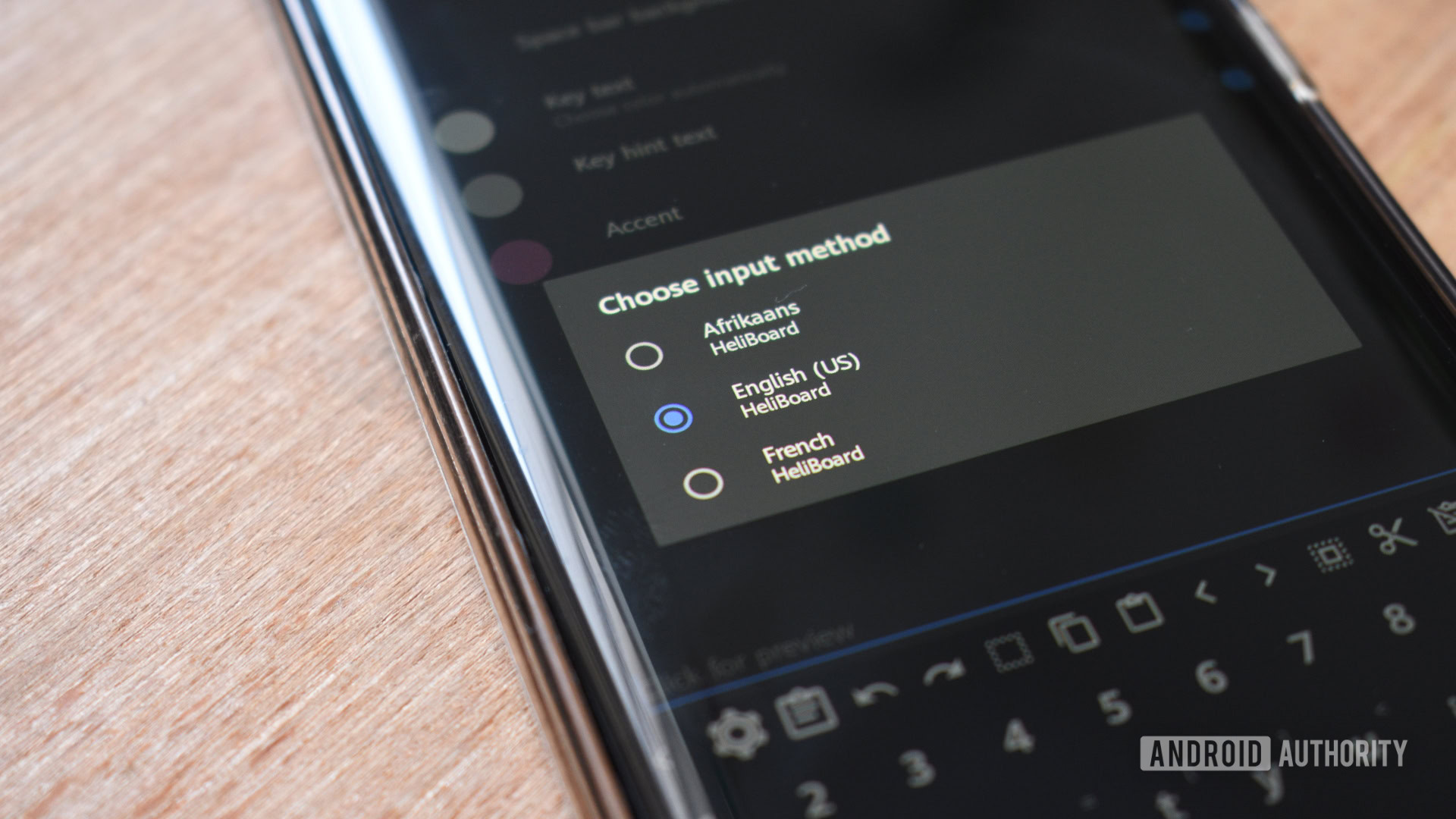 Credit: Andy Walker / Android Authority Pound for pound, HeliBoard can’t match Gboard’s bulky feature set. Some likely feel that these enhancements, like content discovery, built-in search, quick emoji access, and Emoji Kitchen smarts, are strengths, but I see them as bloat. Sometimes, you just need a keyboard, nothing more. HeliBoard cuts all this from its coffers, speeding up its operation and my device by focusing on the core keyboard experience. Sometimes, you just need a keyboard, nothing more. HeliBoard isn’t threadbare and does support a few standard Gboard features, including word suggestions and gesture typing, but both require manual activation. The latter demands you install a closed-source swipe library that’s, ironically, from Google. However, that’s a good thing. HeliBoard recognizes my gestures as intentionally and readily as Google’s product. Suggestions do require more forced learning, though. I must hand-hold the keyboard to ensure future recommendations propel my typing speed rather than slow it down. However, this is also the case with Gboard when you are just getting started or disabling personalizations. And therein lies the other HeliBoard advantage: privacy. While Gboard logs usage data (if you allow it) to improve the service, HeliBoard has no internet permissions and cannot connect to the web. For hermits like me, this is a comfort. I generally don’t allow apps to sniff my usage stats, but even if this toggle is off, the keyboard still scours the internet to find that perfect GIF when demanded. As mentioned, Gboard’s personalization service enhances its operation  it’s one of the reasons it’s such a good product  but I’ve grown more concerned about how I feed information into my device. HeliBoard forces me to rethink how I use my keyboard, which I appreciate. Should you switch Gboard for HeliBoard? 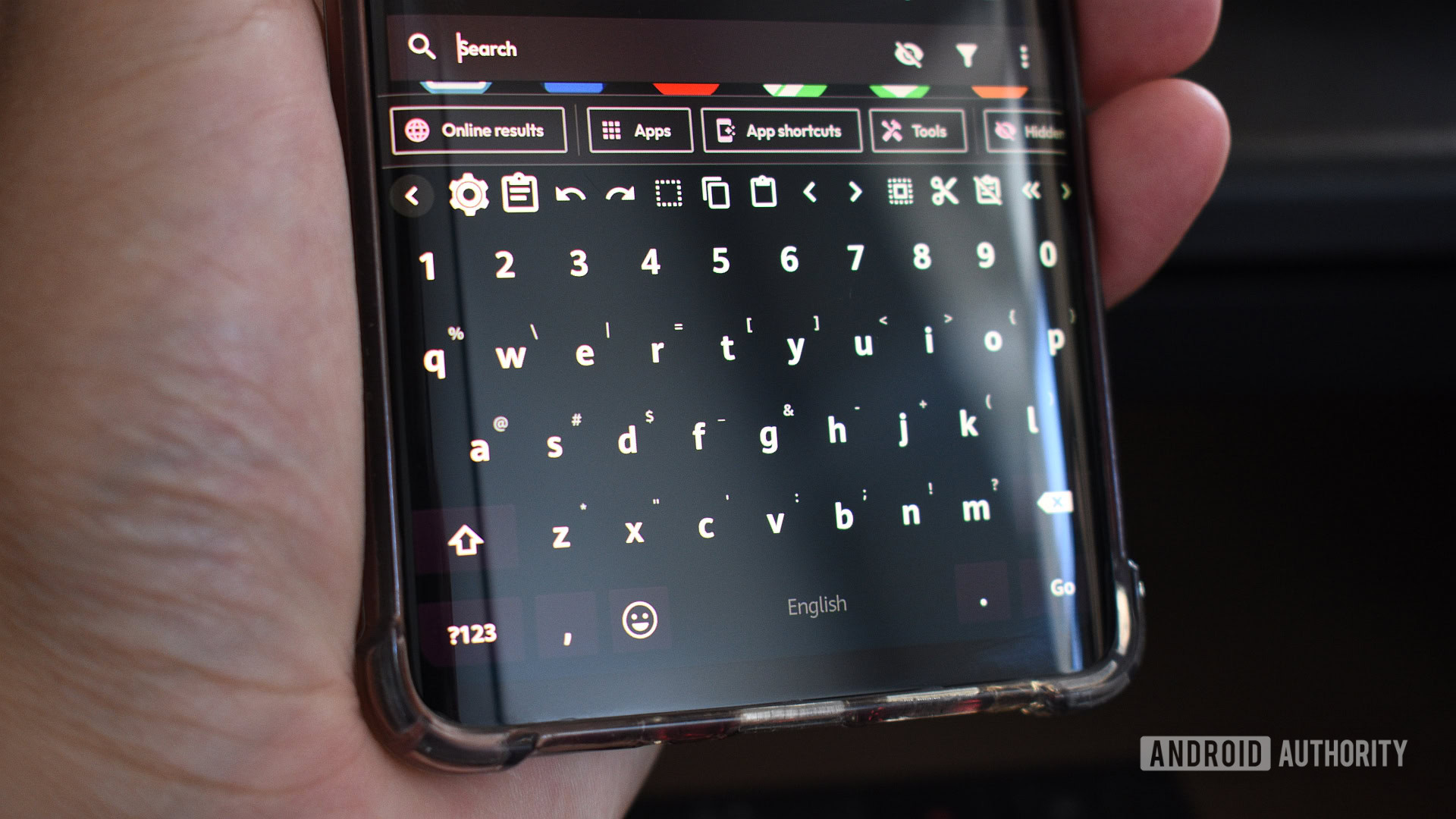 Credit: Andy Walker / Android Authority Even as a fan of HeliBoard, I can’t recommend you choose it over Gboard. Despite its strengths and disregarding my affection for it, the keyboard is not ready for a broad user set. It’s buggy in ways Gboard just isn’t. The emoji library is broken and the toolbar often goes missing entirely. Other features, like voice typing and the cliwckedoard library, also tend to blank out the keyboard, forcing me to circumvent these features entirely. Despite its swift operation, oodles of customization options, and privacy-first philosophy, HeliBoard still needs loads of polish. Despite its swift operation, oodles of customization options, and privacy-first philosophy, HeliBoard still needs much polish. This refinement will come in time. I’m happy to use it as my main typewriter for now. It does the basics well, providing a pleasant typing experience; that’s all I really need. Are there any other Gboard alternatives out there? Keyboards are highly personal apps that form around our needs, so I can’t say one is definitely better for you. However, here are four that are well worth trying.
More... 
|





  |
«
Previous Thread
|
Next Thread
»
| Currently Active Users Viewing This Thread: 1 (0 members and 1 guests) | |
|
|

 Similar Threads
|
||||
| Thread | Thread Starter | Forum | Replies | Last Post |
| [NEWS] Gboard for Android gets Undo button | phillynews215 | Just About Digital Community | 0 | 01-10-2025 12:46 PM |
| Gboard looks like it’s getting ready for Android XR (APK teardown) | phillynews215 | Digital Scoop | 0 | 12-16-2024 07:54 PM |
| The best custom Gboard emoji combos | phillynews215 | Digital Scoop | 0 | 12-03-2024 12:43 PM |
| Google’s circular, double-sided Gboard keyboard is as crazy as it sounds | phillynews215 | Digital Scoop | 0 | 10-06-2024 01:30 AM |
| Pocketcm Keyboard Alternative Since Expired | D/\SH | Society Cell Talk | 6 | 01-18-2008 05:23 PM |
All times are GMT -4. The time now is 11:03 AM.