 |



|
#1
 01-16-2025, 05:31 AM
|
||||
|
||||
 Google Password Manager could soon let you wipe your slate clean with just
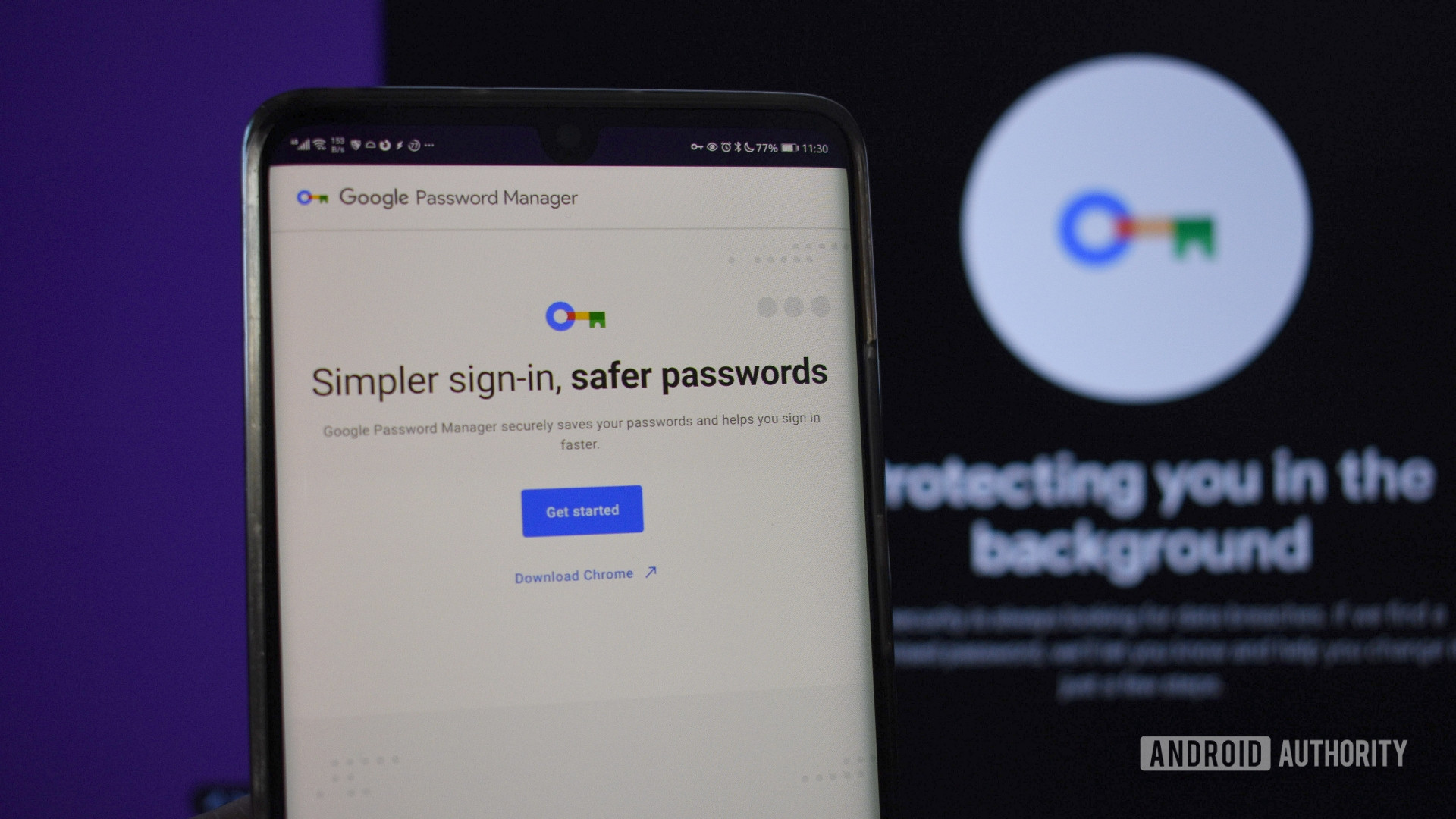 Credit: Andy Walker / Android Authority Credit: Andy Walker / Android Authority
If you have been using Google Password Manager for a while on your Android flagship, you may have accumulated a lot of stored credentials. The service is quite handy in auto-filling your usernames and passwords across Android apps and the Chrome browser, but perhaps you want to migrate to a different password manager. If you want to wipe the slate clean after migrating, Google Password Manager doesn’t have mass-delete functionality, making it cumbersome to exit the service. Thankfully, this seems to be changing as Google is working on a way to quickly delete all saved credentials from Google Password Manager. More... 
|





  |
«
Previous Thread
|
Next Thread
»
| Currently Active Users Viewing This Thread: 1 (0 members and 1 guests) | |
|
|

 Similar Threads
|
||||
| Thread | Thread Starter | Forum | Replies | Last Post |
| Google could soon let you bring Santa into your phone calls (APK teardown) | phillynews215 | Digital Scoop | 0 | 11-21-2024 03:31 AM |
| WhatsApp could soon let you theme your chats. Here’s how it would look | phillynews215 | Digital Scoop | 0 | 09-21-2024 02:27 AM |
| YouTube could soon let you better customize your video playlists (APK teard | phillynews215 | Bulletin News | 0 | 06-29-2024 01:43 PM |
| How to Hard Reset on Any and Every Device [start with a clean slate] | scott8813 | Tutorial Forum | 0 | 02-16-2009 10:26 AM |
All times are GMT -4. The time now is 08:53 AM.