 |



|
#1
 10-18-2024, 01:30 PM
|
||||
|
||||
 Moisture warning on your Galaxy phone? Samsung says wipe your app (no reall
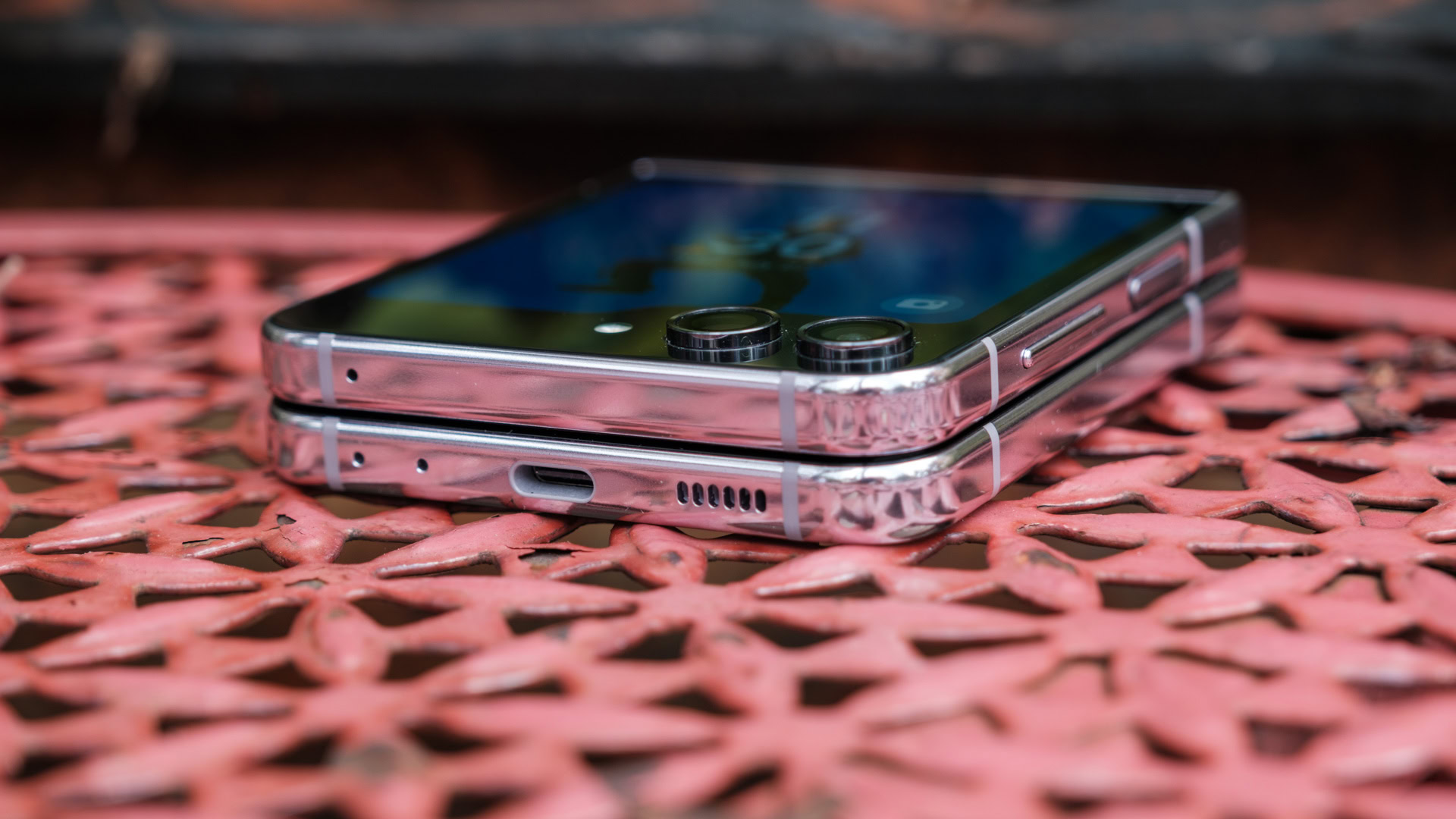 Credit: Ryan Haines / Android Authority Credit: Ryan Haines / Android Authority
If you’re ever having a problem with a website or app, a techie might advise you to try clearing the cache. It’s one of those catch-all fixes, second only perhaps to the classic “Have you tried turning it off and on again?†Samsung has the same approach, apparently, suggesting that it might be an unlikely solution if your Galaxy phone shows a moisture detection warning that won’t go away. The moisture detection warning is meant to appear if a liquid is detected in your phone’s USB charging port. Samsung India just released a helpful video running through things you should do if you get the droplet notification on your Galaxy device. It covers the common practical steps, such as unplugging the charger, cleaning the port and connector, letting the phone dry out, and so on. More... 
|





  |
«
Previous Thread
|
Next Thread
»
| Currently Active Users Viewing This Thread: 1 (0 members and 1 guests) | |
|
|

 Similar Threads
|
||||
| Thread | Thread Starter | Forum | Replies | Last Post |
| Google Password Manager could soon let you wipe your slate clean with just | phillynews215 | Digital Scoop | 0 | 01-16-2025 05:31 AM |
| Chromebooks are getting a safety reset feature that doesn’t wipe your data | phillynews215 | Digital Scoop | 0 | 12-16-2024 02:03 PM |
| [NEWS] Clever trick from Samsung might fix moisture detection warnings | phillynews215 | Just About Digital Community | 0 | 10-17-2024 07:43 AM |
All times are GMT -4. The time now is 01:57 PM.